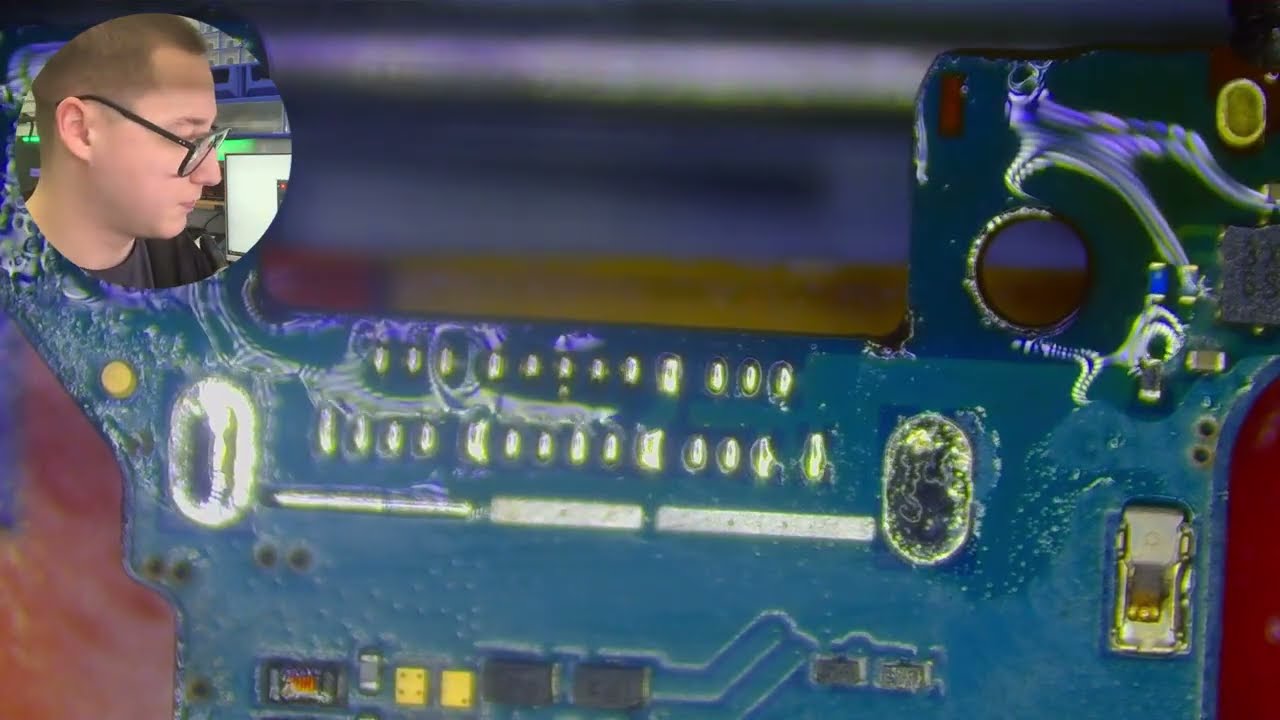
Google Pixel 4 XL Board change🛠️✨ | 01 feb 2026 | @muhammadi-electronic
Автор: Muhammadi electronic
Загружено: 2026-02-01
Просмотров: 13
Описание:
This repair procedure explains the replacement of a faulty motherboard in a Google Pixel 4 XL that was not turning on. The device showed no signs of life and did not respond to charging or the power button. After proper diagnosis, the motherboard was confirmed to be defective.
The phone was powered off and carefully disassembled using professional repair tools. The display assembly was opened safely, and the battery connector was disconnected first to avoid short circuits. All flex cables, cameras, speakers, and internal modules were removed carefully. The faulty motherboard was then taken out and replaced with a fully tested, original working board.
Once the new board was installed, all connectors were properly reattached, and the phone was reassembled. Multiple tests were performed, including power-on, charging, display output, network signal, Wi-Fi, cameras, audio, sensors, and overall system stability.
After final inspection, the Google Pixel 4 XL powered on successfully and was restored to full working condition.
🛠️ Tools Used:
• Seperator machine
• Plastic opening tools
• Phillips screwdriver
• Torx screwdriver
• Tweezers
• Isopropyl alcohol (for adhesive removal)
• Replacement motherboard (fully tested)
• Adhesive strips or glue for reassembly
If you found this video helpful, like, share, and subscribe for more mobile repair tutorials.
If you are interested in DIY phone repair or latest phone accessories review,
Instagram and Facebook link available on About.
Thanks for watching! 👍
Повторяем попытку...

Доступные форматы для скачивания:
Скачать видео
-
Информация по загрузке: