Oculus Quest 2 Revit + Enscape Wireless VR Test
Автор: Søren Moos
Загружено: 2021-03-23
Просмотров: 18942
Описание:
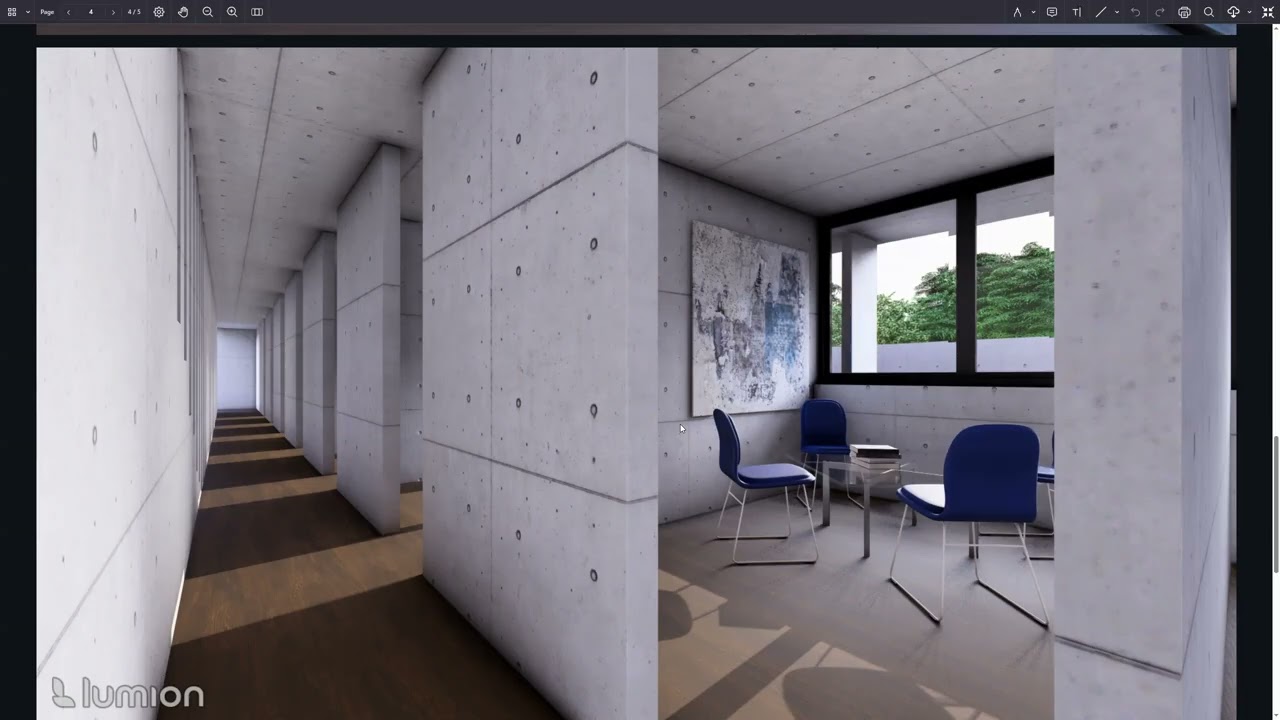
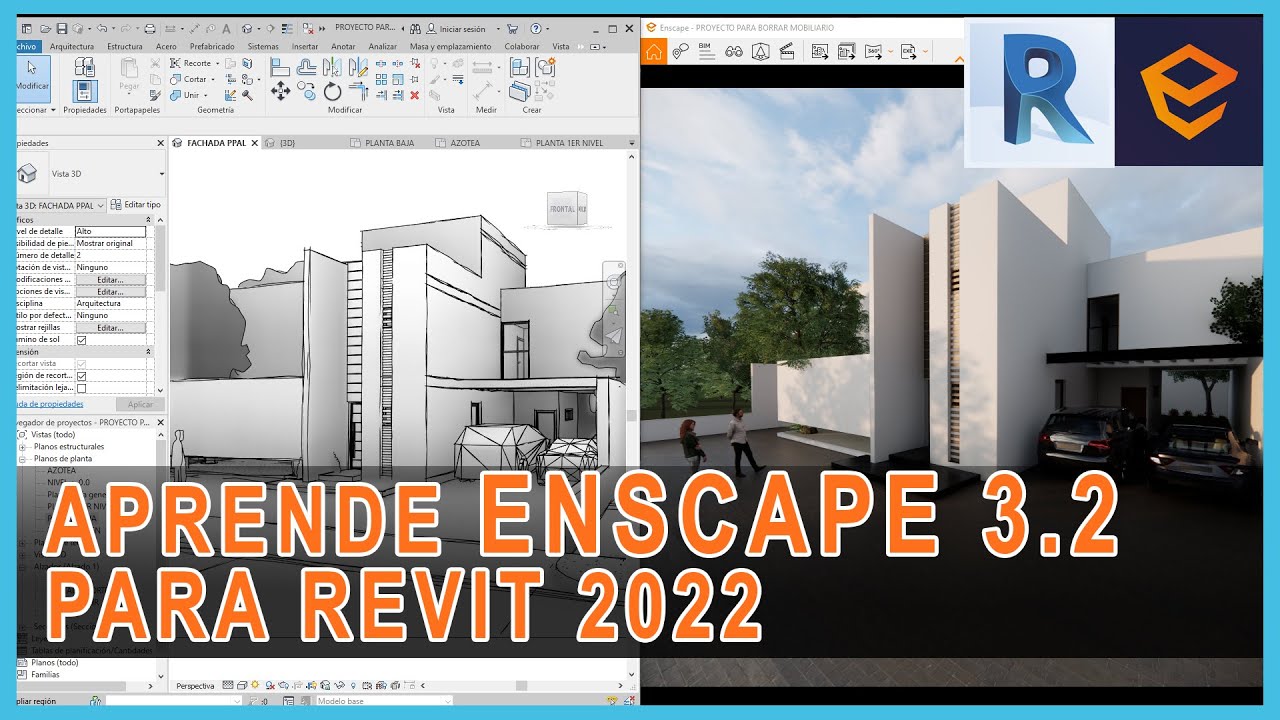
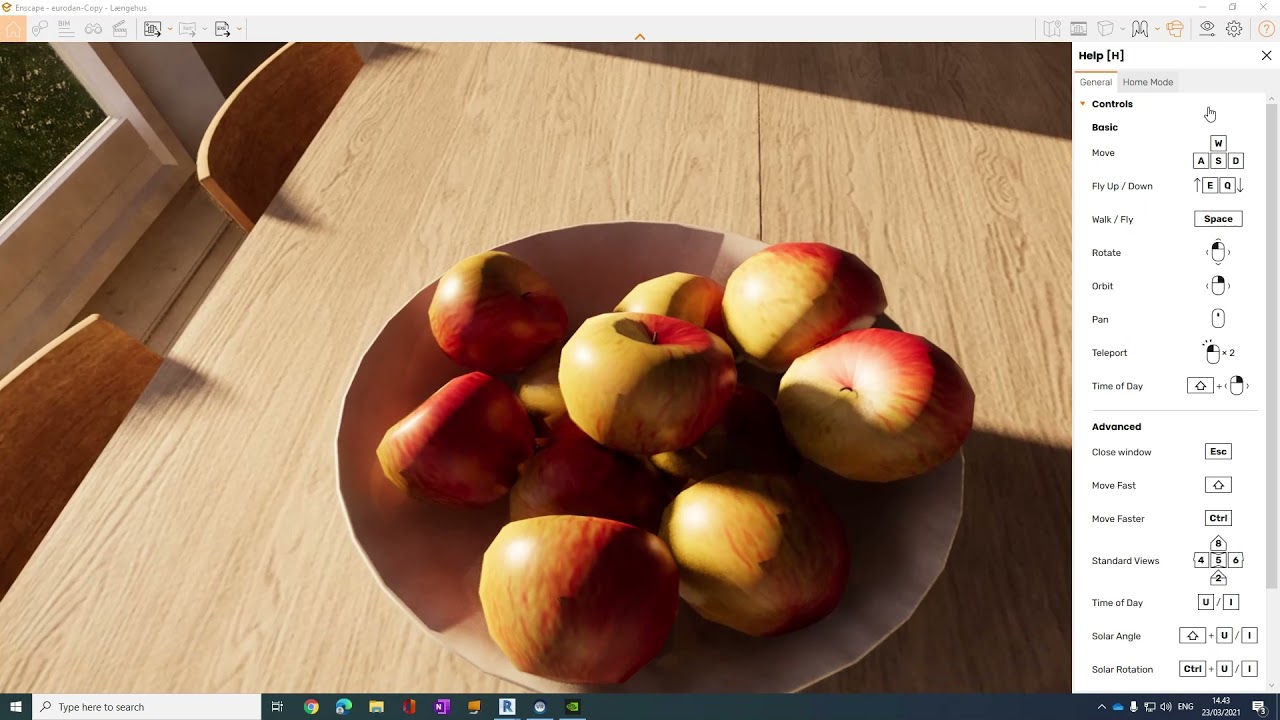
A walk around in a custom made house using Revit and rendered with Enscape.
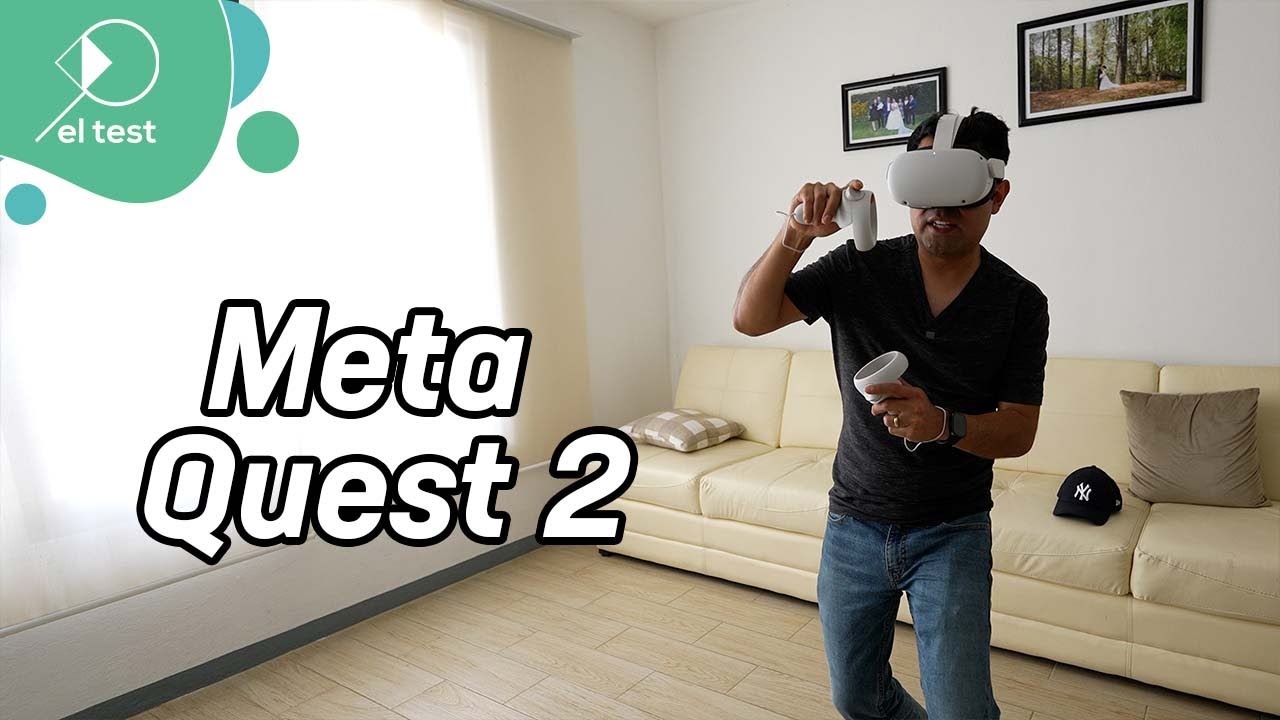
Revit + Enscape Wireless VR Test performed on Oculus Quest 2
UPDATE:
NOTE THAT AIRLINK (WIRELESS) OPTION IS NOW AVAILABLE IN YOUR QUEST2 AS A BETA OPTION AND CAN BE USED FOR FREE INSTEAD OF THE 20 USD VIRTUAL DEKSTOP APP.
https://support.oculus.com/airlink
Guide for Virtual Desktop setup:
1. Install Virtual desktop app on your Quest 2
App is found in the store.
2. Download Virtual desktop streamer for PC https://www.vrdesktop.net/
Install it on your drive, launch it and type in your Quest2 username in the streamer.
3. Open Revit and launch Enscape
4. Press VR view in Enscape and it should popup in your glasses.
If it does not work you download and install the steam platform from https://store.steampowered.com/about/ - create a user and try to launch steam vr through the VR desktop app, then launch enscape from revit and choose VR view.
Повторяем попытку...
Доступные форматы для скачивания:
Скачать видео
-
Информация по загрузке:




![[2024] Meta Quest 3 vs Apple Vision Pro | Esse comparativo nem faz sentido e a gente sabe disso](https://imager.clipsaver.ru/51-eGaw2ddM/max.jpg)