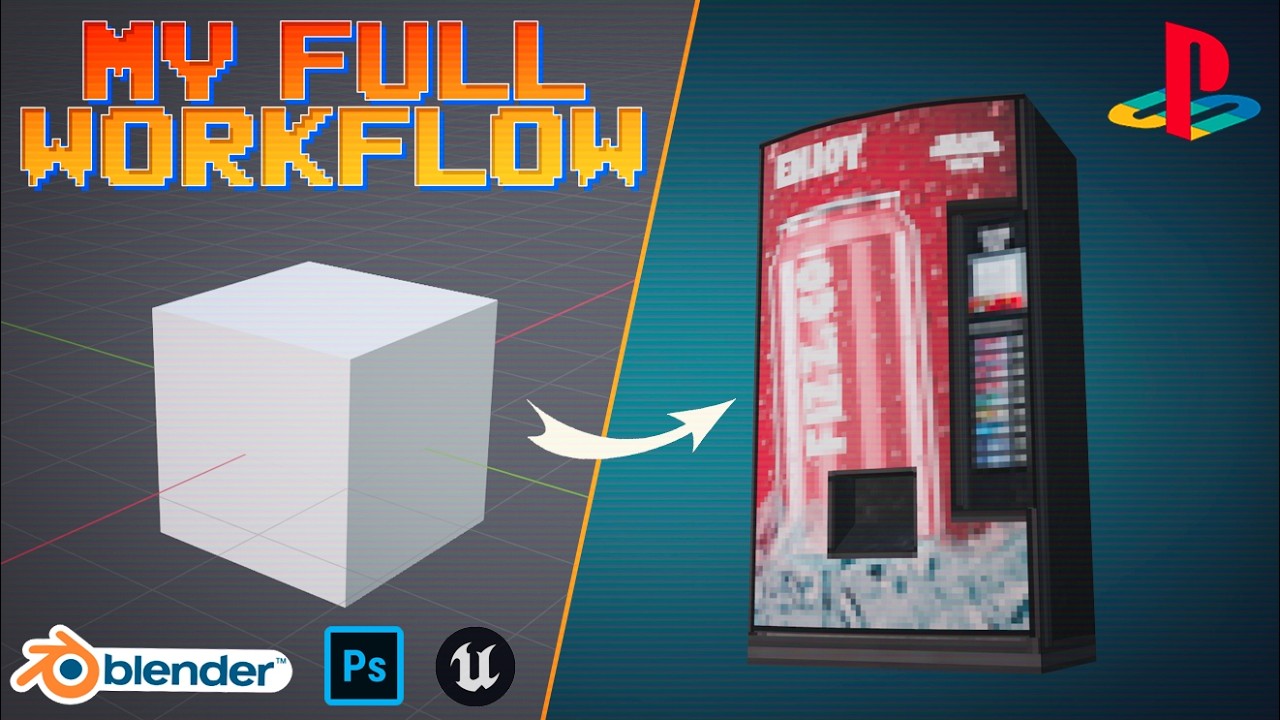
Chill Vending Machine Modeling Session; My Full Workflow
Автор: The Polygon Vault
Загружено: 2026-02-16
Просмотров: 1076
Описание:
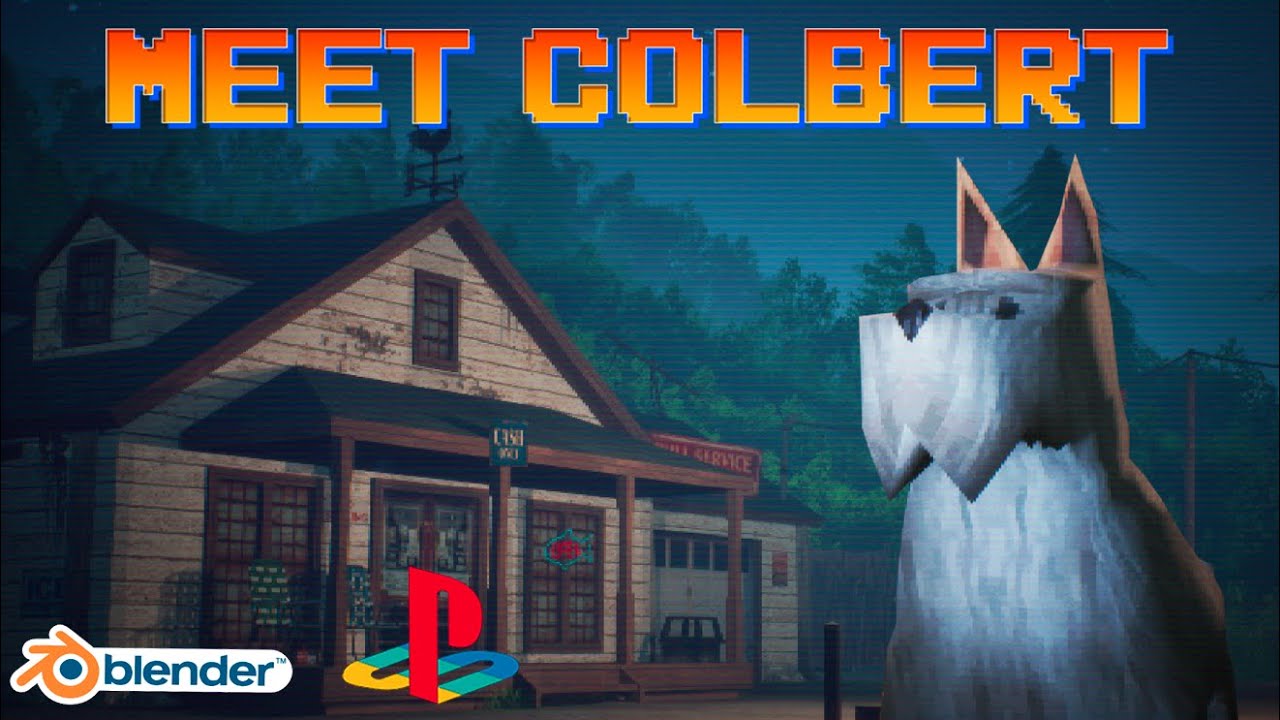
Welcome to the Polygon Vault’s Wiyoh Falls Series.
This time, we’re taking a closer look at my workflow for a single prop: a vending machine. From the initial modeling decisions to the final texture and material, this episode shows my full process behind creating one small object that adds personality and life to Wiyoh Falls.
Even small props like this help bring the town to life. By paying attention to little touches and imperfections, we can make Wiyoh Falls feel cozy, functional, and full of charm, even with a low poly count.
If you’re enjoying this series, consider liking, commenting, and subscribing; there’s still plenty of this town left to build!
And if you’d like to support the channel further, you can find me on Patreon: 👉 / thepolygonvault
Links to the tools I use:
Pureref: https://www.pureref.com/download.php
Blender: https://www.blender.org/download/
Photoshop: https://www.adobe.com/products/photos...
GIMP: https://www.gimp.org/downloads/
Unreal Engine: https://www.unrealengine.com/en-US/do...
Keywords:
Wiyoh Falls, The Polygon Vault, Wiyoh Falls Series, 3D modeling, 3D props, vending machine, low poly, low-poly charm, game assets, environment design, indie game art, virtual town, game development, 3D workflow, modeling workflow, material setup, texture and material, casual workflow, town building, voxel art, pixel textures, retro 3D, polygon art, creative process, PS1-inspired textures, 3D props tutorial, indie game environment, world building, low poly town, game storytelling, 3D modeling tutorial, Unreal Engine, Blender, simple prop design, prop creation, town detail, casual tutorial, asset creation, game-ready asset
00:00 Introduction
01:20 Asset Overview
02:08 Essential Tools & Software
03:05 Coming Up With an Idea
03:23 Reference Gathering
04:17 General Shape Modeling
05:18 Adding Sharp Edges
05:39 Modeling the Main Section
06:42 Optimizing the Model
08:17 More Modeling
10:42 Blender Material Setup
11:32 Retro Texture Setup
11:51 Unwrapping
16:16 UV Layout Export
16:39 Photoshop Texturing
17:27 Switching Between Photoshop and Blender
22:52 Using Alpha Overlays
23:25 Producing an Emissive Map
23:57 Applying All Transforms
24:15 Blender Export Settings
24:39 Unreal Engine Import Settings
25:07 Retro Texture Filter Setup
25:26 Unreal Engine Material Setup
26:15 Creating a Blueprint
27:44 Summary Checklist
28:49 Outro
Повторяем попытку...
Доступные форматы для скачивания:
Скачать видео
-
Информация по загрузке:
![Почему реактивный двигатель не плавится? [Veritasium]](https://imager.clipsaver.ru/F6UB0V2Fct4/max.jpg)