Training Character Model | Morphic Tutorial
Автор: Morphic
Загружено: 2025-09-18
Просмотров: 747
Описание:
A quick tutorial on how to train a Character Model on Morphic.
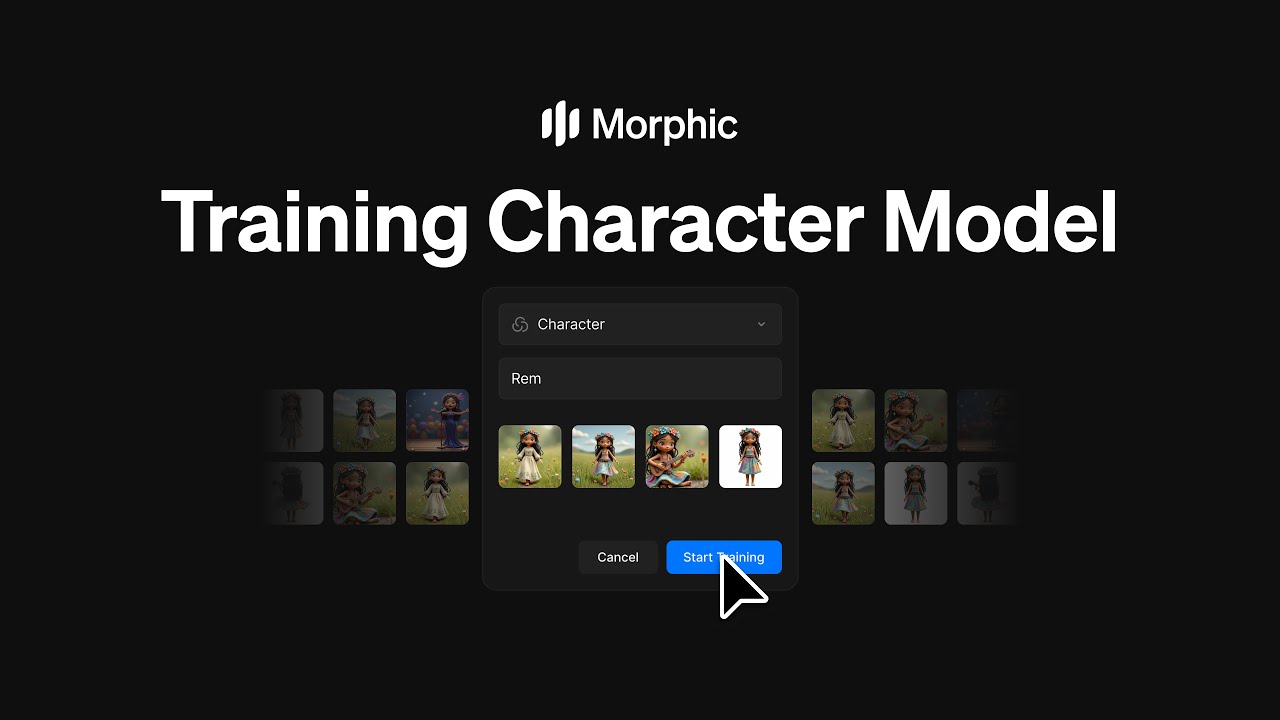
Character Model on Morphic lets you train AI on your character images, so you can generate consistent outputs of that character in different poses, scenes, and prompts.
1. Go to your Morphic dashboard
2. Click "Models" from the left panel
3. Hit the "+ New Model" button at the top-right corner
4. Choose "Character" Model
5. Give your model a name (you'll use this during prompting)
6. Upload 2-150 reference images of the character in different poses, angles, or
expressions
7. Click "Create" to begin training
Once your Character Model has finished training, you'll receive an email and a
notification on your Morphic dashboard. To use it, open any file and select
your Character Model during prompting; the outputs will automatically feature your
trained character in a consistent, stylized way.
This is how you can train a Character Model on Morphic to consistent outputs of the character in different poses, scenes, and prompts.
Character Model training is available to use on Morphic: https://studio.morphic.com/
Check our Help Center for more help across other features, workflows, and inspiration: https://help.morphic.com/
————
Morphic is a platform designed to empower creators, filmmakers, animators, and game designers in producing high-quality stories using AI, tailored to adapt to your creative style and optimize your workflow.
Try Morphic now: https://morphic.com/
Stay up to date with Morphic
X/Twitter: https://x.com/morphic
Instagram: / morphicstudios
Blog: https://www.morphic.com/blog
Повторяем попытку...
Доступные форматы для скачивания:
Скачать видео
-
Информация по загрузке: