AIR FORCE BLASTER CARBON BRUSH REMOVAL AND REPLACEMENT (instructions in description)
Автор: MetroVac
Загружено: 2015-04-21
Просмотров: 7040
Описание:
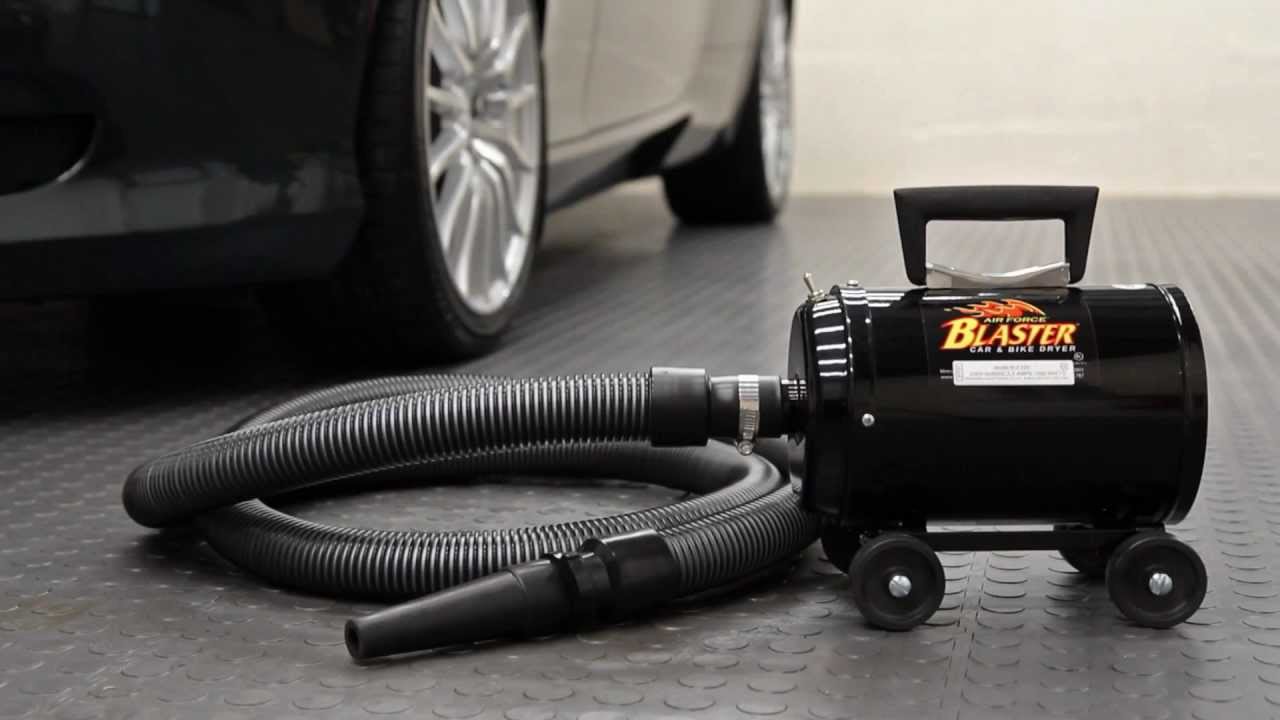
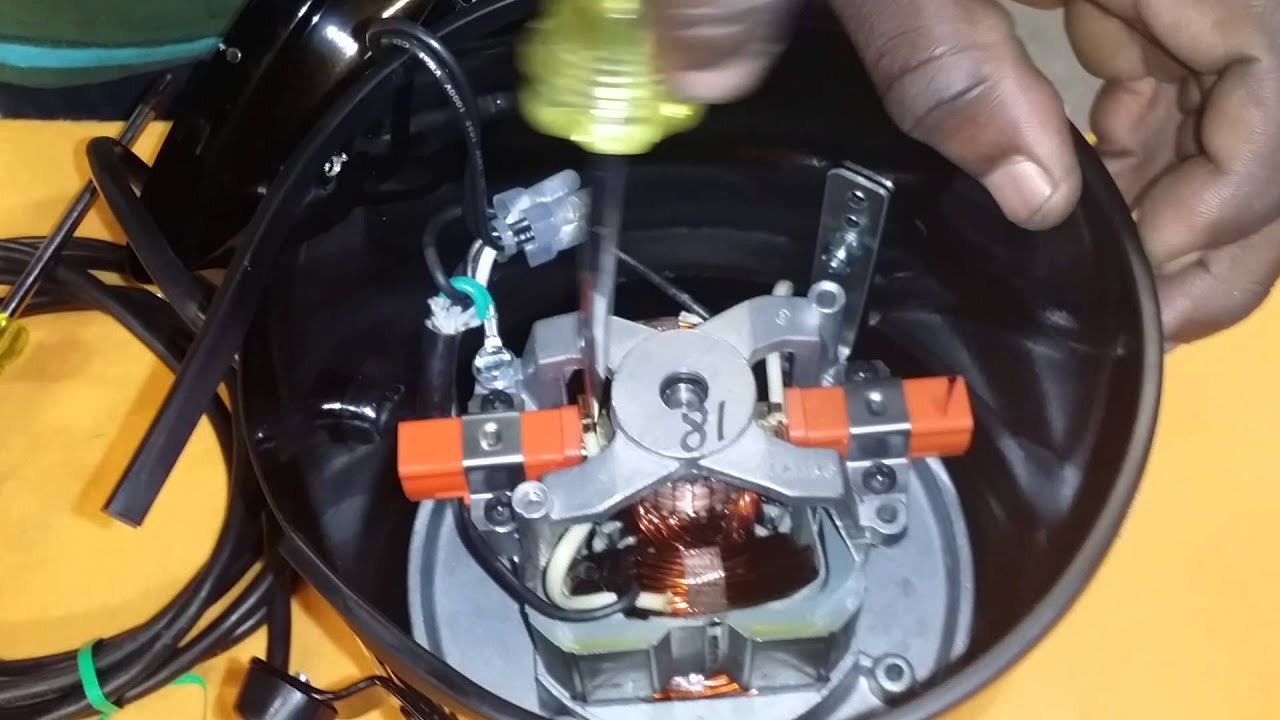
AIR FORCE BLASTER MODEL: B-3 CARBON BRUSH REMOVAL AND REPLACEMENT
Tools needed: Phillip style screwdriver and Flathead screwdriver.
ABC-3 BRUSH SET.
Step 1. Unplug machine from power supply.
Step 2. Remove front endcap screws with Phillips-Head Screwdriver.
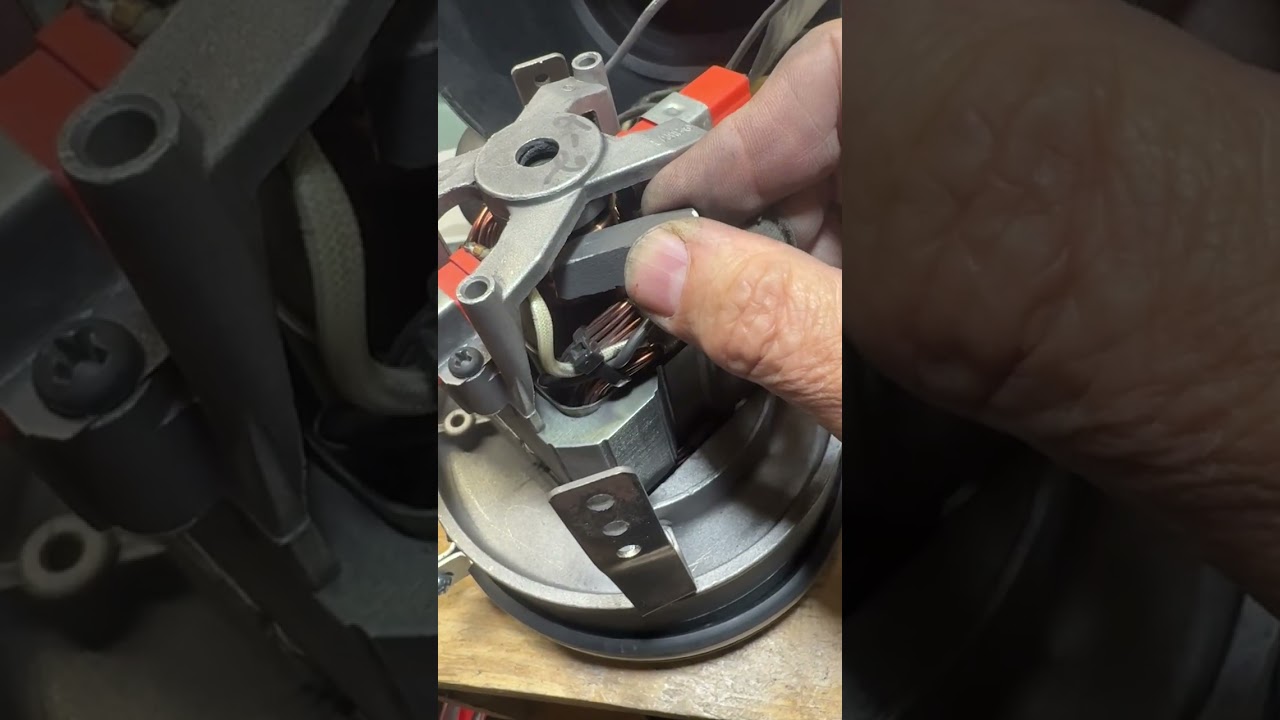
Step 3. Disconnect metal tab from carbon brush housing using a Flat-Head Screwdriver. Push tab toward the center of the Armature/Commutator.
Step 4. Remove screw from mount holding carbon brush in place and remove old Carbon brush.
Step 5. Insert new carbon brush until fully locked into place.
Step 6. Use existing mount and screws to hold new carbon brush in place.
Step 7. Reinsert tab into the new carbon brush housing.
Step 8. Repeat Steps 3-7 for other carbon brush.
Step 9. Ensure both mount and tabs have been replaced properly, realign sealing gasket for endcap, and then replace front endcap.
Step 10. After the front endcap is securely held in place by the four screws, you may safely plug machine into power supply and test.
For questions or concerns, please call us at 800-822-1602 and ask for
Technical Support.
Повторяем попытку...
Доступные форматы для скачивания:
Скачать видео
-
Информация по загрузке: