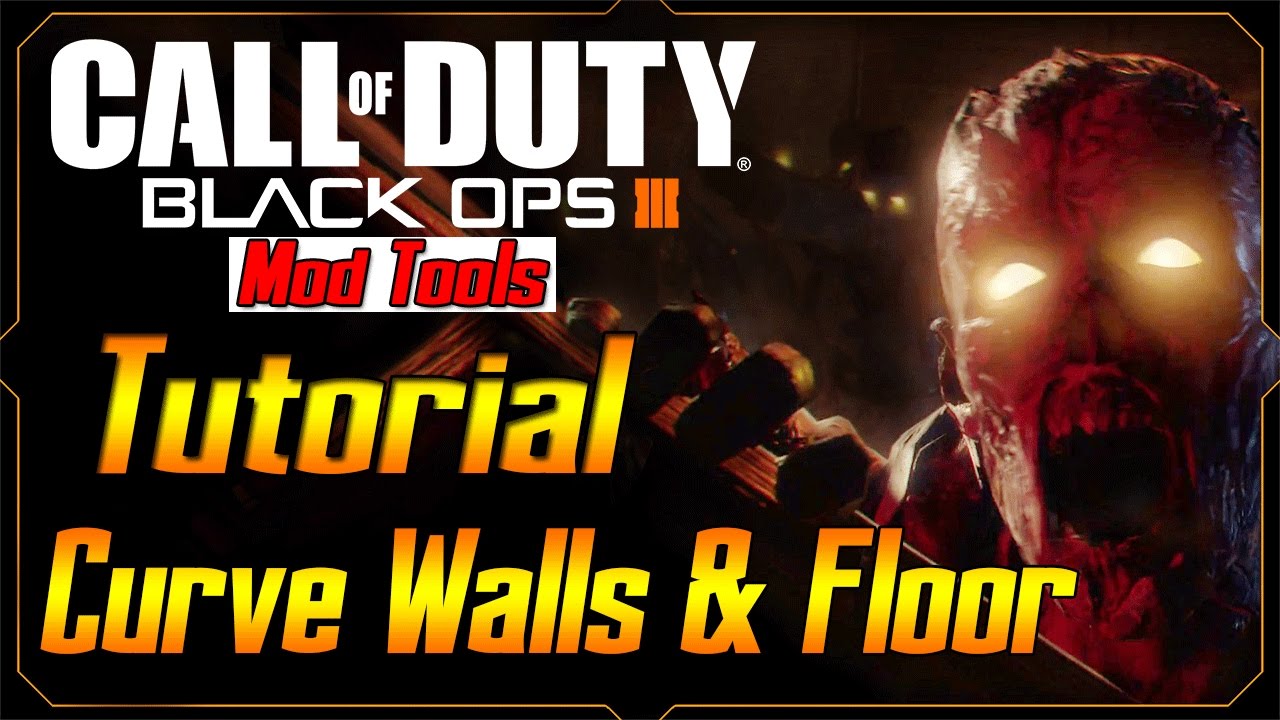
Black Ops 3 Mod Tools Zombies Tutorial - Radiant Black Tutorial
Автор: GAM3VIDZ
Загружено: 2016-09-29
Просмотров: 157882
Описание:
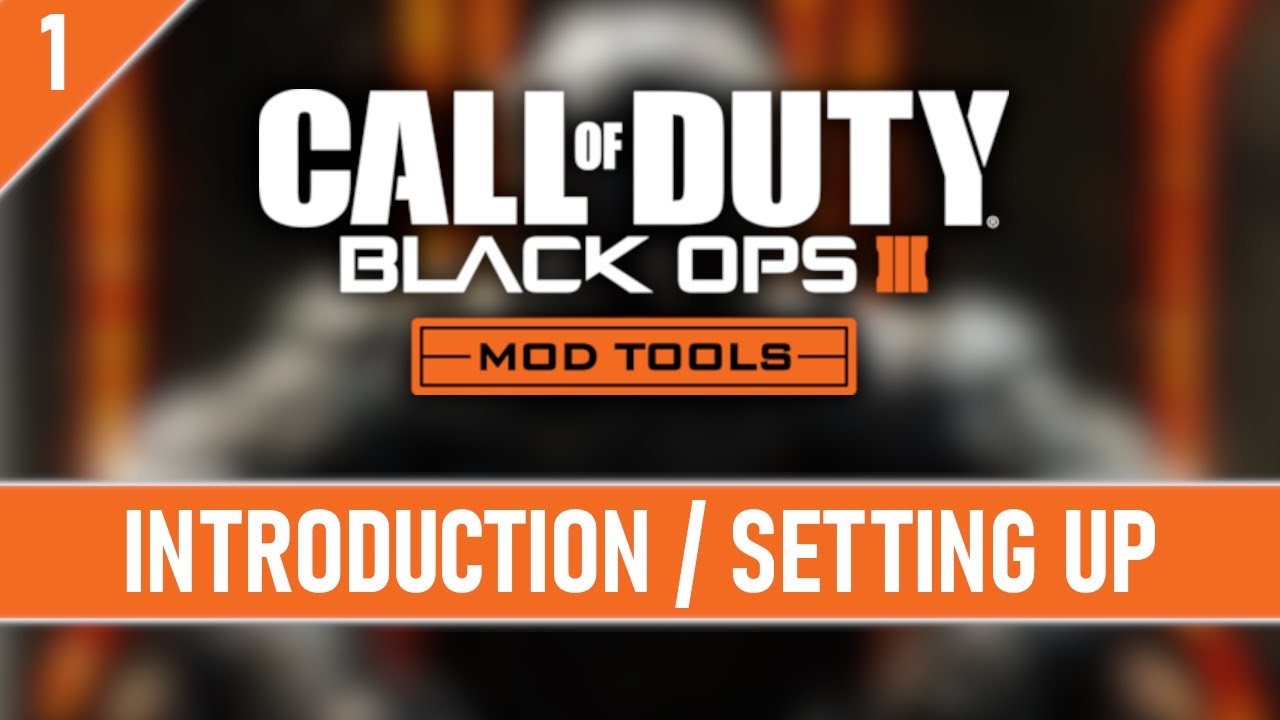
Welcome to my Black Ops 3 Mod Tools Zombies Tutorial Series where I will teach you how to make your own custom zombies maps on Call of Duty Black Ops 3.
Check out the playlist for more tutorials on Black Ops 3 Mod Tools -- http://bit.ly/blackops3modtoolstutorials
In this tutorial I go over installing the Mod Tools, learning the Launcher, and learning how to use Radiant.
Here's the shortcuts you will be using.
XY View Window
1 - Grid 1
2 - Grid 2
3 - Grid 4
4 - Grid 8
5 - Grid 16
6 - Grid 32
7 - Grid 64
8 - Grid 128
9 - Grid 246
[ - Smaller Grid
] - Bigger Grid
LeftClick (Hold and Drag) - Draw Brush
RightClick - Context Option Menu
RightClick (Hold and Drag) Move Grid Position
Scroll Wheel - Zoom In/Out
Insert - Zoom Out
Delete - Zoom In
Camera
RightClick - Context Options Menu
RightClick (Hold and Drag) - Move Around
RightClick (Hold) MouseWheel - Forward Backwards
Ctrl-RightClick (Hold and Drag) - Move Up Down Left Right
Ctrl-Shift-RightClick (Hold and Drag) Look Around
Shift-Alt-RightClick (Hold and Drag) - Select Multiple
End - Fix Camera Position
Shift-LeftClick - Select Object (Drag To Select Multiple)
Ctrl-Shift-LeftClick - Select Object Face (Drag To Select Multiple)
Middle Mouse - Apply Texture Clicked on To Selected Object
A - Pivot Up
Z - Pivot Down
D - Go Up
C - Go Down
, - Move Left
. - Move Right
Page Up - Move Up More
Page Down - Move Down More
Arrow Up - Move Forward
Arrow Down - Move Backwards
Arrow Left - Pivot Left
Arrow Righ - Pivot Right
Misc
I - Select All
H - Hide
Shift H - Unhide
Space - Duplicate Selected
J - Toggle Wire Frame On Selected Object
X - Cutting
V - Show Vertexes on Selected Object
- (- numbpad ) Move Selected Object Down Grid
Shift = - (+ numpad) Move Selected Object Up Grid
Ctrl-Z - Undo
Esc - Deselect Everything
Windows
B - Entity Browser
F - Filter Window
G - gVertex Color/Alpha Editing
K - Brings Up Colors on Selected Object
L - Layers
M - Models
N - Entity Info
O - Output
P - Preferences
S - Surface Inspector
T - Textures
Y _ Advanced Patch Editing Options
___________________________________
Subscribe!
/ gam3vidz
Follow Me On Twitter!
/ gam3vidz
Повторяем попытку...

Доступные форматы для скачивания:
Скачать видео
-
Информация по загрузке: