How to Uninstall Apps on iPhone 14 - 2 Options
Автор: Solve Your Tech
Загружено: 2023-06-09
Просмотров: 23246
Описание:
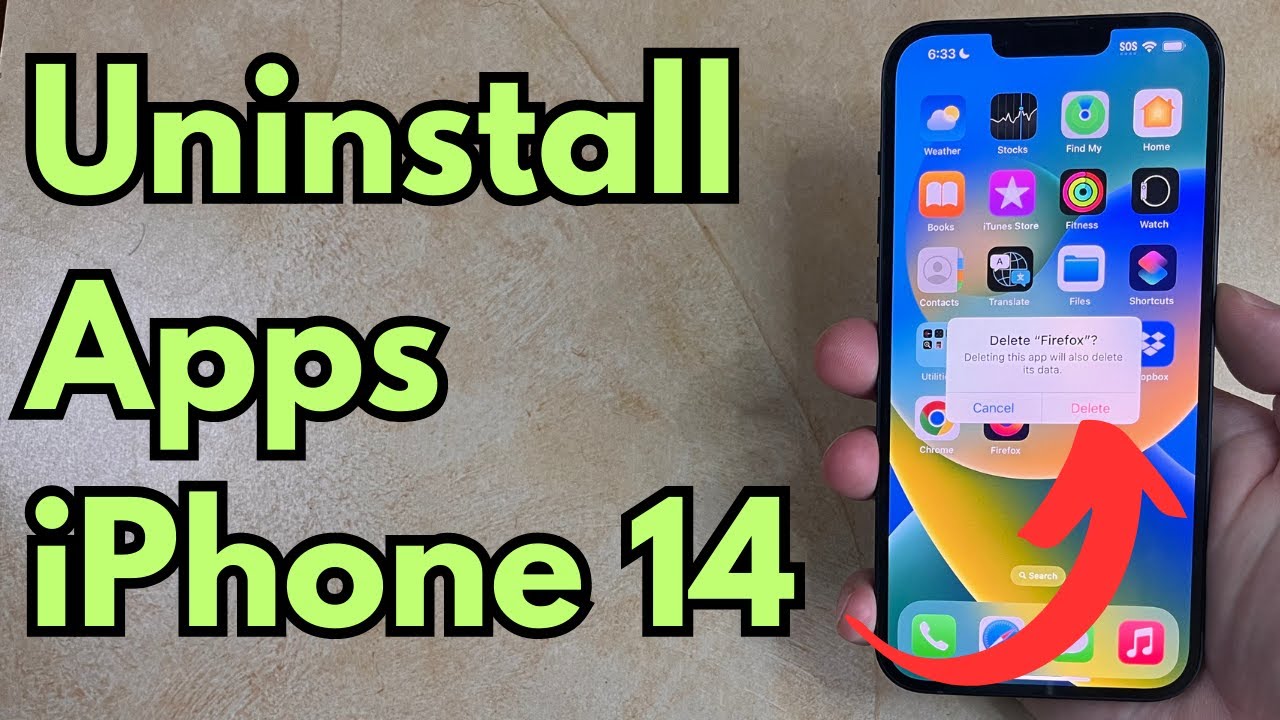
This video will show you how to uninstall apps on iPhone 14. We will show you two different methods for accomplishing this, so you can use whichever one you prefer.
The first option for how to uninstall apps on iPhone is the following steps:
1. Find the app to remove.
2. Tap and hold on to the app, then choose Remove App.
3. Touch the Delete App button.
4. Select Delete to confirm.
The next option for how to uninstall apps on iPhone 14 uses the following steps:
1. Open the Settings app.
2. Scroll down and select General.
3. Choose iPhone Storage.
4. Select the app to uninstall.
5. Tap Delete App.
6. Touch Delete App again to confirm.
Tech We Use: https://www.amazon.com/shop/solveyour...
Amazon Electronics Best Sellers: https://amzn.to/47udA5j
Amazon Tech Deals: https://amzn.to/3t53DMz
Affordable Laptops: https://amzn.to/3uzHoie
Popular Computers: https://amzn.to/3sXxYNg
Popular Smartphones: https://amzn.to/3R79KZ3
Popular Headphones: https://amzn.to/47DkpRY
Popular Monitors: https://amzn.to/4a2UUve
Apple AirPods Pro: https://amzn.to/4100fzn
Now that you know how to remove apps on iPhone 14, you can use these options whenever you have too many apps on your phone and you aren’t using some of them or if you are running low on storage space and need to delete some items.
00:00 Introduction
00:15 How to Uninstall Apps on iPhone 14 - Home Screen
00:34 How to Uninstall Apps on iPhone 14 - Settings
01:02 Outro
Related Questions and Issues This Video Can Help With:
How to Uninstall Apps on iPhone 14 Plus
How to Uninstall Apps on iPhone 14 Pro
How to Uninstall Apps on iPhone 14 Max
#solveyourtech #apple #iphone14 #ios16 #howtoiphone #iphonetips #iphonetricks #iphonetipsandtricks #uninstallappsiphone14 #iphone14uninstallapps #howtouninstallappsoniphone14
Be sure to like this video and subscribe to our channel!
You can connect with us on our other social media accounts, too:
Facebook - / solveyourtech
Twitter - / solveyourtech
Instagram - / solveyourtech
Pinterest - / solveyourtech
Linkedin - / solve-your-tech
SolveYourTech was founded in 2012 with the aim of providing how-to guides and tutorials that help people with problems on their phones, computers, and apps.
Since then, we have created thousands of guides focused on that goal. If you are looking for help with your smartphone, PC, or an application that you are using, then visit https://www.solveyourtech.com
DISCLOSURE: We frequently discuss or recommend products and services that we use and believe could be beneficial for you. Whenever feasible, we include referral links. This means that if you click on a link in this video or description and decide to buy something, we might get a small commission or other form of compensation.
We use Amazon a lot personally and for our business, and many of our links to products/gear are links to those products on Amazon. We are a participant in the Amazon Services LLC Associates Program, an affiliate advertising program designed to provide a means for us to earn fees by linking to Amazon.com and related sites.
Повторяем попытку...
Доступные форматы для скачивания:
Скачать видео
-
Информация по загрузке: