EVO Gimbals | EVO PRO FOR SMARTPHONES - FEATURES OVERVIEW
Автор: EVO Gimbals
Загружено: 2018-09-25
Просмотров: 4528
Описание:
This video is long....sorry about that....but it does quickly buzz through all the new features of the EVO Pro for Smartphones.
https://www.evogimbals.com/products/e...
The EVO Pro is compatible with the ZY Play App and the Filmic Pro App. This video showcases the ZY Play App only. The ZY Play app is free, and for a free app it is fairly good. It has a few useless functions like the "Vertigo" mode, which we don't bother even showing as it is easier to do a moving walking zoom manually to create the effect. The HDR is not much of a High Dynamic Range, more of a "coloring effect". Regardless, the app is free and it is really good especially for a free app.
_______________
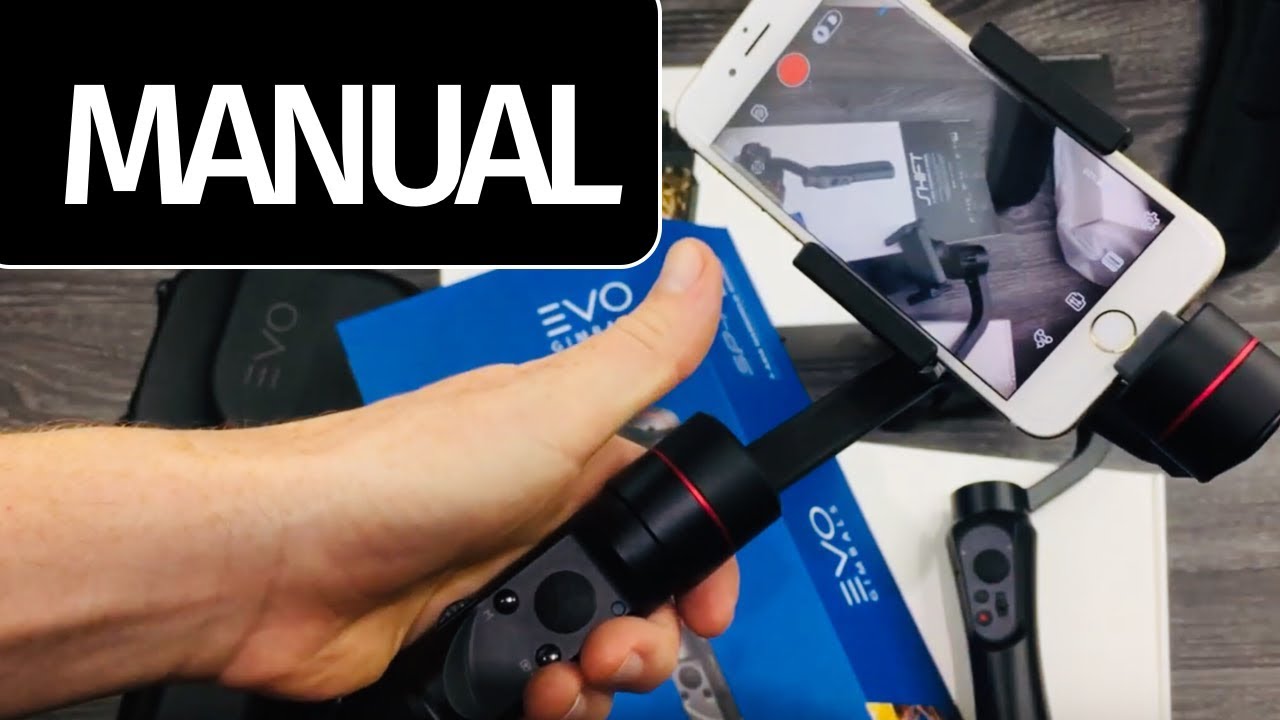
The EVO PRO for Smartphones offers many controls at your fingertips, including a zoom/focus handwheel, and allows you to capture smooth, cinematic footage with many iOS and Android phones. The EVO PRO for Smartphones works with the free EVO app and supports full integration with the popular FiLMiC Pro mobile filmmaking app, sold separately, which is used by many when shooting important projects on a smartphone.The EVO PRO is a 3-axis gimbal featuring 240° tilt and roll motion and 300° pan motion. It operates for up to 12 hours on a single charge of the included battery, and lets you shoot landscape and portrait photos and videos with smooth stabilization in different modes.Please see a list of compatible phones below. In addition to these phones, the EVO PRO for Smartphones also supports many action and 360° cameras via adapters, sold separately.
Controls at Your Fingertips
Zoom/focus handwheel
Zoom/focus switch button
Photo capture button
Resolution ratio/frame rate button
Camera switch button
Exposure compensation button
Confirm LED light button
Pan follow mode selector
Lock mode selector
Sport mode switch
Follow mode switch
Album mode button
Parameter display button
Integrated Camera and Library Control
Integrated hot keys and a selection wheel let you quickly adjust camera settings such as white balance, ISO, and exposure. They also let you quickly review photos and videos in your library.
Seamless Mode Transitions
This can be accomplished on the fly with built-in trigger buttons on the rear side of the EVO PRO's handle. You can quickly enter full follow mode by holding down the bottom toggle for smooth up and down frame adjustments. Fast left and right pans can be triggered by pressing and holding the upper Sport mode trigger.
Built-In Throughput Charging
Mobile filmmaking demands a lot of your phone's battery. The EVO PRO solves this problem by allowing you to charge your smartphone with the built-in battery through a charge port on the mounting arm. (Even more throughput power can be added by connecting an external USB power bank, sold separately, through the USB-C charging port on the handle.)
Panorama Photos
Capture 180° and 330° panorama photos, and even high-resolution 3x3 photo spheres (9 images stitched together), at the press of a button.
Smart-Track Object Tracking
Activate the object tracking feature to track a person or subject while on the move. Simply draw a box around your subject in the app to enable tracking to automatically pan and tilt the camera while keeping the selected subject in frame.
iPhone Compatibility
iPhone SE, 6/6+, 7/7+, 8/8+, and X models, requires iOS 9.0 or later.
Android Compatibility
Samsung Galaxy S5, S6, S8, S8+, S9, S9+; Samsung Note7; Google Pixel; Huawei Mate S, 8, 9; Huawei P9, P10, P10 Plus; LG G5.
The S8, S8+, S9, S9+, Note7, Pixel, and G5 require Android 5.0 or later. Please note that due to Android phone camera manufacturer variations and Android operating system compatibility, not all Android phones will have access to the full feature set in the EVO app.
Повторяем попытку...

Доступные форматы для скачивания:
Скачать видео
-
Информация по загрузке: