Fuzor + SketchUp 4D Simulation | How to Import & Update SketchUp Models | BIM-VDC Tutorial
Автор: BIM DESTINATION
Загружено: 2024-09-07
Просмотров: 780
Описание:
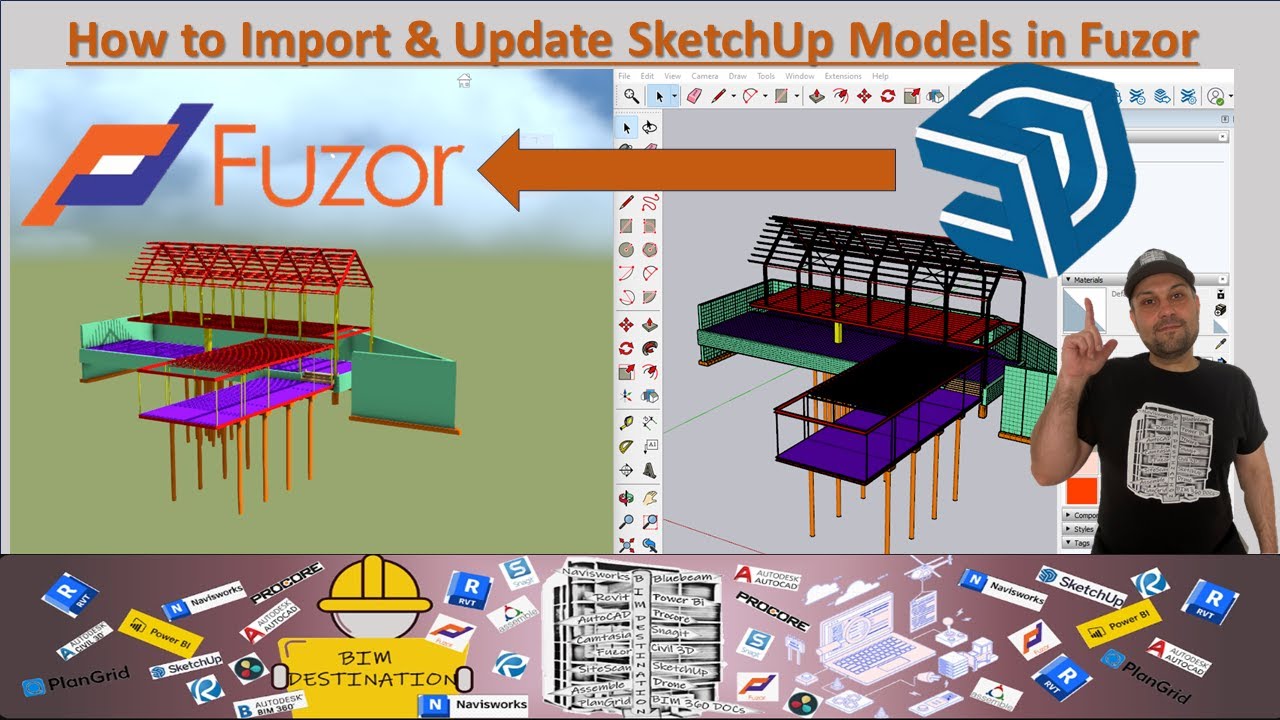
🏗️ In this tutorial, we’ll walk through how to *import and update SketchUp models into Fuzor* for real-time **4D simulation and construction visualization**. Whether you're using Fuzor for coordination, sequencing, or client presentations — this video shows you **exactly how to work with SketchUp files**.
We’ll cover best practices for importing models, using the import box settings, aligning geometry using coordinates, and updating your SketchUp models inside Fuzor — all with step-by-step clarity.
🎓 Ideal for: Architects, BIM/VDC Coordinators, 4D Planners, Construction Technologists, and Designers working with SketchUp & Fuzor.
—
📋 *Video Chapters:*
00:00 – Introduction
00:27 – How to Import SketchUp Model into Fuzor
01:18 – SketchUp Model Import Settings Overview
03:17 – How to Update SketchUp Models in Fuzor
—
✔ What You'll Learn:
Drag & drop import methods for SketchUp
Adjusting import box settings
Aligning models using coordinates
Updating SketchUp geometry efficiently
Best practices for clean 4D-ready models
—
🎁 BONUS RESOURCES:
✨ Join BIM.DESTINATION → / @bim.destination
🛍️ BIM Store (Use code “**BIMMER**” for 10% OFF) → https://bimdestination.creator-spring...
You can Now Join this channel and become a subscriber to have access to unique videos : / @bim.destination
You can access the BIM.DESTINATION Store using the link below: Promotion: https://bimdestination.creator-spring...
—
🔧 Tools Used: SketchUp, Fuzor
👷♂️ BIM Destination – High-impact tutorials for BIM-VDC workflows, tools, and 4D coordination.
#Fuzor #SketchUp #4DSimulation #BIM #ModelImport #FuzorTutorial #ConstructionTech #BIMCoordination #VDCTutorial #SketchUpToFuzor #BIMDestination
Повторяем попытку...
Доступные форматы для скачивания:
Скачать видео
-
Информация по загрузке:






![[Fuzor 4D] Offshore wind farm construction simulation](https://imager.clipsaver.ru/owmTPlRGVEc/max.jpg)