How to Use Mocha for Tracking and Clean up After Effects - VFX Artist in Hindi
Автор: Multimedia Tricks
Загружено: 2024-03-27
Просмотров: 1289
Описание:
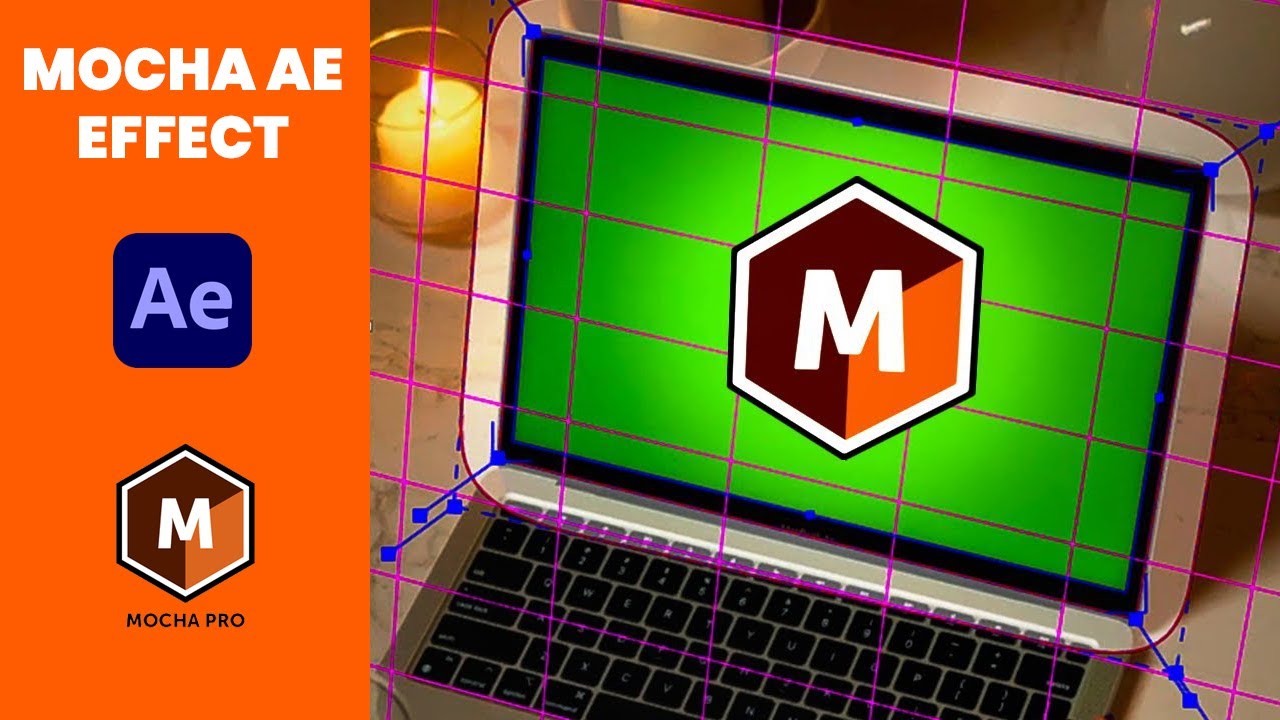
Welcome to Multimedia Tricks, your go-to destination for mastering the art of visual effects and motion graphics! In today's tutorial, we're diving deep into the powerful world of Mocha AE Effect in After Effects. Whether you're a beginner or a seasoned professional, this comprehensive guide will equip you with the knowledge and skills to leverage Mocha AE Effect to its fullest potential.
Firstly, let's understand what Mocha AE Effect is and why it's such a game-changer in the realm of visual effects. Mocha AE Effect is a planar tracking and rotoscoping software bundled with After Effects, renowned for its unparalleled tracking accuracy and efficiency. Unlike traditional point-based trackers, Mocha AE Effect utilizes planar tracking, which tracks planes or surfaces within your footage, making it ideal for complex tracking tasks such as screen replacements, object removals, and more.
In this tutorial, we'll start with the basics, guiding you through the process of launching Mocha AE Effect from within After Effects and importing your footage seamlessly. We'll then delve into the interface, breaking down each component and explaining its functionality in detail. From the layer controls to the tracking parameters, you'll gain a comprehensive understanding of how to navigate Mocha AE Effect with ease.
Once you're familiar with the interface, we'll move on to the core concepts of planar tracking. You'll learn how to create accurate track mattes, track objects with precision, and troubleshoot common tracking issues effectively. Additionally, we'll explore advanced tracking techniques such as adjusting track parameters, using offset tracking, and handling motion blur like a pro.
But that's not all – Mocha AE Effect is not just limited to tracking; it's also a powerhouse when it comes to rotoscoping. We'll guide you through the process of creating detailed rotoscopes using Mocha's intuitive tools, including the Bézier spline tool, edge feathering, and motion blur settings. With our step-by-step instructions, you'll be able to tackle even the most intricate rotoscoping tasks with confidence and efficiency.
Furthermore, we'll showcase real-world examples and practical applications of Mocha AE Effect, demonstrating how it can be used to enhance your projects and streamline your workflow. Whether you're working on a Hollywood blockbuster or a personal passion project, Mocha AE Effect empowers you to achieve professional-grade results with ease.
To complement your learning experience, we've included downloadable project files and assets, allowing you to follow along with the tutorial and practice your newfound skills at your own pace. Additionally, our dedicated support team is here to answer any questions you may have along the way, ensuring that you have all the resources you need to succeed.
So, whether you're an aspiring filmmaker, a seasoned motion graphics artist, or anyone in between, join us on this journey to master Mocha AE Effect and take your visual effects to the next level. Subscribe to Multimedia Tricks for more tutorials, tips, and tricks to elevate your creative projects. Together, let's unlock the full potential of After Effects and unleash your creativity like never before. Let's get started!
Subscribe to Multimedia Tricks: https://www.youtube.com/@multimediatr...
#AfterEffects #MochaAE #VisualEffects #MotionGraphics #MultimediaTricks
Повторяем попытку...
Доступные форматы для скачивания:
Скачать видео
-
Информация по загрузке:




![Quick Introduction to Mocha AE - Complete Walkthrough [NEW Boris FX Mocha AE]](https://image.4k-video.ru/id-video/TF3XVBy6sD4)


