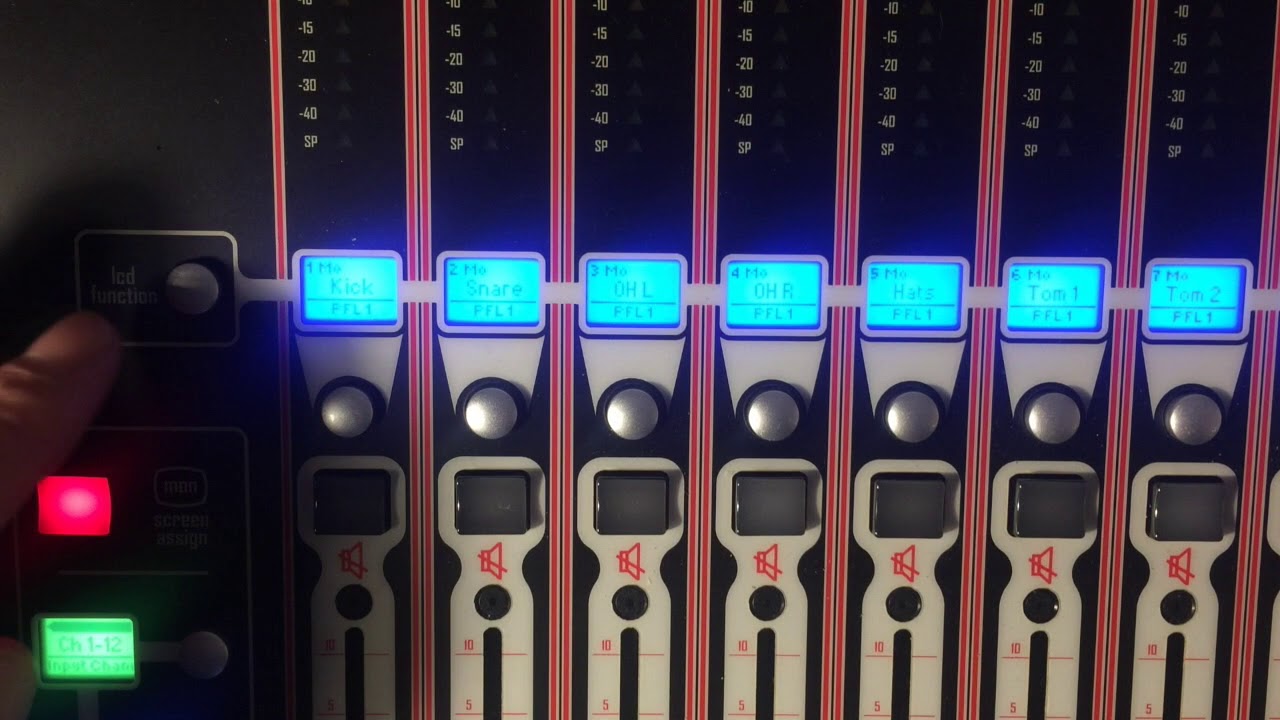
How to multitrack for virtual soundcheck using a DMI Dante card on DiGiCo
Автор: MONO SoundLab
Загружено: 2020-10-20
Просмотров: 7333
Описание:
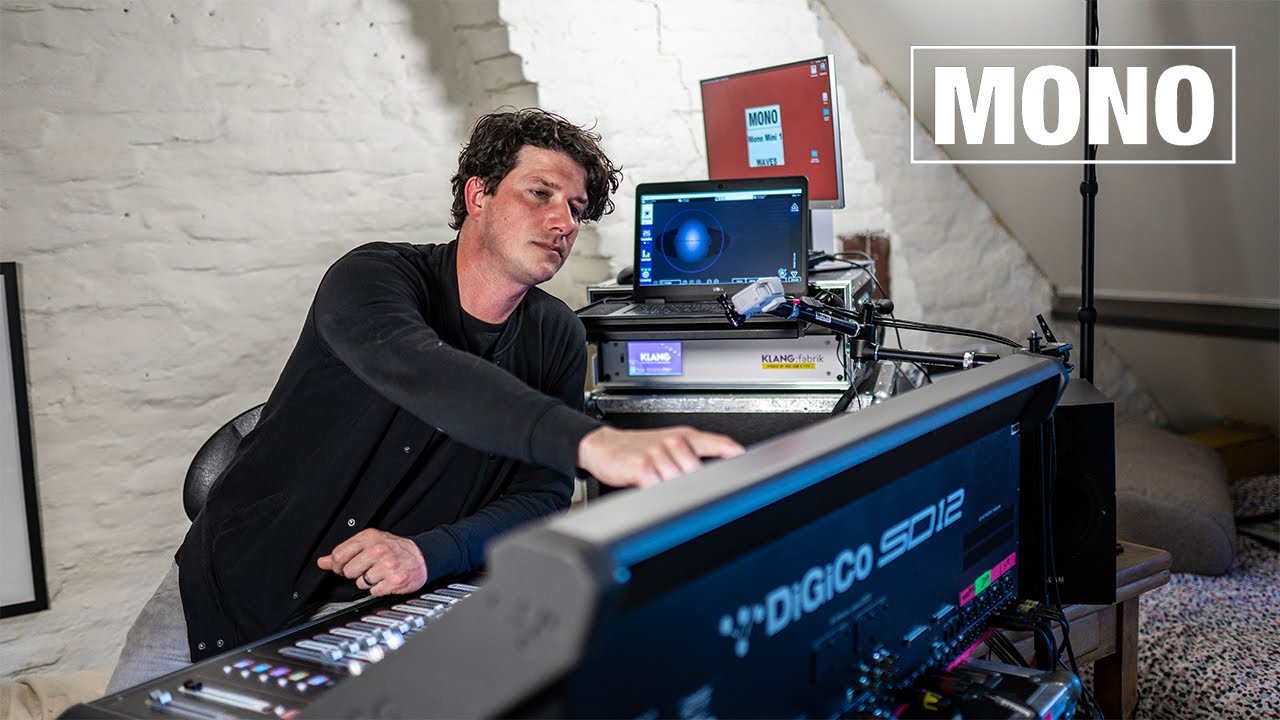
All things concerning DiGiCo SD12
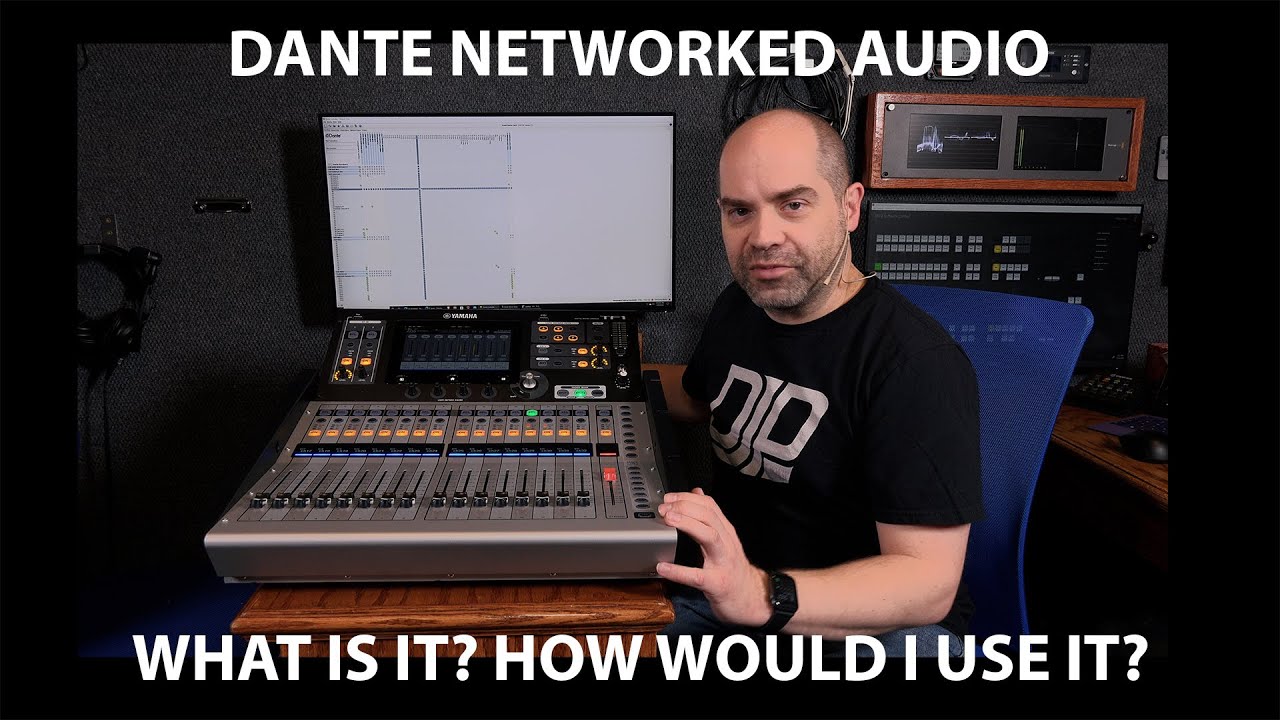
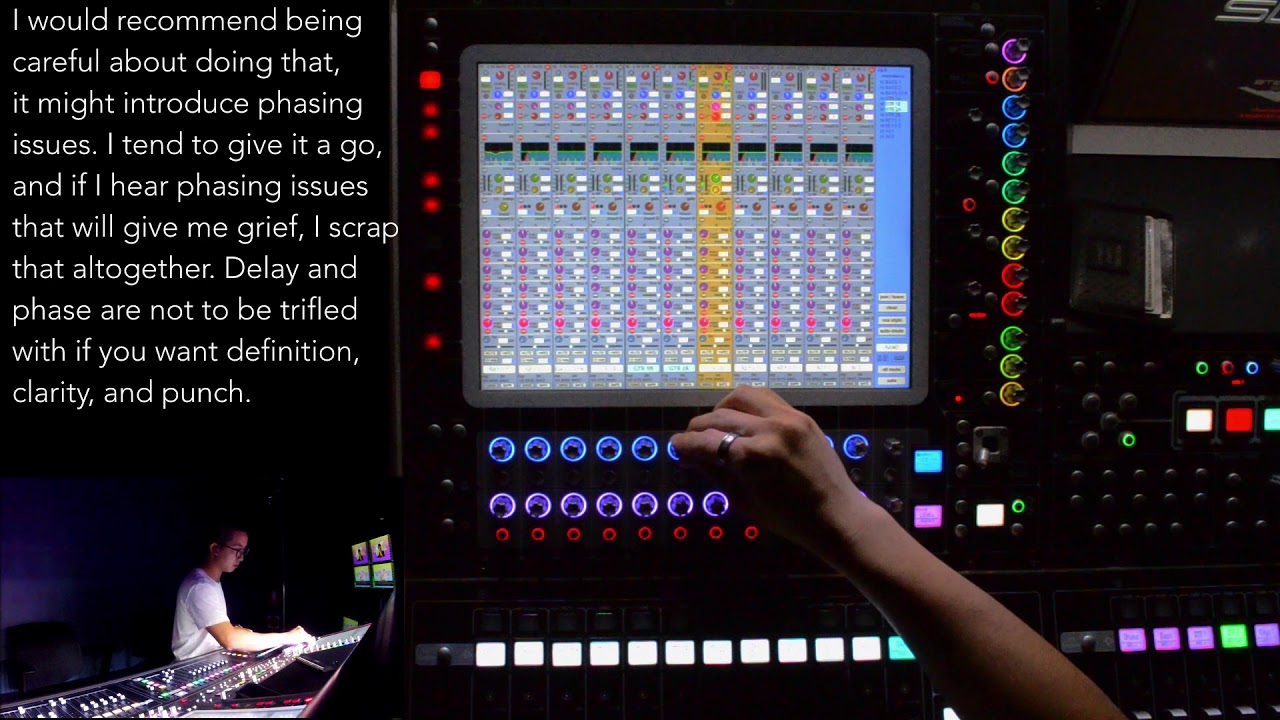
In the episode of 'ATC DiGiCo SD12' Pita explains how to make a multitrack recording and do a virtual soundcheck using a DMI Dante card.
In this case the SD12 is directly connected form the DMI Dante primary port to the computer. If your setup is part of a bigger Dante network, you should connect your computer and the DMI Dante primary port to a switch in the Dante primary network.
Timecodes
0:00 Intro
0:18 Setup
0:43 Dante Controller & DVS
1:49 Reaper
2:14 DiGiCo SD12
Links to other multitrack solutions:
DMI Waves & Soundgrid: • How to multitrack for virtual soundcheck u...
UB Madi: • How to multitrack for virtual soundcheck u...
If you want us to cover any specific topic regarding pro audio, leave a message in the comments! Get in touch!
Don't forget to like and subscribe!
#monosoundlab #techfluencers #digico #audinatedante
http://www.mono.eu.com
/ monosoundteam
/ monosoundteam
Повторяем попытку...

Доступные форматы для скачивания:
Скачать видео
-
Информация по загрузке: