orfeo-toolbox qgis3
Автор: hafez ahmad
Загружено: 2020-04-01
Просмотров: 412
Описание:
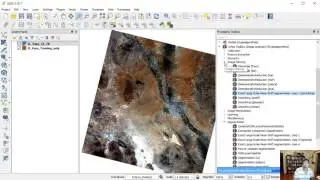
Orfeo ToolBox is an open-source project for state-of-the-art remote sensing, including a fast image viewer, applications callable from command-line, Python or QGIS, and a powerful C++ API. This article is an introduction to the Orfeo Toolbox’s flagship features from the point of view of the two communities it brings together: remote sensing and software engineering. This is how I installed it on Windows 10 running QGIS 3.4.10
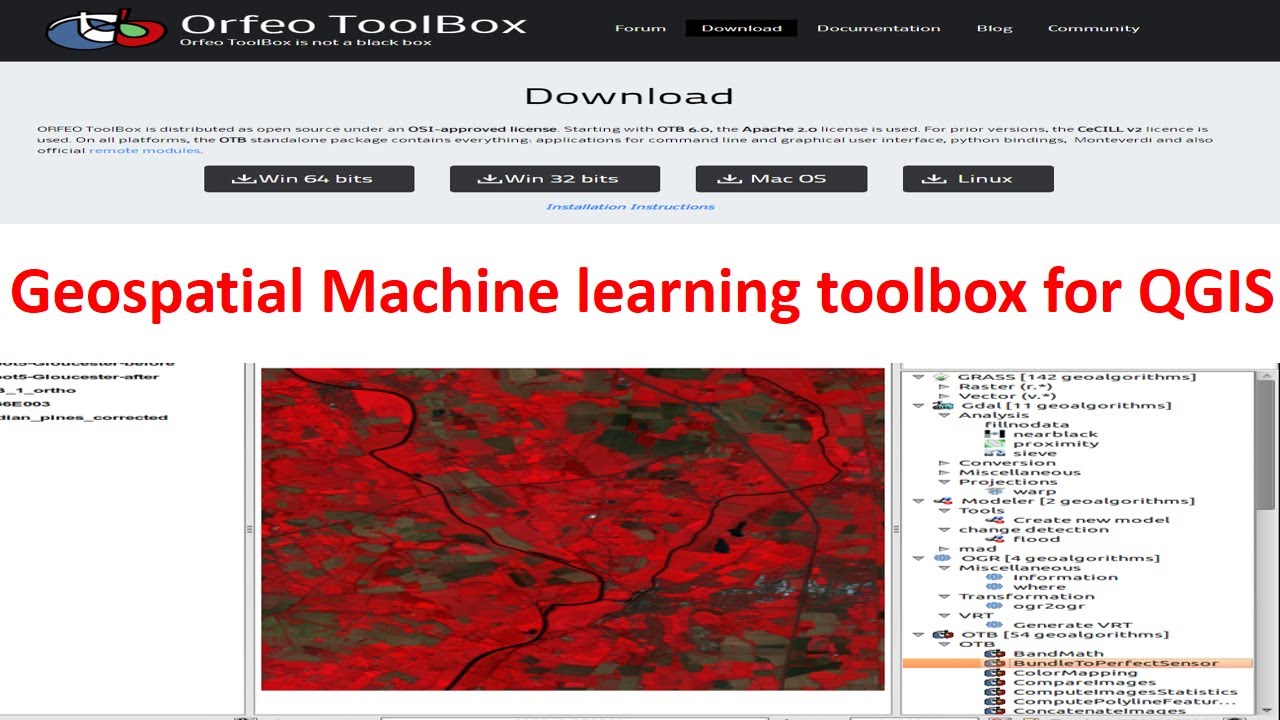
1. Download zip file for Windows 64bit version from https://www.orfeo-toolbox.org/download/
2. Unzipped it to a sensible location
Make a folder in your c drive C/OTB-7.1.0-Win64
3. Start QGIS
4. Go to the plugins then manage and install plugin
Then settings then plugins add plugins repositories
Name: Orfeo repository
URL: http://orfeo-toolbox.org/qgis/plugins...
5. Go to menu option Processing then Options
6. Expand Providers then go Orfeo Toolbox
7. For OTB application folder set the value to be the folder path to the bin folder set the OTB command-line tools folder to the same bin folder
8. Press OK
9. Restart QGIS
Повторяем попытку...
Доступные форматы для скачивания:
Скачать видео
-
Информация по загрузке: