“Did you know that Windows 10 has a hidden God Mode?
Автор: Intellectual Science
Загружено: 2026-03-06
Просмотров: 8
Описание:
“Windows 10 da yashirin God Mode borligini bilarmidingiz?
Windows 10 da “God Mode” nima?
God Mode — bu Windows ichidagi yashirin papka bo‘lib, unda tizimning 200 dan ortiq sozlamalari bitta joyda jamlangan bo‘ladi.
Oddiy holatda bu sozlamalar turli joylarda bo‘ladi:
Control Panel,Settings,Administrative Tools,System settings
Lekin God Mode yoqilganda ularning hammasi bitta oynada chiqadi.
God Mode nima uchun kerak?
Bu funksiya ayniqsa:,kompyuter ustalari,IT mutaxassislar
Windows sozlamalarini tez o‘zgartirmoqchi bo‘lgan foydalanuvchilar uchun juda qulay.
Masalan u orqali tezda:diskni boshqarish
foydalanuvchi hisoblarini sozlash,backup yaratish,firewall sozlash,energiya sozlamalar,printer sozlamalari kabi ishlarni qilish mumkin.
God Mode qanday yoqiladi?
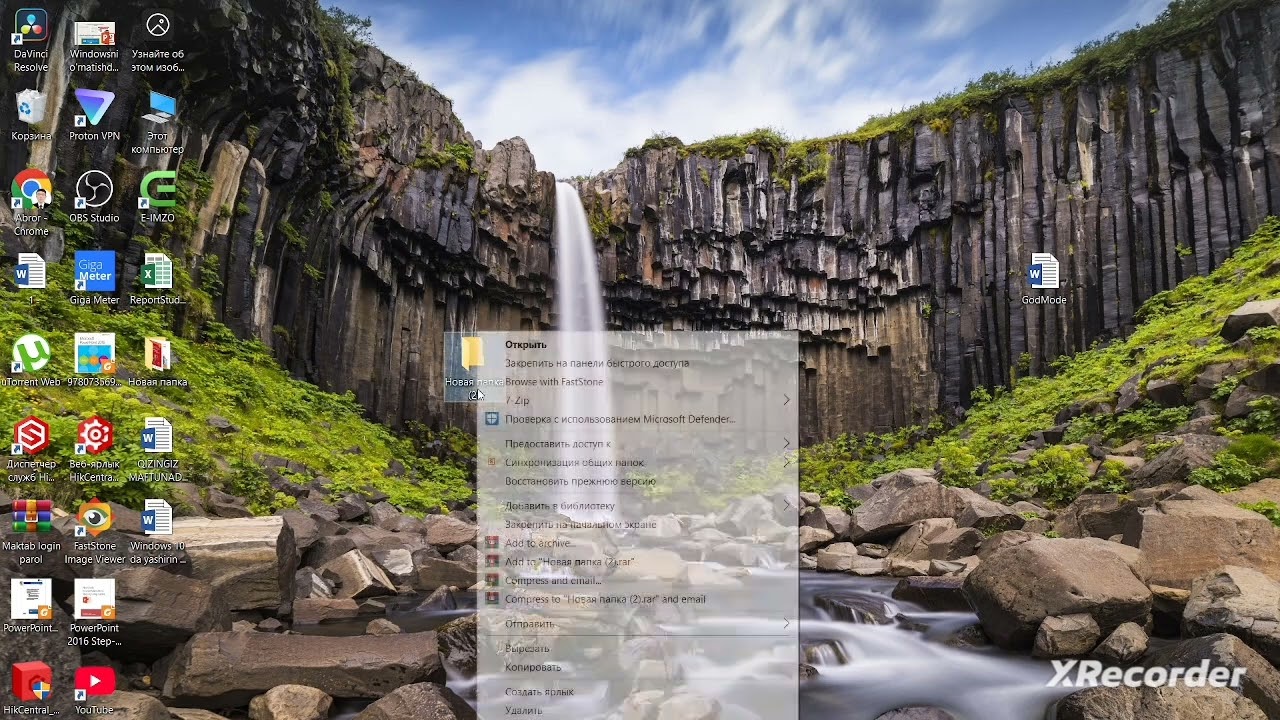
1️⃣ Desktopda yangi papka yarating
2️⃣ Papka nomini quyidagicha yozing
GodMode.{ED7BA470-8E54-465E-825C-99712043E01C}
3️⃣ Enter bosing
Shunda papka belgisi Control Panel ikonkasiga o‘xshab qoladi.
Keyin nima bo‘ladi?
Papka ichini ochsangiz 200+ ta tizim sozlamasi chiqadi.
Masalan:Administrative Tools,Backup and Restore,Device Manager,File History,Power Options,Network Settings,Hammasi bitta oynada bo‘ladi.Qiziqarli fakt
Bu funksiya Microsoft tomonidan rasmiy reklama qilinmagan, lekin u Microsoft tizimida ko‘p yillardan beri mavjud.
U:Windows 7,Windows 8,Windows 10 da ishlaydi.
“Did you know that Windows 10 has a hidden God Mode?
What is “God Mode” in Windows 10?
God Mode is a hidden folder in Windows that contains more than 200 system settings in one place.
Usually, these settings are in different places:
Control Panel, Settings, Administrative Tools, System settings
But when God Mode is enabled, they all appear in one window.
Why is God Mode needed?
This function is especially convenient for:, computer wizards, IT professionals
Users who want to quickly change Windows settings.
For example, through it, you can quickly: manage disk
Set up user accounts, create backups, configure firewalls, power settings, printer settings, etc.
How to enable God Mode?
1️⃣ Create a new folder on the desktop
2️⃣ Write the folder name as follows
GodMode.{ED7BA470-8E54-465E-825C-99712043E01C}
3️⃣ Press Enter
Then the folder The icon will look like the Control Panel icon.
What happens next?
If you open the folder, you will see 200+ system settings.
For example: Administrative Tools, Backup and Restore, Device Manager, File History, Power Options, Network Settings, all in one window. Interesting fact
This feature is not officially advertised by Microsoft, but it has been available in Microsoft systems for many years.
It works in: Windows 7, Windows 8, Windows 10.
Повторяем попытку...
Доступные форматы для скачивания:
Скачать видео
-
Информация по загрузке: