Скачать
Max Laser Basics - Episode 9: Hardware
Автор: Dirk de Bruin
Загружено: 2017-12-28
Просмотров: 2289
Описание:
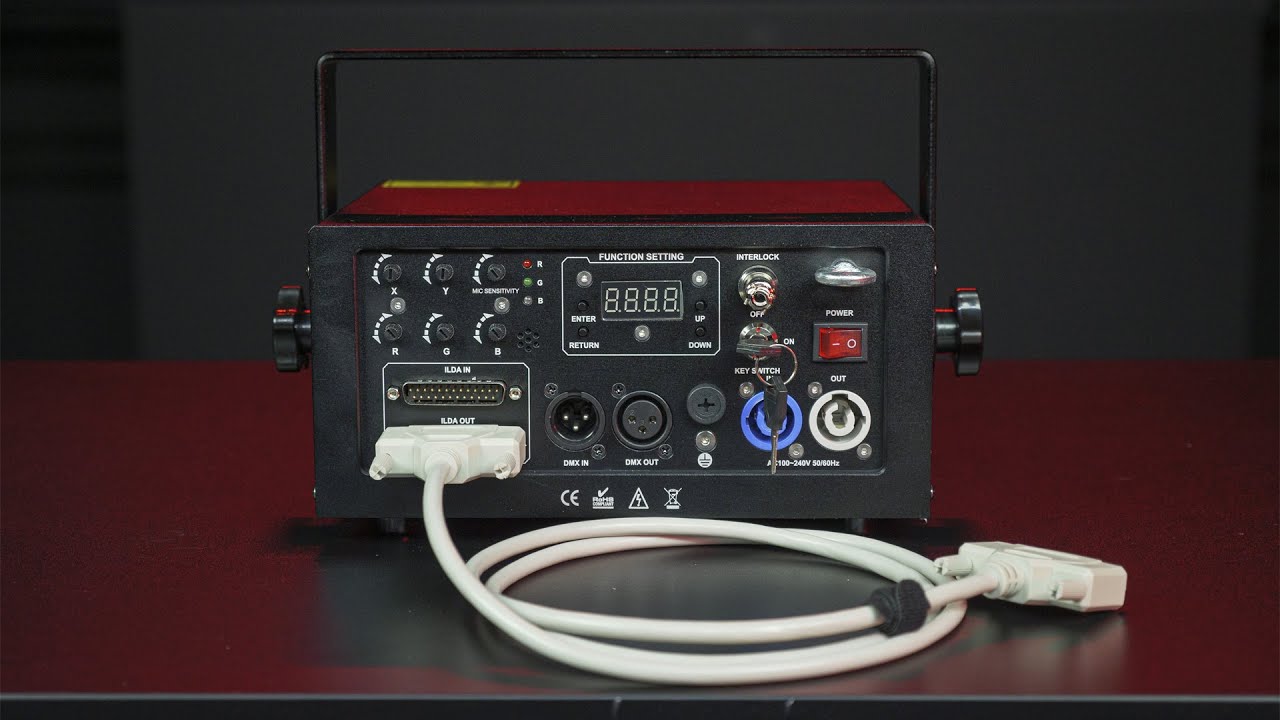
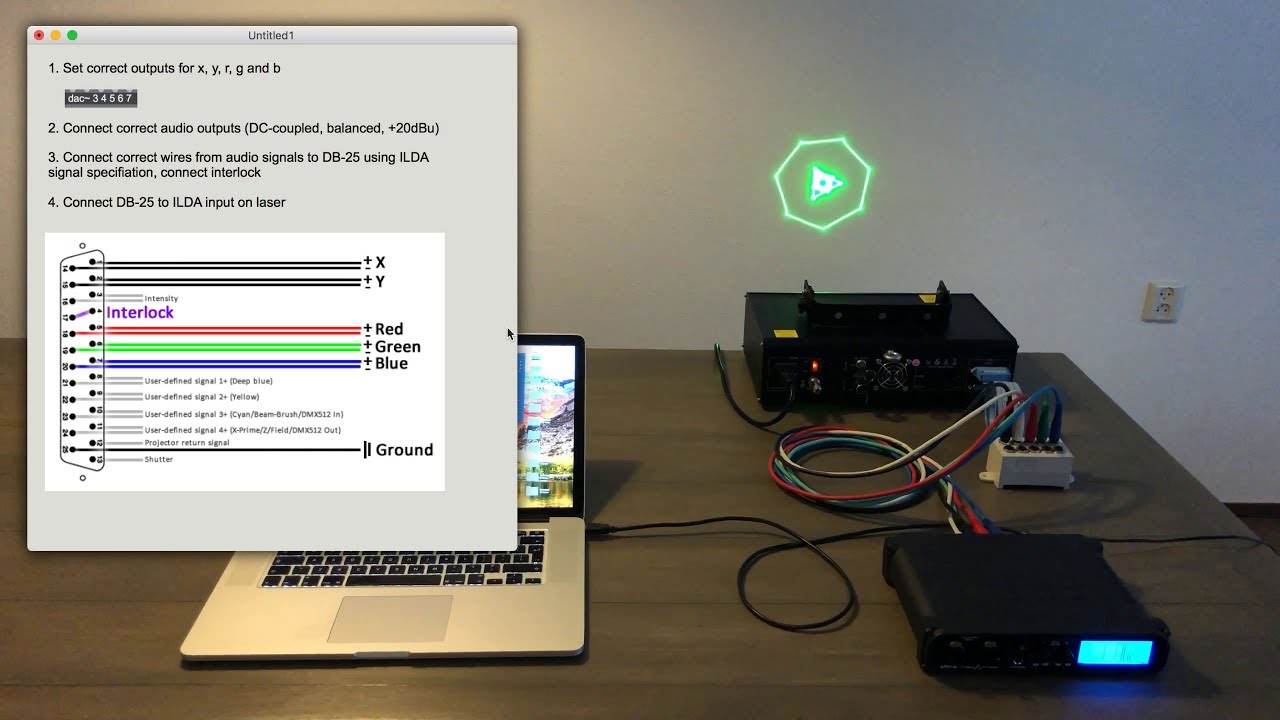
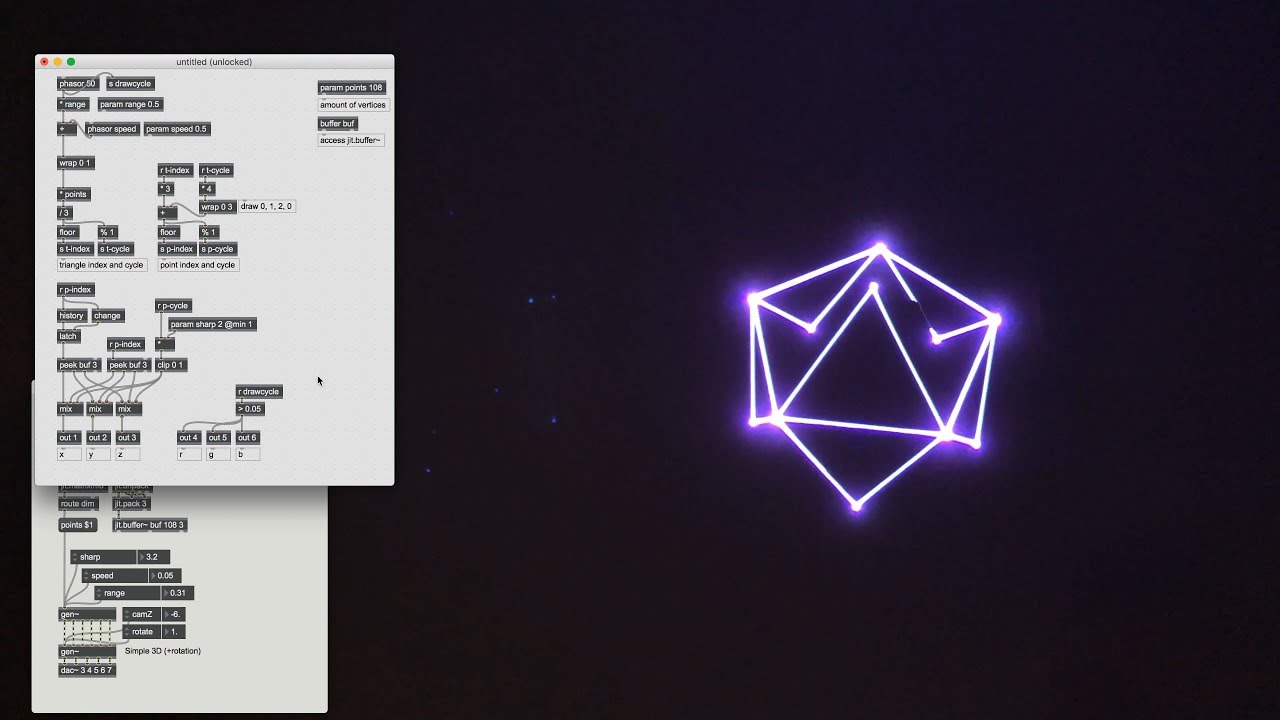
How to connect a laser to an audio interface in order to use it with Max.
1. Set correct outputs for x, y, r, g and b
2. Connect correct audio outputs (DC-coupled, balanced, +20dBu)
3. Connect correct wires from audio signals to DB-25 using ILDA signal specification, connect interlock
4. Connect DB-25 to ILDA input on laser
You can probably get away with less than +20dBu or by amplifying a weaker signal. In my case the signals for the colors are also controlled by a lower voltage, therefore it is clipped in the Max patcher, but I’m not sure if this applies to all lasers.
Не удается загрузить Youtube-плеер. Проверьте блокировку Youtube в вашей сети.
Повторяем попытку...
Повторяем попытку...
Доступные форматы для скачивания:
Скачать видео
-
Информация по загрузке:






![Эффект Джанибекова [Veritasium]](https://imager.clipsaver.ru/N9HlQ-XVnFk/max.jpg)