How To Flush & Reset DNS Cache in Windows (Fix Internet Connection Problems)
Автор: Speedy Tutorials
Загружено: 2026-01-22
Просмотров: 1542
Описание:
How To Flush & Reset DNS Cache in Windows (Fix Internet Connection Problems)
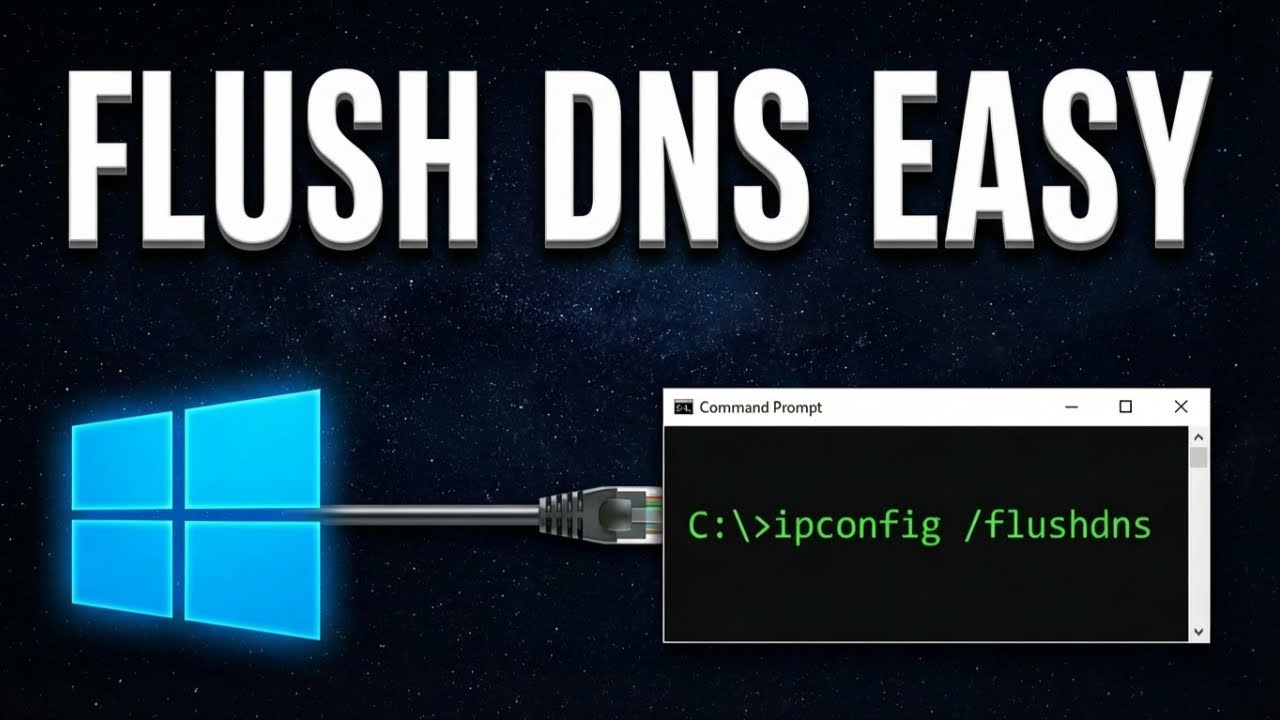
Flushing and resetting the DNS cache in Windows can resolve a wide range of internet connection problems, including websites not loading, DNS errors, slow browsing, and network connectivity issues. Over time, outdated or corrupted DNS records can cause your system to connect to incorrect or unreachable servers. This tutorial explains how clearing the DNS cache refreshes network data and restores proper internet communication on Windows systems.
💻 Donate, browse my shop, or if you need help get a custom tutorial: https://linktr.ee/speedytutorials
This guide walks through the process of flushing and resetting DNS settings to help fix common networking problems such as “DNS server not responding,” incorrect IP resolution, and intermittent connection failures. By resetting the DNS cache, Windows is forced to request fresh address information, improving reliability and overall network performance. This method is safe, quick, and commonly used to troubleshoot internet-related errors.
Topics addressed in this tutorial:
flush dns cache windows
reset dns cache windows 11
reset dns cache windows 10
fix internet connection problems windows
dns flush command windows
clear dns cache windows
dns resolver cache windows
fix dns issues windows
windows network troubleshooting
refresh dns settings
This tutorial also explains when flushing DNS is most effective, such as after changing networks, updating DNS servers, or experiencing browser-related connectivity errors. Resetting the DNS cache can help restore access to websites, improve browsing stability, and eliminate conflicts caused by outdated DNS entries. This guide provides a simple and effective solution for resolving common Windows internet problems.
This tutorial will apply for computers, laptops, desktops, and tablets running the Windows 11, Windows 10, Windows 8/8.1, Windows 7 operating systems. Works for all major computer manufacturers (Dell, HP, Acer, Asus, Toshiba, Lenovo, Samsung).
Повторяем попытку...
Доступные форматы для скачивания:
Скачать видео
-
Информация по загрузке: