How to create and monitor revenue goals
Автор: HubSpot Tutorials
Загружено: 2023-04-14
Просмотров: 959
Описание:
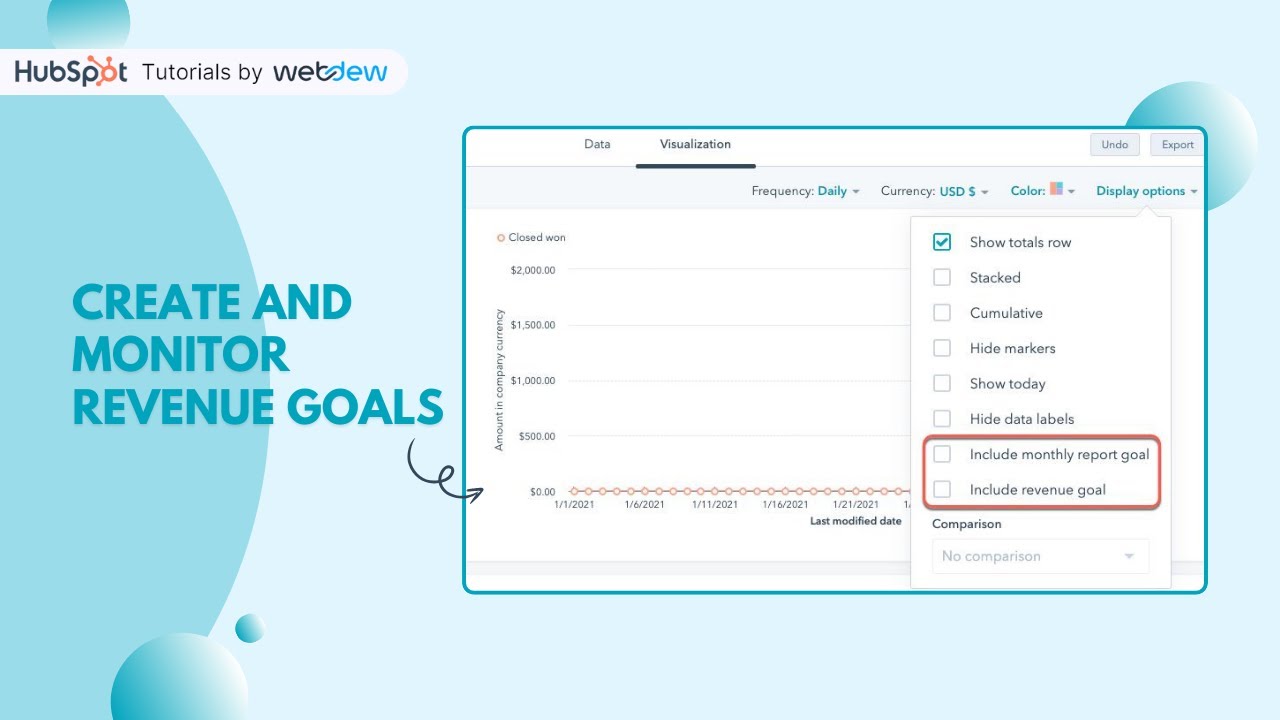
In this HubSpot tutorial, we will walk you through how to create and monitor revenue goals
With goals, managers can create quotas for their sales users and teams. Managers can also assign goals to a pipeline. Goal milestones can be set monthly, quarterly, or annually.
Steps to follow:
To create goals
Step 1. In your HubSpot account, click the settings icon in the main navigation bar.
Step 2. In the left sidebar menu, navigate to Tracking & Analytics and click Goals.
Step 3. In the top right, click Create goal.
Step 4. Select a template or create from starch.
Step 5. In the Name field, enter a goal name.
Step 6. Click the Category dropdown menu and select Sales.
Step 7. Click the Type dropdown menu and select Revenue.
Step 8. Click Next.
Step 9. To enable this feature, under Do you intend to forecast for this goal, select No.
Step 10. Then select Users or Teams. Click the dropdown menu and select the checkboxes next to the users or teams you want the goal to apply to.
Step 11. To set how frequently you want this goal to be met, click the Milestone dropdown menu and select monthly, quarterly, or yearly.
Step 12. Click Next.
Step 13. To assign a pipeline, click the Pipeline dropdown menu and select the pipelines you want to apply the goal to.
Step 14. To set the target amount for each milestone, enter the monthly, quarterly, or yearly amount.
Step 15. To send notifications to users that contribute to the goal, select the checkboxes next to the notifications.
Step 16. Click done
Step 17. To monitor your goals, navigate to goals.
Step 18. Use the dropdown menus to filter your goals by date range, team or user, pipeline, milestone type, status, and progress.
Step 19. To view more details about a specific contributor's goals, hover over the contributor name and click View details.
Step 20. To edit a goal, hover over the contributor and click Edit goal.
Step 21. To delete a goal, select the checkbox next to the contributor, then click Delete.
Step 22. To add a new team member, create a new goal for that team member.
That’s how you can create and monitor revenue goals in HubSpot.
________________________________________________________________________
Follow HubSpot Tutorials by webdew: / @hubspottutorials
With webdew's HubSpot account setup tutorials, you will learn about General, Security, Notifications, Website, Inbox settings, and much more. All the videos that are shared on this Youtube channel will make you run through the HubSpot tool effortlessly.
Moreover, you will learn more about the HubSpot CRM, Marketing Hub, Sales Hub, Service Hub, Reporting, and Dashboards through our videos and see how you can use these tools to leverage HubSpot to benefit your business.
To get access to Webdew’s Weekly Newsletter with tips and tricks for using HubSpot, follow the steps below: https://www.webdew.com/hubspot/newsle...
1. Go to the Webdew website and find the newsletter sign-up form.
2. Enter your email address in the designated field.
3. Click the “Subscribe” button to submit your subscription request.
4. You should receive a confirmation email shortly after, which will ask you to confirm your subscription. Follow the instructions in the email to complete the process.
Once you’ve successfully subscribed to the newsletter, you’ll receive weekly updates and tips on using HubSpot. Keep an eye on your inbox for the latest information and helpful advice.
Get Started with HubSpot with the Free CRM Sign-up:
https://www.hubspot.com/products/get-...
Повторяем попытку...
Доступные форматы для скачивания:
Скачать видео
-
Информация по загрузке: