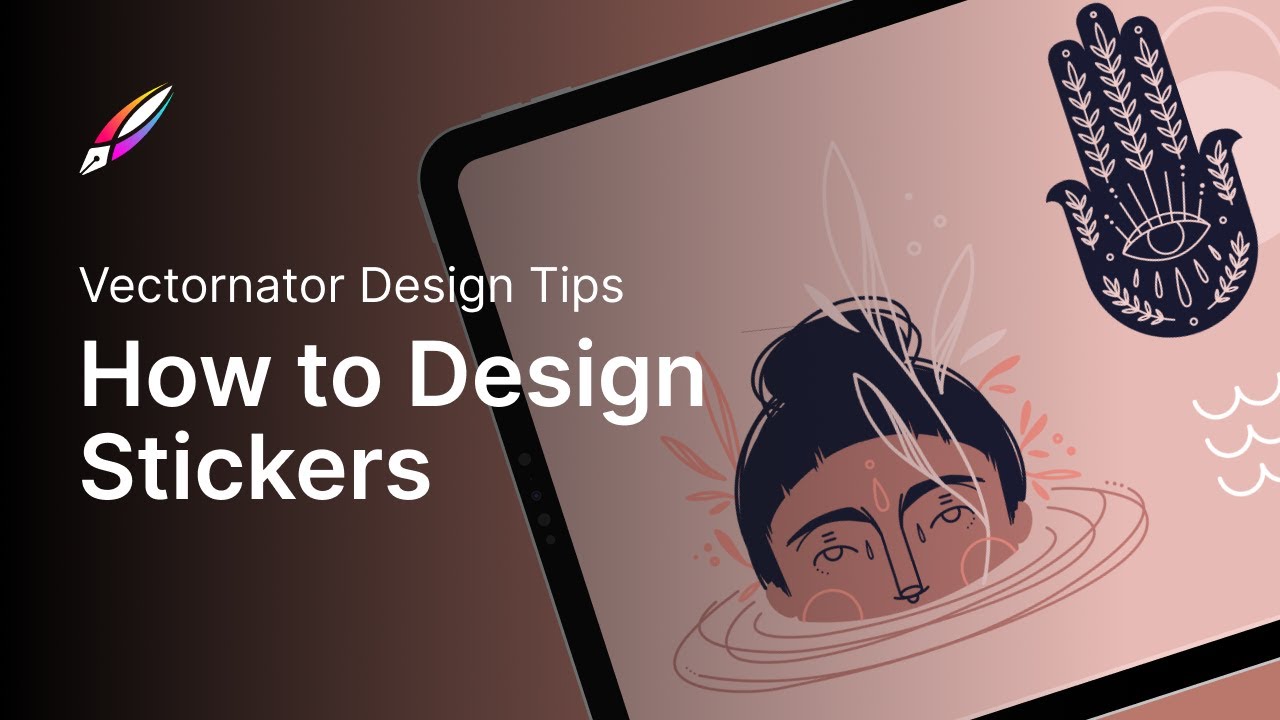
Design a Sticker Sheet with Sandra Staub
Автор: Linearity
Загружено: 2021-12-08
Просмотров: 6277
Описание:
🧘 Stickers are a super fun way to promote your brand. Today we will look at how to design a sticker that isn’t just fun, but it’s a useful marketing tool. OPEN FOR MORE DETAILS
⋯⋯⋯⋯⋯⋯⋯⋯⋯⋯⋯⋯⋯⋯⋯⋯⋯⋯
🚀 Vectornator is available to download here: https://app.adjust.com/89ul0uv
⋯⋯⋯⋯⋯⋯⋯⋯⋯⋯⋯⋯⋯⋯⋯⋯⋯⋯
Hello everyone,
You’re here because you’re thinking about designing a sticker for your business, brand, client, or maybe just for your own personal project. And you realized that the design process is a bit more complex than expected. Anyone can create a sticker, but it takes a bit of skill, practice, and understanding of theory (which is all laid out in this article) in order to get it right.
It’s not just about creating a good-looking design, there are a few things you need to keep in mind from the purpose of your sticker, its messaging, whether it has text on it or not, down to the technicalities, like shape and materials. It’s usually these technical details that prove to be the most challenging. But don’t worry, our step-by-step guide is here to help.
For this video, we collaborated with the amazing Sandra Staub, a Zurich-based illustrator who used Vectorantor to create an entire sticker sheet.
This video is part of a bigger series called Vectornator Tutorials, which is meant to help you become a better illustrator and designer. If this feels too advanced, check out our Academy video series which explains the basics of good design.
There are lots more where this came from. Make sure to subscribe to the Vectornator channel to never miss a thing. And click on a new video to keep learning.
⋯⋯⋯⋯⋯⋯⋯⋯⋯⋯⋯⋯⋯⋯⋯⋯⋯⋯
⚙️ Settings: A6 format, 105 mm by 148 mm
🎨 Color codes:
Dusty pink: E8BAB5
Skin color: DE7F78
Clothes & floral details: CE6D72
Deep blue: 161772
🖨️ Printing requirements:
Convert the file to CMYK
Create cut contours on one single layer. Choose an 100% color, like 100% cyan, for the cut contours
Create bleed
⋯⋯⋯⋯⋯⋯⋯⋯⋯⋯⋯⋯⋯⋯⋯⋯⋯⋯
👩🎨 Illustration credits:
Sandra Staub
@sandra.staub
🤝 Collaborator:
Joëlle Fantoli
@gi_jo
🎵 Music: Habitual Words by Kyle McEvoy
Musicbed SyncID: MB01GHZHLOOBP3R
⋯⋯⋯⋯⋯⋯⋯⋯⋯⋯⋯⋯⋯⋯⋯⋯⋯⋯
Vectornator is the most intuitive and precise illustration software in the galaxy. It empowers you to design anything you can imagine up to 30% faster. Create sophisticated illustrations, spectacular layout mockups, and expressive lettering on the go, whenever you want.
⋯⋯⋯⋯⋯⋯⋯⋯⋯⋯⋯⋯⋯⋯⋯⋯⋯⋯
FIND US ON:
► App Store: https://app.adjust.com/89ul0uv
► Website: https://www.vectornator.io
► Instagram: / vectornatorpro
► Facebook: / vectornator
► Twitter / vectornator
⋯⋯⋯⋯⋯⋯⋯⋯⋯⋯⋯⋯⋯⋯⋯⋯⋯⋯
#illustration #ilustracion #vectornator #vectornatortutorial #designtutorial #vectordesign #stickerdesign #stickers
Повторяем попытку...
Доступные форматы для скачивания:
Скачать видео
-
Информация по загрузке:




![[TUTO] Crée un sticker (contour blanc) sur Procreate & Curve (ancien Vectornator) avec l'Auto Trace](https://image.4k-video.ru/id-video/IHUsDEqw5eU)


