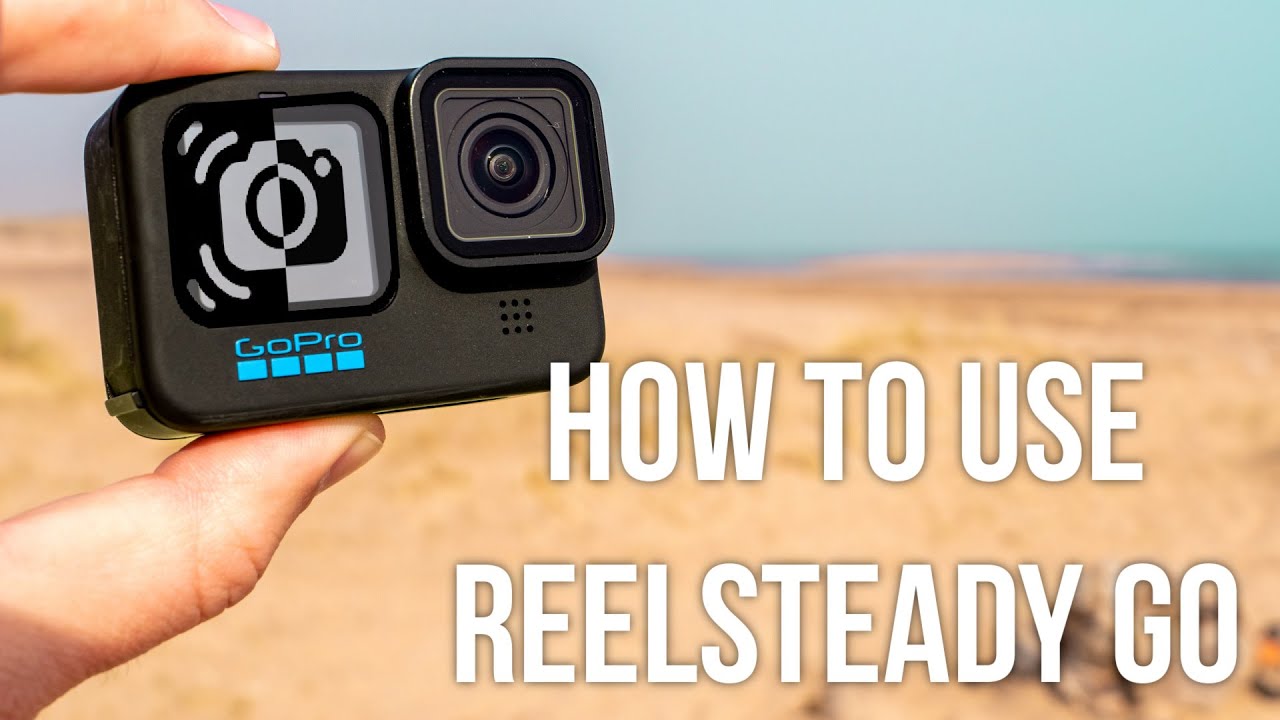
✅ HOW TO USE REELSTEADY GO 2.0 | GOPRO SET UP + RENDER SETTINGS 🤓
Автор: Glen Cairns Video Productions
Загружено: 2022-03-24
Просмотров: 2495
Описание:
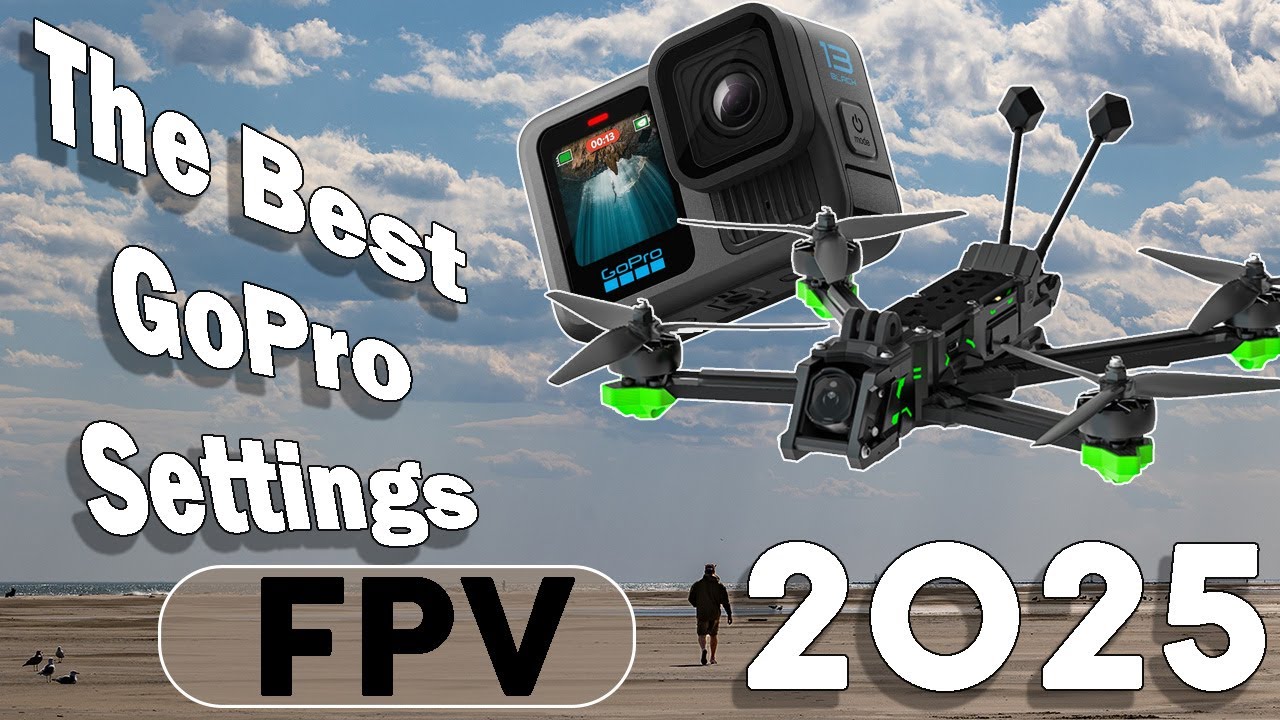
Hello welcome back 😄! In this video I am demonstrating how to set up your GoPro to be used In the software Reelsteady Go and how to render your footage so your footage looks buttery smooth 😎.
GoPro Settings for Reelsteady.
GPS: Off
Any resolution or frame rate 60fps or less as long as the ratio is 4:3, this is important.
Lens: Wide
Hypersmooth: Off
Shutter: 24/25/60 fps = 1/50
50 fps = 1/100
60 fps = 1/120
IMO I like to film in 1/100 simply because you get too much motion blur with 1/50 when your flying fast.
⏱ TikTok: https://vm.tiktok.com/ZMNe3gv4x/
📸. Instagram: https://instagram.com/glencairnsvideo...
🕸 Website: https://www.glencairnsvideoproduction...
🐣 Twitter: / glencairns3
😊📖 Facebook: / glencairnsvideoproductions
🔗🤝 LinkedIn: / glen-cairns-406630163
0:00 Intro
0:30 GoPro Set up for Reelsteady
2:04 GoPro + Reelsteady footage
2:44 How to render Raw GoPro footage in Reelsteady Go
Повторяем попытку...
Доступные форматы для скачивания:
Скачать видео
-
Информация по загрузке: