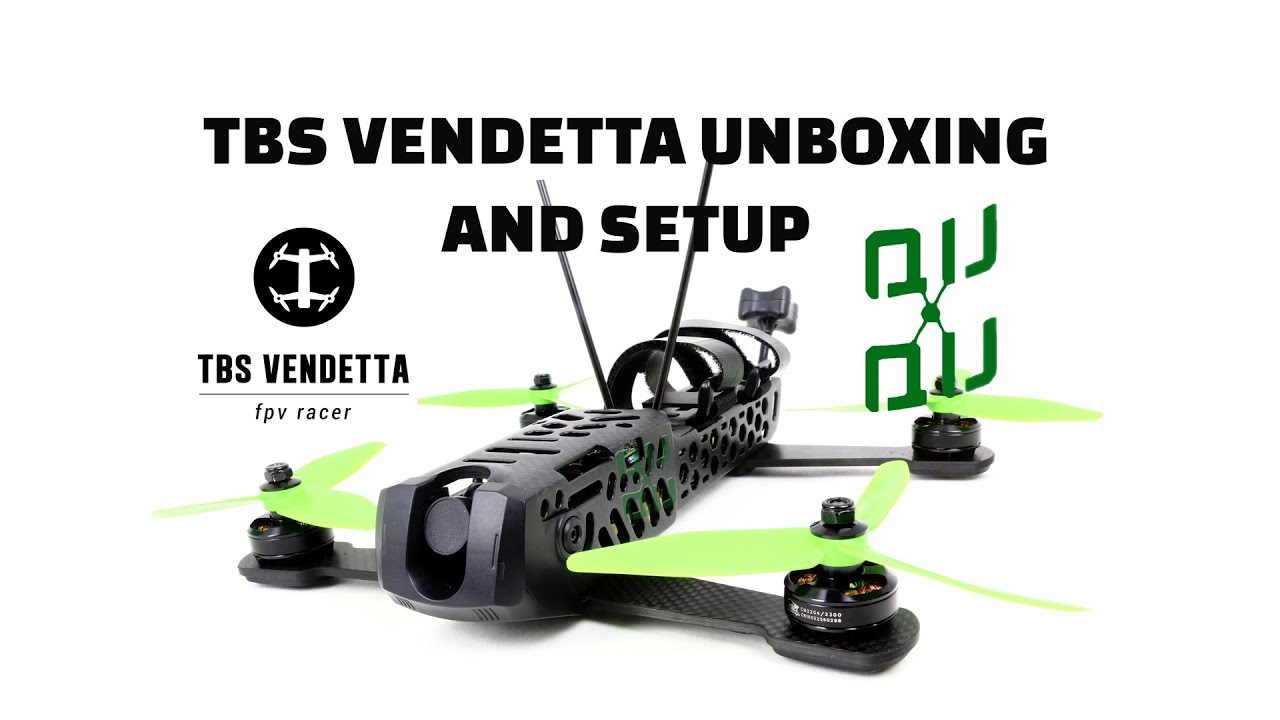
TBS Vendetta unboxing and initial setup.
Автор: QuadQuestions.com
Загружено: 2016-04-14
Просмотров: 34951
Описание:
This is the unboxing and setup video for the Team Blacksheep Vendetta mini Racing Quad. In this video we show you what's included in the box, how the TBS Vendetta is made, The layout of the TBS Vendetta showing the TBS Powercube, TBS Unify Pro, TBS Core Pro, and the TBS Zero Zero Camera. The TBS Vendetta is the latest ready to fly quad from Team Blacksheep and QuadQuestions.com is proud to introduce this quad to the world. -see below for manual link:
-UPDATE- We wrote a quick setup guide for the Vendetta to get in the air-
USE THE OSD! The Vendetta has a setup screen for calibrating your radio and this screen is the initial screen that you will most likely see when powering up for the first time. Make sure your props are removed, then follow the OSD instructions. Setup should be very self-explanatory-
If you need a manual, you should reference this quick guide:
http://quadquestions.com/wp-content/u...
For advanced users, the intuition is to setup with Cleanflight first. If you do this, you will not be able to arm the quad until you exit the setup calibration screen- If you are finding that your Vendetta is just beeping and not arming after setting up with Cleanflight, push and hold the center button on the Core pro for 3-5 seconds to exit the calibration screen on the OSD.
Please post questions at the Q&A at http://Quadquestions.com/qa if you have them, we will be eager to help you get in the air!
Повторяем попытку...
Доступные форматы для скачивания:
Скачать видео
-
Информация по загрузке: