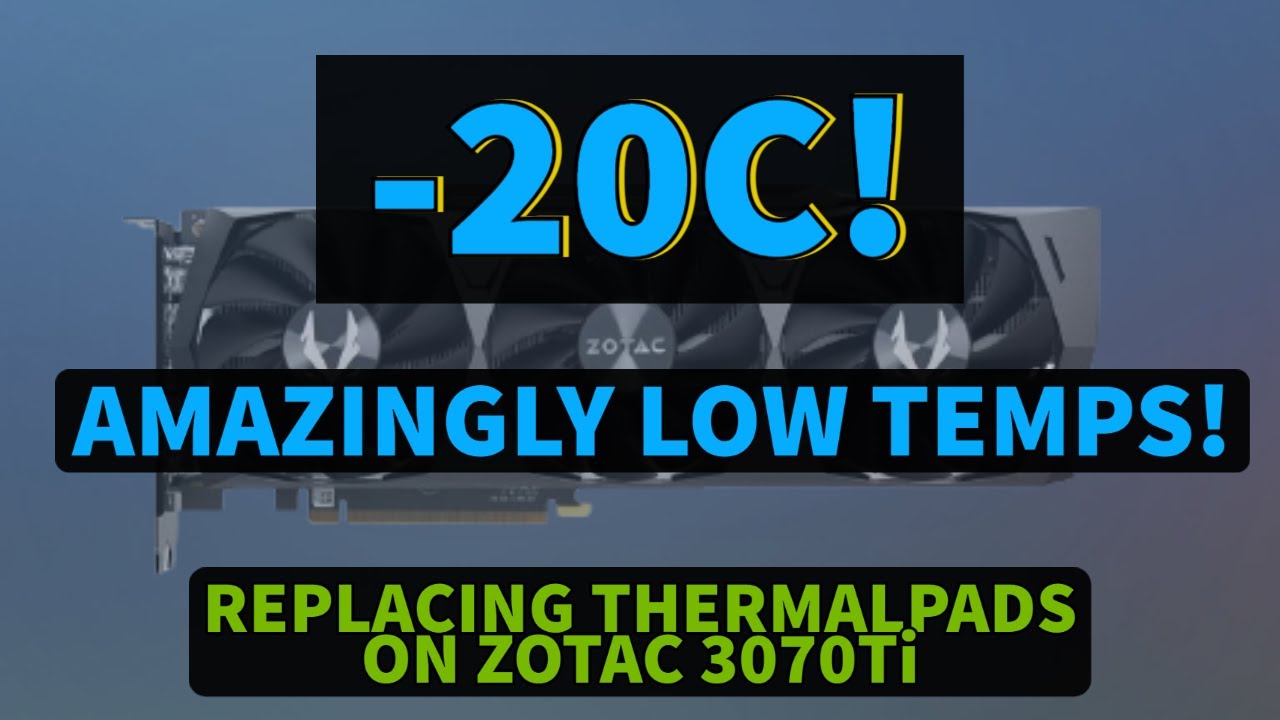
Replacing the thermal pads on Zotac RTX 3070Ti Trinity OC
Автор: JULVEX GAMING
Загружено: 2021-12-06
Просмотров: 34436
Описание:
Hi everyone,
today I'm going to replace the memory thermal pads on the Zotac RTX 3070Ti Trinity OC.
I was reaching almost 102c on the memory temps, the majority of the brands are using really the cheapest and worst thermal pads on the memory just to save those 5$ on these mid-high end GPU's...anyway I just went for the GELID GP Ultimate 1.5mm for the memory on PCB and GELID GP Extreme 3mm for the backplate here the links:
Here there are some measurements to cut the pads as precisely as possible you can:
▪ Memory modules: 45mmx15mm; 40mmx15; 30mmx5mm
▪ Condensator/VRM: 70mmx5mm; 30mmx15mm; 25mmx5mm
▪ Backplate 70mmx13mm approx; 30mmx12mm; 40mmx15mm; 40mmx15mm
I'll leave the chapters in the description in case you want to skip to a specific part.
00:00 Intro Disclaimer
00:10 Intro thermal pads
01:40 Channel intro
01:50 GPU Teardown - Heatsink
03:20 Removing the old thermal pads
04:17 Installing new thermal pads on memory
05:25 Removing the backplate
06:00 Installing thermal pads on the backplate
06:21 Re-Mounting all GPU
07:44 Temp test
09:23 Considerations and final thoughts
09:52 Subscribe
Here you can find the unboxing of the Zotac RTX 3070Ti: • Unboxing and overview of the ZOTAC RTX 307...
Get the Zotac RTX 3070Ti Trinity OC here: https://geni.us/yjK5sJY
Get the thermal pads used in this video here: https://geni.us/pE5mIb
------------------------------------------------
🤳 Gears used:
------------------------------------------------
📸 Sony Alpha A6400, get it here: https://geni.us/R87gcZO
📱 Apple iPhone 15 Pro Max, get it here: https://geni.us/tMoZCG
🎙️ DJI Mic, get it here: https://geni.us/IAj01
🎤 Shure MV7, get it here: https://geni.us/NMRKRdA
⚙️ SSD Lexar NQ790, get it here: https://geni.us/KakHnI
💡 Elgato Key Light, get it here: https://geni.us/AQEGMv
📱 Neweer iPhone Cage, get it here: https://geni.us/DB98l
💡 Neweer Camera lightning kit, get it here: https://geni.us/vzScpKS
------------------------------------------------
=========================
System Used for Testing:
=========================
CPU - Intel Core i9 13900K, get it here: https://geni.us/eifgGH
Motherboard - MSI Z790 Ace, get it here: https://geni.us/HtIrqcO
RAM - Corsair Dominator 64GB, get it here: https://geni.us/ZEEA
GPU - Asus ROG 4090 LC, get it here: https://geni.us/tBAY2
PSU - Asus ROG Thor 1000watts, get it here: https://geni.us/uyudP
Case - Asus Hyperion, get it here: https://geni.us/PAq7yvC
Storage - Corsair MP600 Pro, get it here: https://geni.us/UyBOJE
=========================
Get the best thermal pads for your GPU here: https://geni.us/pE5mIb
Get the best thermal paste for your CPU here: https://geni.us/cR4Mkp
Recommended small compressor for cleaning your PC (and not only): https://geni.us/Q5fdg
If you want to support the channel share a coffee with me here:
https://www.buymeacoffee.com/julvexga...
My other videos on tutorials, reviews, and gaming gear:
• REVIEWS AND GAMING GEARS
If you enjoy watching this video I would appreciate it if you hit that like button, share the video, subscribe to the channel for more content, and turn on the notification bell.
Thanks for watching.
Follow me also here:
Instagram: @julvex_gaming
Twitch: julvex
Twitter: @julvexgaming
DISCLOSURES:
This channel is participating in the Amazon Services Associate Program, an advertising program designed to provide a means for us to earn fees by linking to Amazon.com and affiliated sites.
When you click on and/or purchase through an Amazon affiliate link placed here, we may receive a small commission at no additional cost to you.
Повторяем попытку...
Доступные форматы для скачивания:
Скачать видео
-
Информация по загрузке: