Ciihuy Curved Mesh - Make simple mesh along straight and curved path in Unity
Автор: ThirteeNov Live Coding & Gaming
Загружено: 2025-08-22
Просмотров: 71
Описание:
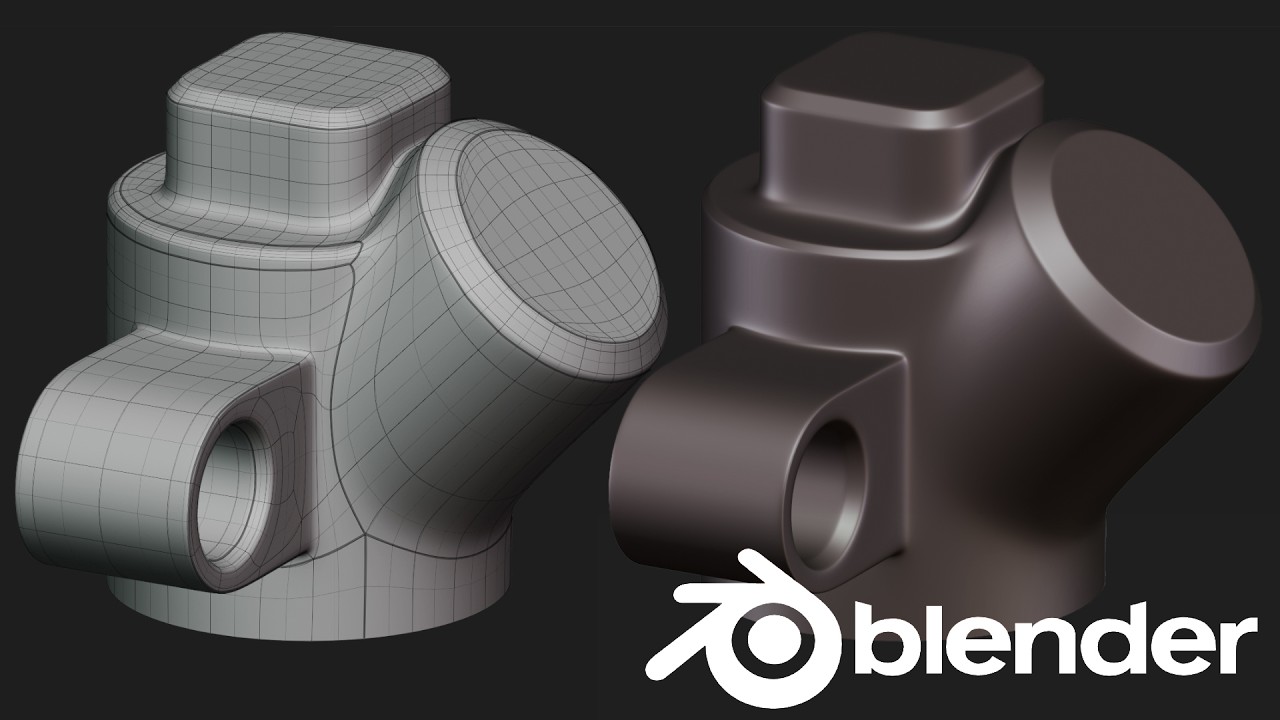
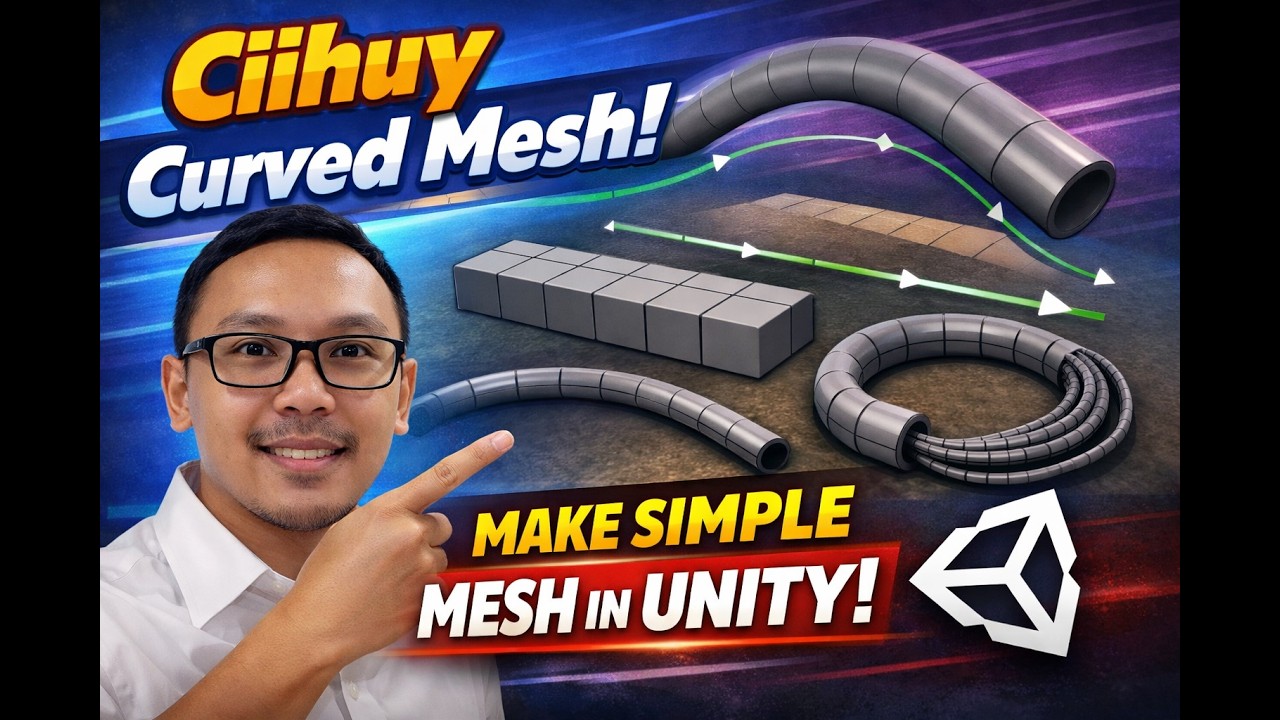
This tool allows you to automatically create pipe or cable meshes in Unity, directly from points you define.
First, add the CiihuyCurvedMesh script to an empty GameObject in your scene.
Then, in the Inspector, you’ll see the Points list. Add several Empty GameObjects to this list as your path points.
The order of these points follows the order in the list, so make sure it matches the path you want.
Next, adjust the Mesh Settings.
'Sides' defines the number of sides of the mesh. Four sides for a box shape, three for a triangle, or a higher value for a tubular look.
'Radius' controls the thickness of the mesh.
You can assign any material you like, such as a cable or pipe material.
If the mesh looks inverted, enable the 'Invert Normals' option.
Under Curve Settings, adjust 'Segments Per Curve'.
A lower value creates straighter lines, while a higher value makes the path smoother and more curved.
You’ll see the mesh generated directly in the Scene View.
If you move the Empty GameObjects, the mesh updates automatically, even without hitting Play.
This tool is perfect for creating cables, pipes, rails, or curved paths in your project, and it’s lightweight enough for mobile use.
Have fun experimenting, and create unique paths to bring your ideas to life!
Get the script here:
https://thirteenov.ciihuy.com/make-ob...
Повторяем попытку...
Доступные форматы для скачивания:
Скачать видео
-
Информация по загрузке: