Stop Retyping PDFs! This FREE OCR Tool Does It for You
Автор: OnlyDoc
Загружено: 2026-10-15
Просмотров: 94
Описание:
Can't copy text from a PDF? Can't search for words in a scanned document? 📄🔍
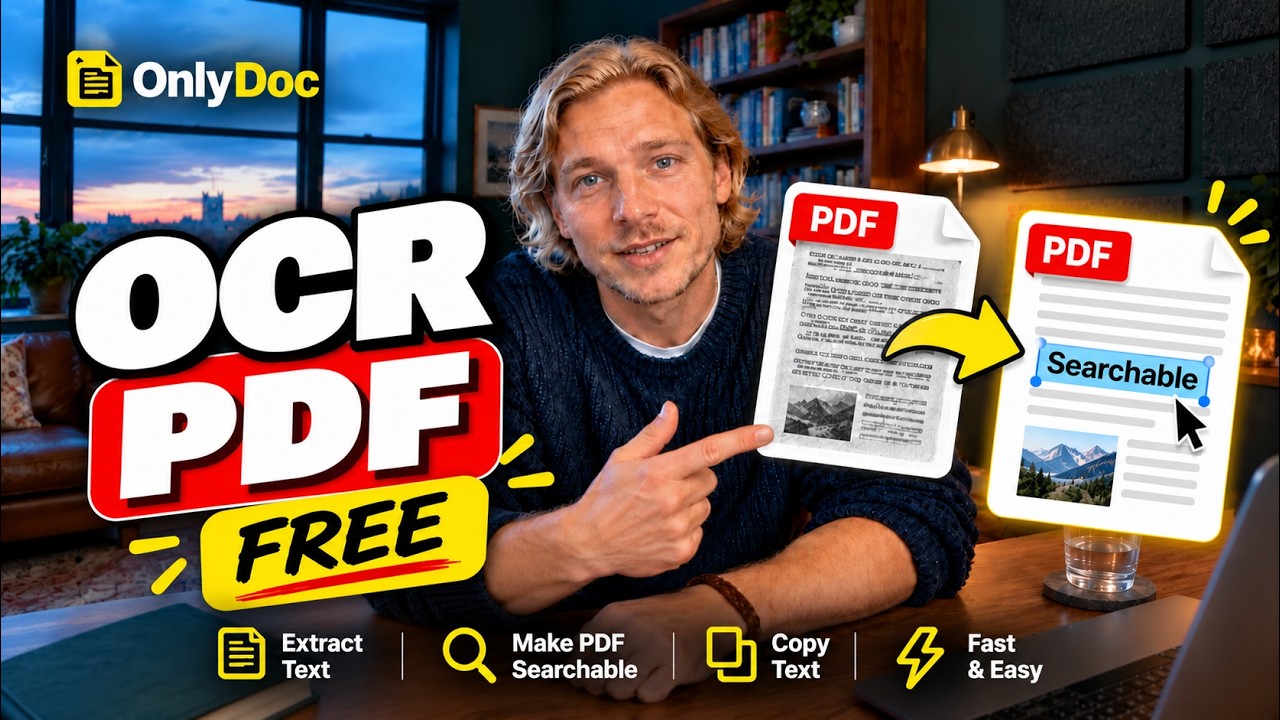
Turn scanned PDFs into searchable, selectable text with *OnlyDoc's FREE OCR PDF tool!* No more retyping entire documents or struggling with PDFs that behave like images.
🔗 *OCR PDF for FREE:* https://onlydoc.com/pdf-ocr
✨ *Why use OnlyDoc OCR PDF?*
✅ *100% FREE* — no hidden fees
✅ *No registration required* — start right away
✅ *Extract text from scanned PDFs* — save time on manual typing
✅ *Make PDFs searchable* — find the information you need
✅ *Copy and select text* — work with previously unselectable content
✅ *Fast & easy* — no software installation needed
🚀 *How to OCR a PDF for FREE:*
1️⃣ Upload your scanned PDF to OnlyDoc.
2️⃣ Let the OCR technology recognize the text in your document.
3️⃣ Download your processed PDF and start working with the recognized text!
Whether you're dealing with scanned contracts, invoices, receipts, study materials, or business documents, OnlyDoc helps you turn image-based PDFs into useful, searchable documents.
💡 *Stop retyping. Start using OCR!*
👉 Try OnlyDoc's FREE OCR PDF tool: https://onlydoc.com/pdf-ocr
👍 Found this helpful? Give the video a like!
🔔 Subscribe for more FREE PDF tools, document tutorials, and productivity tips.
#OCRPDF #FreeOCR #PDFOCR #ScannedPDF #OnlyDoc #PDFTools
Повторяем попытку...
Доступные форматы для скачивания:
Скачать видео
-
Информация по загрузке: