Fix Wireless Printer Wont Connect to Wi Fi After Network
Автор: Fixyypedia
Загружено: 2026-11-23
Просмотров: 3
Описание:
Fix Wireless Printer Wont Connect to Wi Fi After Network
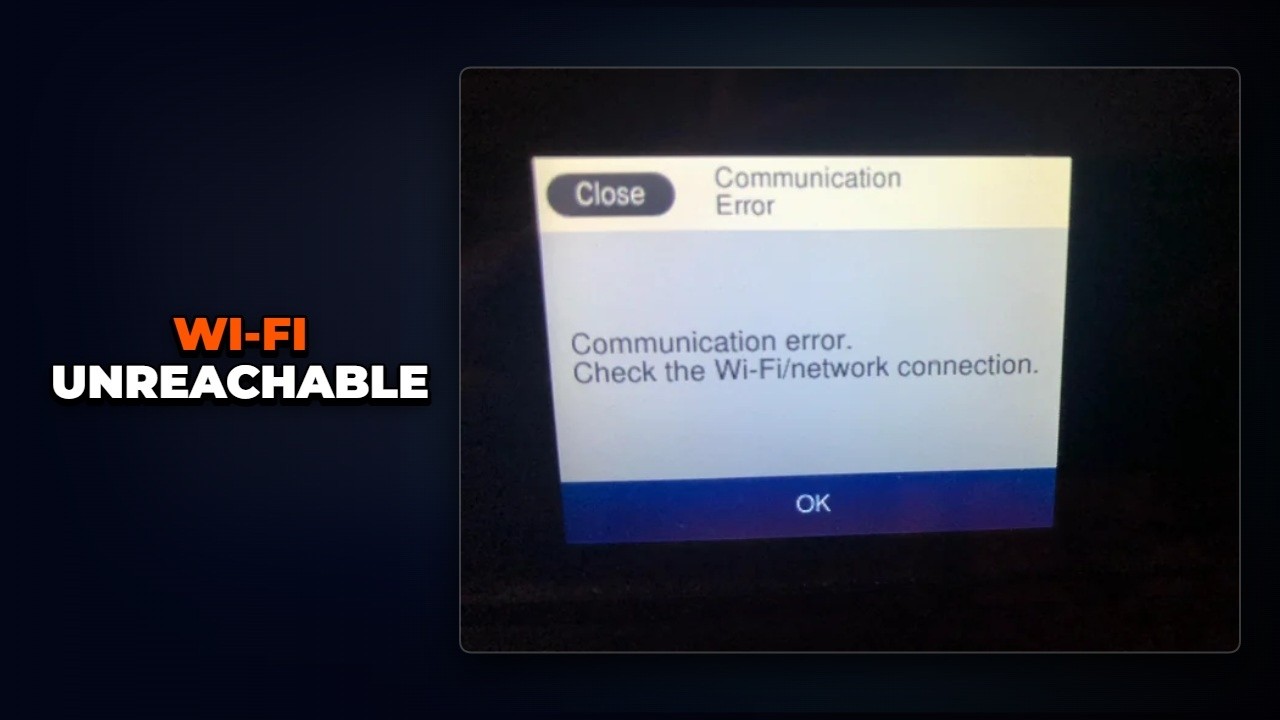
When your wireless printer suddenly refuses to connect to Wi-Fi after a network change, it often stems from outdated network profiles or IP address conflicts. This guide provides definitive solutions to connect HP printer to WiFi without app, ensuring your HP DeskJet printer connects to WiFi seamlessly. We address common issues preventing your printer from establishing a stable wireless connection.
Timestamps:
00:00 - Intro & Failure Analysis
00:32 - Method 1: Primary Diagnostic & Service Configuration
00:48 - Method 2: Verified System Workaround & Cache Reset
01:05 - Method 3: Subsystem Registry & Policy Restoration
01:22 - Method 4: Advanced Security & Permission Refresh
Technical FAQ & Root Cause Diagnostics:
Q: How do I get my wireless printer to connect to my Wi-Fi?
A: To connect your wireless printer, first ensure your router is broadcasting the correct Wi-Fi band, then use the printer's control panel or a dedicated mobile app to select your network and enter the password, similar to how you connect HP printer to WiFi on phone.
Q: How do I manually connect to Wi-Fi?
A: You can manually connect by accessing the printer's network setup menu, scanning for available networks, selecting your SSID, and inputting the Wi-Fi password directly, which is often done for Canon printers.
Q: How do I reconnect my printer to a new Wi-Fi network?
A: Reconnecting your printer to a new Wi-Fi network typically involves resetting its network settings to factory defaults, then performing a fresh setup to connect HP printer to new WiFi password or other brands.
Q: How do I reconnect my HP printer to Wi-Fi?
A: To reconnect your HP printer to Wi-Fi, use the HP Smart app, the printer's control panel, or the WPS push-button method on your router, which helps connect HP printer to internet and then connect printer to computer wirelessly.
#ConnectHp #ToConnect #ConnectPrinter
Повторяем попытку...
Доступные форматы для скачивания:
Скачать видео
-
Информация по загрузке: