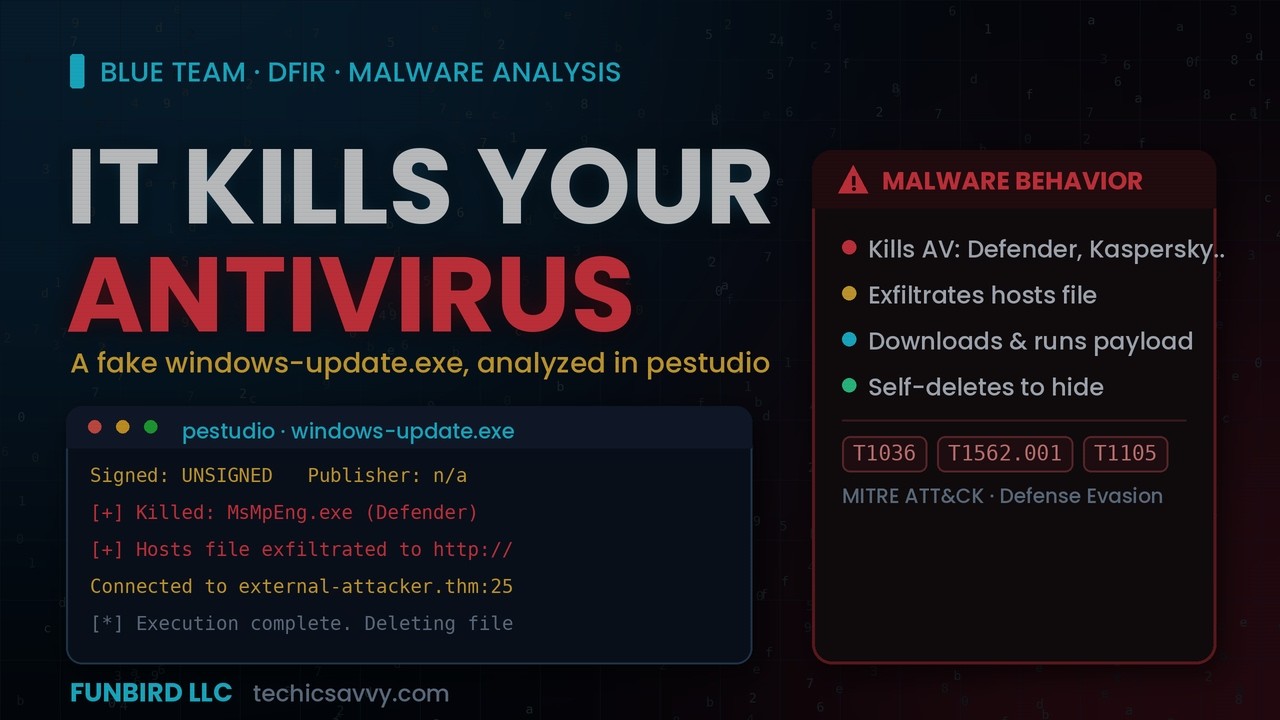
This FAKE Windows Update KILLS Your Antivirus | Static Malware Analysis (pestudio)
Автор: FUNBIRD LLC
Загружено: 2026-06-28
Просмотров: 18
Описание:
Someone dropped "windows-update.exe" on the desktop. It's unsigned, it has no publisher,
and the deeper you look, the worse it gets. In this static malware analysis walkthrough I
triage the file from start to finish WITHOUT ever running it — using pestudio and
Sysinternals — and the imports and strings reveal the whole story: this thing downloads a
payload, exfiltrates the hosts file to an attacker's server, hunts down and KILLS your
antivirus (including Windows Defender), then deletes itself to cover its tracks.
This is exactly how a malware analyst / DFIR investigator performs an initial assessment.
🔍 WHAT YOU'LL LEARN
Setting up a DFIR / malware analysis toolkit (pestudio, Sysinternals, HxD, and more)
Safe static analysis: fully assessing a binary without executing it
Reading PE metadata in pestudio (type, entropy, entry point, linker, PDB path)
Pulling MD5 / SHA1 / SHA256 + imphash with Sysinternals sigcheck
Why "Unsigned + no publisher + suspicious PDB path" is an instant red flag
Reading flagged imports (WS2_32, WININET, urlmon = network/download capability)
Using strings to understand malware behavior fast
Recognizing AV-killing, C2 exfiltration, and self-deletion behavior
Mapping everything to MITRE ATT&CK
🚩 WHAT THE MALWARE ACTUALLY DOES
Unsigned, fake "Windows Update" — no publisher/company, suspicious PDB path
Imports flagged: WS2_32.dll · WININET.dll · urlmon.dll (network + download)
Enumerates & kills AV: MsMpEng (Defender), avp (Kaspersky), avg, avguard, bdagent
Downloads & executes a payload (security-update.exe), then self-deletes
Exfiltrates the hosts file via HTTP POST to a C2; connects to external-attacker.thm:25
sha256: B2A88DE3E3BCFAE4A4B38FA36E884C586B5CB2C2C283E71FBA59EFDB9EA64BFC
🗺️ MITRE ATT&CK
T1036 — Masquerading (posing as Windows Update)
T1562.001 — Impair Defenses: Disable or Modify Tools (killing AV)
T1105 — Ingress Tool Transfer (download)
T1071.001 — Application Layer Protocol: Web Protocols (C2)
T1041 — Exfiltration Over C2 Channel
T1070.004 — Indicator Removal: File Deletion (self-delete)
⏱️ CHAPTERS (adjust to your final cut)
00:00 A suspicious windows-update.exe
00:45 Setting up the DFIR toolkit
01:40 Opening it in pestudio (safe — no execution)
02:40 PE metadata: type, entropy, entry point
03:40 Signature & hashes with sigcheck — UNSIGNED
04:40 The PDB path that gives it away
05:40 Flagged imports: WS2_32 / WININET / urlmon
06:40 Reading the strings
07:40 It kills your antivirus (Defender, Kaspersky…)
08:40 Hosts file exfiltration + C2
09:40 Download payload & self-delete
10:30 MITRE ATT&CK mapping & recap
🛠️ TOOLS USED
pestudio (Malware Initial Assessment)
Sysinternals — sigcheck, listdlls
strings + findstr
Perfect if you're learning malware analysis, blue team, or DFIR — or studying for
CompTIA CySA+ / Security+.
👍 Like if you'd have caught it, subscribe for more malware analysis & blue team
walkthroughs, and comment the next sample you want me to break down.
🔗 More cybersecurity guides, tools & study resources: https://techicsavvy.com
#MalwareAnalysis #DFIR #BlueTeam #pestudio #Cybersecurity
---
FUNBIRD LLC | techicsavvy.com
DISCLAIMER: For educational and defensive security purposes only. Analyze malware
only in an isolated lab environment.
Повторяем попытку...
Доступные форматы для скачивания:
Скачать видео
-
Информация по загрузке: