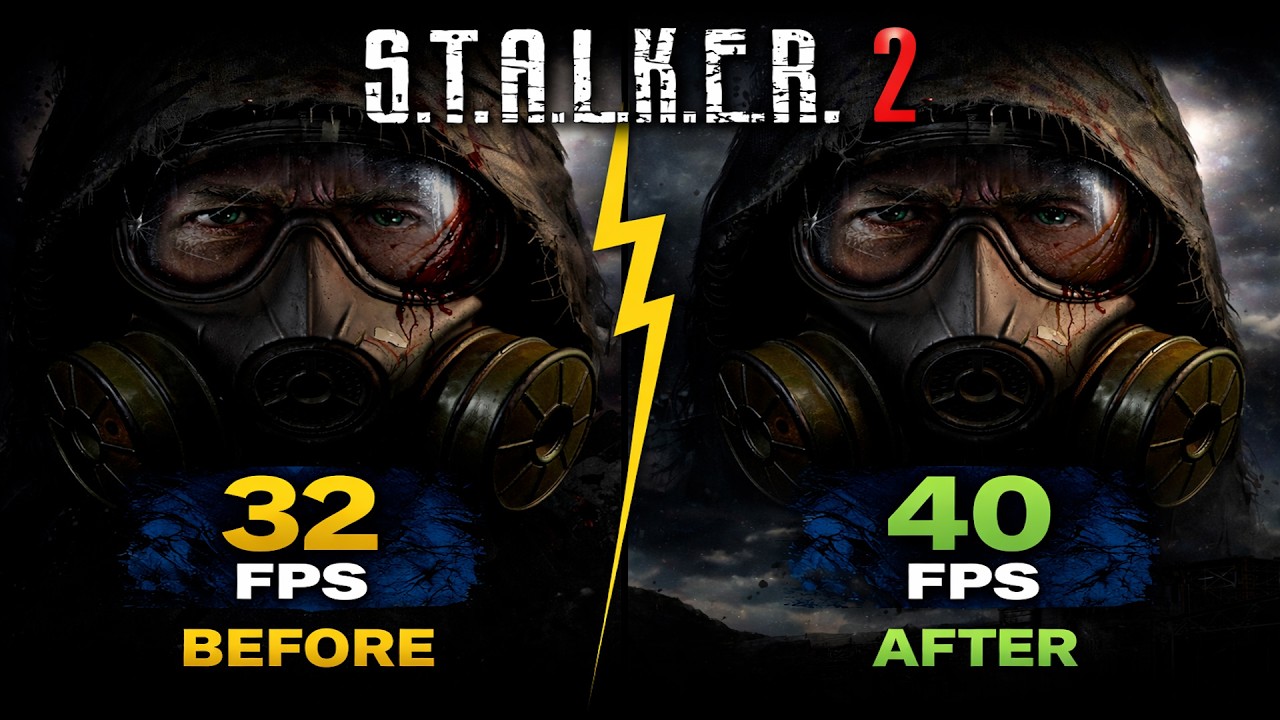
STALKER 2: Best PC Settings After Patch - Optimize FPS & Fix Stutters
Автор: FPS VAULT
Загружено: 2026-02-07
Просмотров: 208
Описание:
Struggling with low FPS or stutters in STALKER 2: Heart of Chornobyl? In this definitive guide, we dive DEEP into every graphics setting to find the perfect balance between maximum performance and visual fidelity. We’ve done all the testing so you don’t have to.
⏱️ Timestamps:
00:00 intro
00:37 8GB is not enough
01:35 texture quality
02:13 hair quality
02:36 object detail
03:01 effects quality
03:25 material quality
03:43 post processing quality
04:05 motion blur quality
04:17 depth of field quality
04:32 light shafts
04:55 upscaling method
05:32 shading quality
05:55 global illumination quality
06:42 reflection quality
07:09 shadow quality
08:18 cloud quality
08:42 fog quality
09:18 sky quality
09:42 foliage quality
10:13 environment draw distance
10:38 optimized settings
10:48 comparison
11:03 outro
⚙️ Our Test Rig:
• GPU: NVIDIA GeForce RTX 3050 8GB
• CPU: Intel Core i5 13400F
• RAM: 32GB DDR5
• Resolution: 1080p
📌 Why trust this guide?
We tested every single graphics option in STALKER 2’s demanding Unreal Engine 5 environment, measuring actual FPS impact across different scenes. Unlike generic recommendations, our settings are based on real performance data to eliminate stutters while keeping the Zone looking atmospheric.
💬 Join the discussion!
What settings worked best for your PC? Share your results in the comments below! If this guide boosted your FPS, please like and subscribe for more in-depth PC optimization content every week.
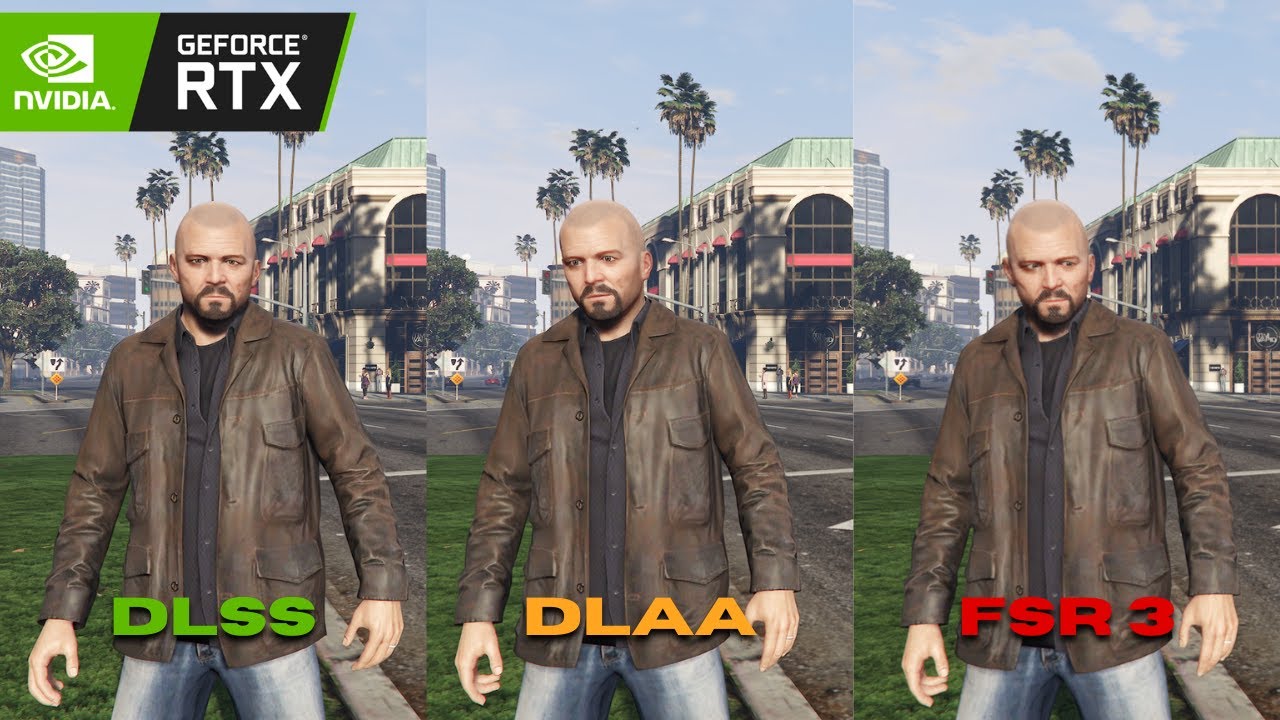
🔎 Related searches: STALKER 2 best settings, STALKER 2 FPS fix, STALKER 2 graphics optimization, STALKER 2 PC performance, STALKER 2 stutter fix, DLSS vs FSR STALKER 2, Unreal Engine 5 optimization
#STALKER2 #OptimizationGuide #PCGaming #GamingTips #HeartOfChornobyl #FPSBoost #GraphicsSettings #STALKER2PC #GamingPerformance
Повторяем попытку...
Доступные форматы для скачивания:
Скачать видео
-
Информация по загрузке: