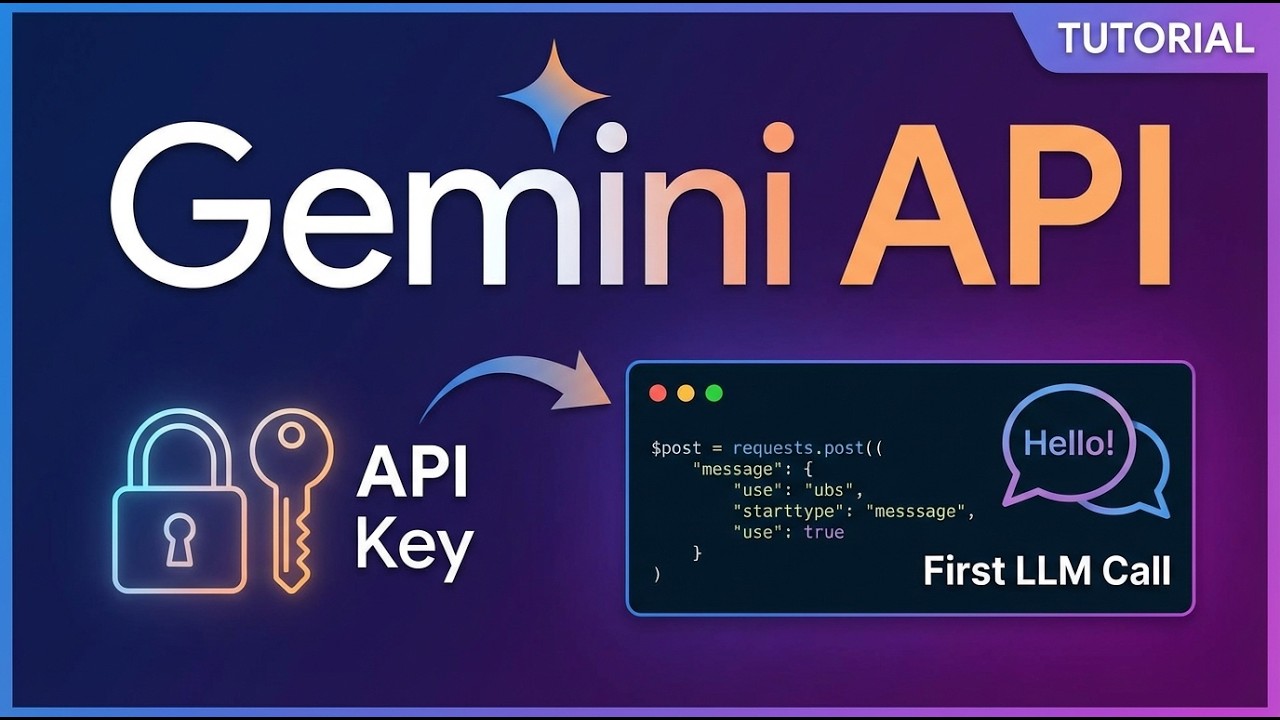
Gemini API Tutorial: From API Key to Your First LLM Call - Complete Walkthrough"
Автор: Code With Robby🤖
Загружено: 2026-01-20
Просмотров: 82
Описание:
In this video, you’ll learn how to make your very first call to a large language model using Google’s Gemini API. I walk you through getting a free Gemini API key, setting up your environment securely with a .env file, and using Google Colab to build everything step by step.
We start by generating a Gemini API key from Google AI Studio, then move into Google Colab to create a notebook and safely store your key. From there, I explain how to load environment variables, initialize the OpenAI SDK with a custom base URL for Gemini, and send your first prompt to the model.
By the end of this video, you’ll understand how LLM API calls work, how to securely manage API keys, and how to interact with Gemini using familiar OpenAI-style syntax. A GitHub link is included in the description so you can copy the code or follow along as you build it from scratch.
If you’re new to AI, LLMs, or Gemini and want a clear, beginner-friendly walkthrough, this video is a great place to start.
Google AI Api Keys: https://aistudio.google.com/app/api-keys
Google Colab: https://colab.research.google.com/
Timestamps:
0:00 What this video covers and what you’ll build
0:19 How to get your free Gemini API key
0:43 Setting up Google Colab and a secure .env file
1:07 Making your first Gemini LLM API call
Повторяем попытку...
Доступные форматы для скачивания:
Скачать видео
-
Информация по загрузке: