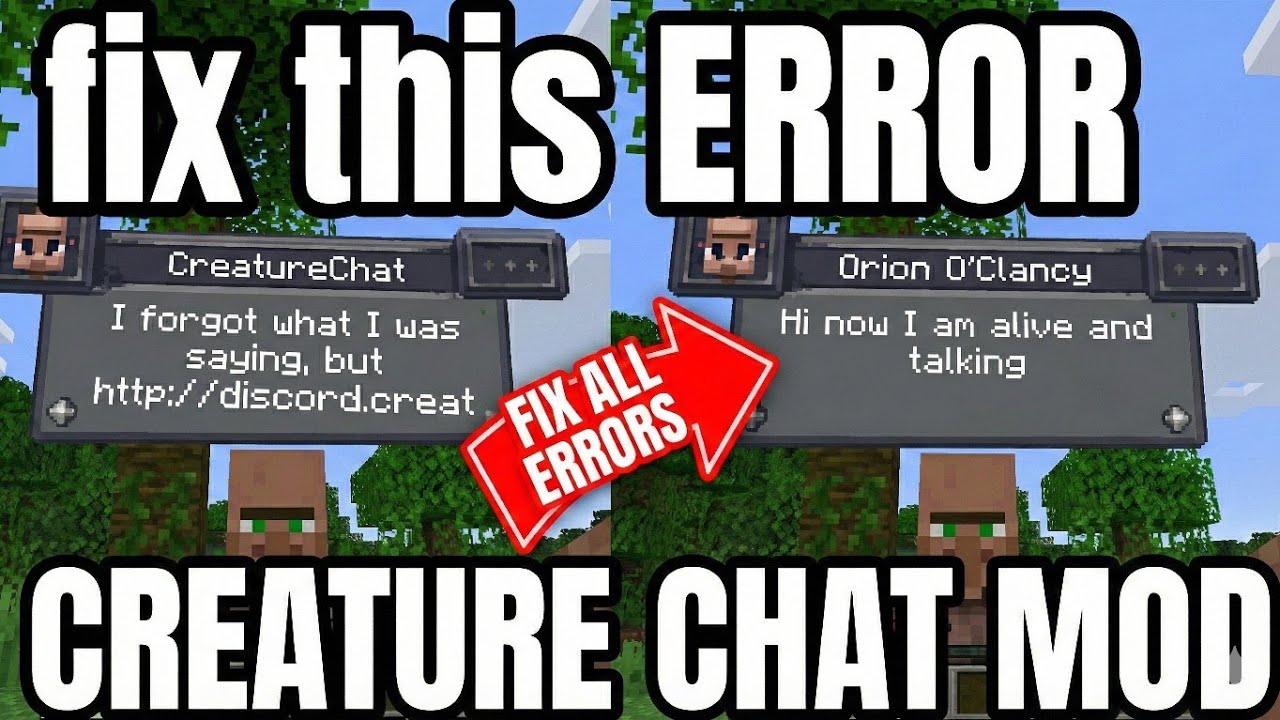
Fix ALL Creature Chat Errors (Discord, Timeout, API, No Internet) Easy Local LLM Setup Ollama Guide
Загружено: 2024-09-17
Просмотров: 17609
Описание:
fix discord error in creaturechat mod | how to use creaturechat | creature chat | creaturechat | creaturechat mod | fix creaturechat error
Here we are setting up groq API for CreatureChat minecraft mode, If u are in the description for commands make sure to subscribe to appreciate my work, so that i can create more videos like these. #creature #chat #mod #creaturechat
RUN THESE COMMANDS (LLM SET UP)
1️⃣ COMMAND ONE : (This is just where is your model is running)
/creaturechat url set "http://localhost:11434/v1/chat/completions"
2️⃣ COMMAND TWO : ( lamma3 or any model u want to use)
/creaturechat model set llama3
3️⃣ COMMAND THREE : (I don't know what it is but they want us to do it so do it)
/creaturechat timeout set 0
🚀 UPGRADE TO SPEED Recommended (Because is slow as hell for most people) :
► WATCH PART 3 (Groq API Setup): • CREATURECHAT FREE API setup using GROQ | M...
(Watch this if the Local LLM is lagging or too slow for you!)
WATCH PART 3 THIS :
PART 1 : INSTALL creatureChat minecraft mod
Link • How to Talk to Mobs in Minecraft for FREE ...
PART 2 : install LLM for creatureChat to work
Link (THIS IS THE PART 2 NOOB)
PART 3 : GROQ API SETUP FOR CreatureChat mod
Link • CREATURECHAT FREE API setup using GROQ | M...
Timestamp:
00:00 Intro: Fixing the "Discord Link" Error
00:18 Step 1: Downloading Ollama (Required for Local AI)
00:57 Step 2: Installing Llama 3 Model (Command Prompt)
02:17 TinyLlama vs Llama 3 (Speed Comparison)
02:54 Step 3: Connecting Minecraft to AI (In-Game)
03:22 Command 1: Set the Localhost URL
03:34 Command 2: Select Your Model (Llama 3)
03:56 Command 3: Fix "Request Timed Out" Error
04:41 Applying Settings for Llama 3
05:14 Live Test: Talking to Mobs
06:06 Why is it slow? (Groq API Fix Preview)
06:22 Outro: Watch Part 3 for Speed!
Повторяем попытку...
Доступные форматы для скачивания:
Скачать видео
-
Информация по загрузке: