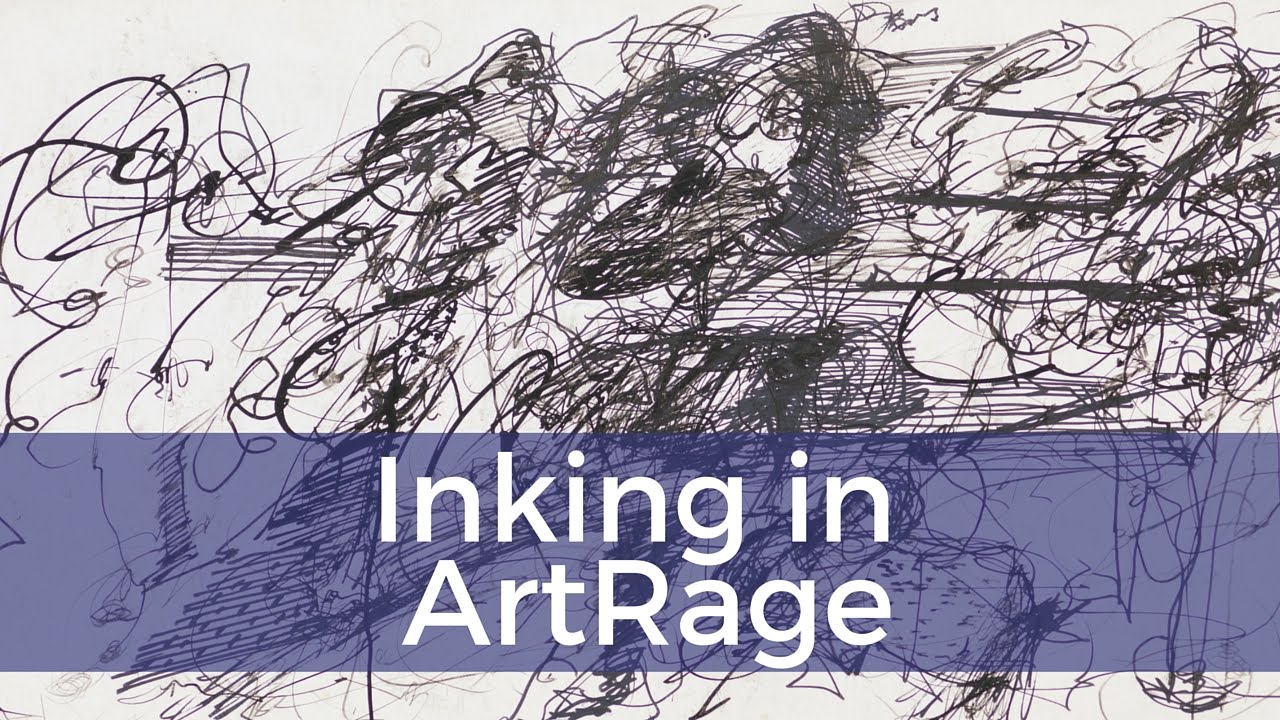
Inking in ArtRage
Автор: The Digital Painter
Загружено: 2016-01-20
Просмотров: 4265
Описание:
http://www.thedigitalpainter.com
/ the-digital-painter-438606993010878
/ adigitalpainter
/ adigitalpainter
http://tapdcreations.deviantart.com/
Now that we've seen how to ink digitally in Photoshop, I thought it was a good time to look at some other programs and how they treat digital inking. What you're going to find is that they all work a bit differently, ut in the end attempt to achieve the same thing. Nice clean lines that still have emotion.
Smooth Inking in ArtRage
ArtRage has a little something extra, but is also missing just a little bit when it comes to digital inking. The biggest thing it offers is the ability to smooth your line after it has been drawn. That means if your hand isn't as steady as you'd hoped it would be, you can still finish with a line you can be proud of. The amount of smoothing can be adjusted easily, but you have to be careful. If you smooth too much, you can lose sharp angles in your drawing.
The downside of ArtRage is the inability to give character to your line. You can get slightly ragged edges, but not like those that are created in Photoshop. If you move into the Sticker Spray tool, you have a much wider array of abilities. But not in the actual inking tool. This can be a little frustrating, but if the line created in ArtRage is to your liking, then you've hit the perfect tool to use.
So really it comes down to taste. Though not to my liking, it may be exactly what someone else is looking for.
Leave Me a Question or Feedback
I'm always happy to hear from you about what I talk about on The Digital Painter Vidcast. So feel free to leave me a message through one of the following ways:
Comment on this post.
Leave me an email at [email protected]
Tweet at me - @ADigitalPainter
http://www.thedigitalpainter.com.
Digital watercolor. Sometimes I think it's a myth. I can replicate parts of it in a multitude of programs. But Photoshop watercolor has always eluded me.
Until now.
Kyle Webster is a master at Photoshop brushes. I came across his brushes while looking to create some effect on some of my digital photography. And I will admit, I've fallen in love.
Digital Watercolor That Feels Real
My major problem in all digital watercolor ventures has been that it's hard to create the feeling. And yes, I mean feeling. There is an emotion that goes along with watercolor, and if it's not there it feels fake and flat.
Kyle's watercolor brush set though has a liveliness to it. A playfulness. Now, understand there is a certain amount skill needed for it to get just that right look. But with a bit of practice, it should come together pretty easy.
So if you can, give them a try. You can find his website at http://www.kyletwebster.com/ and his brushes for sale at https://gumroad.com/kyletwebster. And if you do use them, let me know what you like about them in the comments below.
Leave Me a Question or Feedback
I'm always happy to hear from you about what I talk about on The Digital Painter Vidcast. So feel free to leave me a message through one of the following ways:
Comment on this post.
Leave me an email at [email protected]
Tweet at me - @ADigitalPainter
As always, this this video is for educational purposes.
For more information on The Digital Painter, stop by http://www.thedigitalpainter.com.
Повторяем попытку...
Доступные форматы для скачивания:
Скачать видео
-
Информация по загрузке:








![Почему работает теория шести рукопожатий? [Veritasium]](https://imager.clipsaver.ru/ggI1xKzoANs/max.jpg)