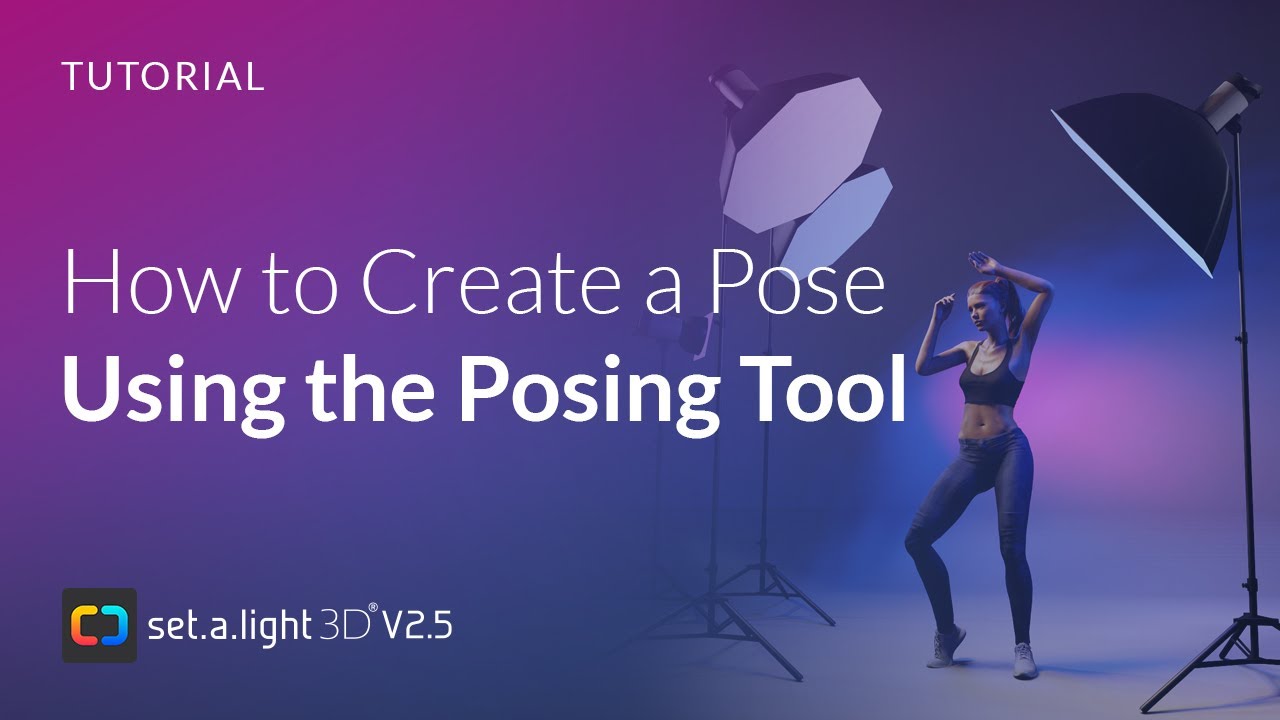
The Posing Mode - How to create your own poses
Автор: elixxier Software
Загружено: 2020-02-18
Просмотров: 15127
Описание:
After watching this video, you will be able to create, customize, and save your own poses efficiently.
What you will learn:
• How the Posing Tool works
• How to create and refine custom poses
• The difference between Simple Mode and Advanced Mode (toggle with key X)
• How to place the pivot point on selected objects using key F
• How to move the pivot point with the left mouse button and space key
• How to reset individual body parts
• How to create pose groups and save poses
• How to use the Pose Slider for precise adjustments
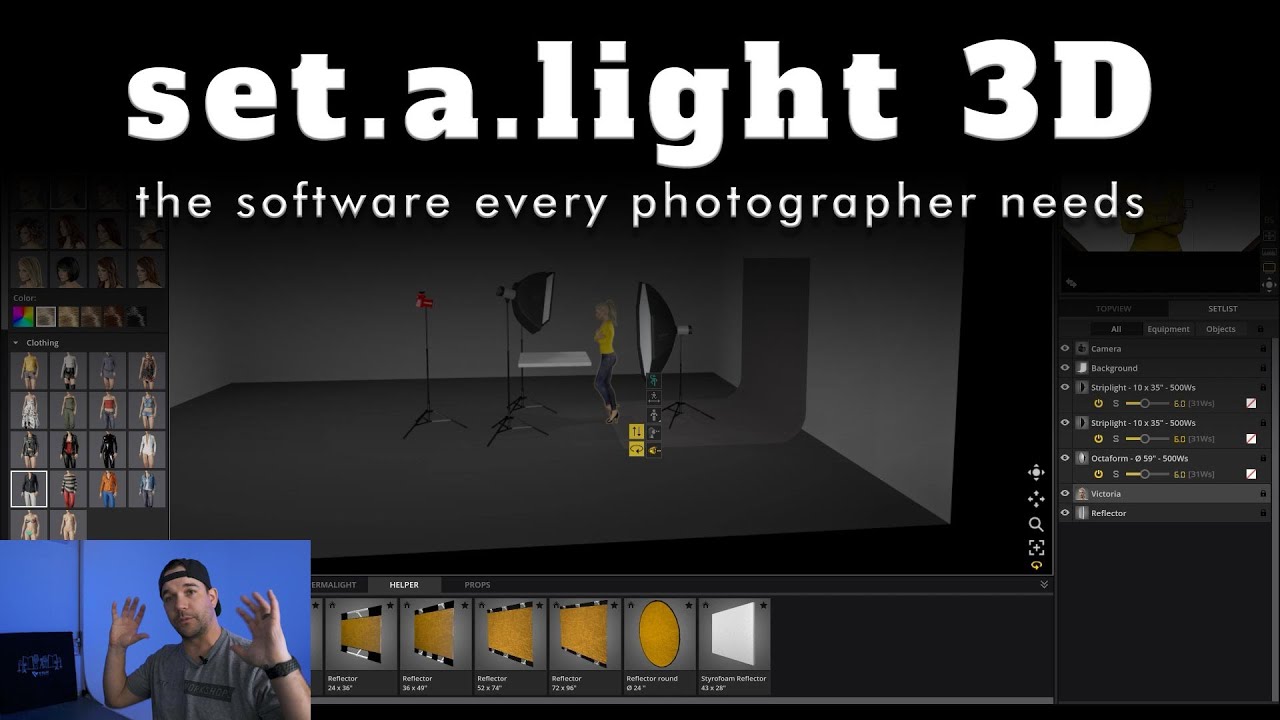
Mastering the Posing Tool will help you create realistic and dynamic character positions, perfect for previsualizing your shoots in set.a.light 3D.
All information about set.a.light 3D V2 can be found here:
https://www.elixxier.com/en/products/...
Try set.a.light 3D for free:
https://www.elixxier.com/en/downloads/
Find everything about set.a.light 3D in our documentation:
https://www.elixxier.com/en/docs/
Quick overview of set.a.light 3D:
[https://www.elixxier.com/en/set-a-lig…](https://www.elixxier.com/en/set-a-lig...)
Learn all about the technology and features of set.a.light 3D:
[https://www.elixxier.com/en/set-a-lig…](https://www.elixxier.com/en/set-a-lig...)
Find the latest topics in our blog:
https://blog.elixxier.com/
Scroll down and subscribe to our newsletter:
https://www.elixxier.com/en/
#elixxiersoftware #sal3d #lightsimulation #software #softwareforphotographers #photography #film #lightsimulator #3dsoftware #virtualstudio #lightstudio #lightsetup
Повторяем попытку...
Доступные форматы для скачивания:
Скачать видео
-
Информация по загрузке: