How to Switch Between Courses in Coursera
Автор: SwiftFixer
Загружено: 2025-08-10
Просмотров: 70
Описание:
Switching between courses on Coursera is simple and seamless, especially if you're enrolled in multiple programs at once. Whether you’re working through several individual courses, a specialization, or professional certificates, Coursera allows you to navigate between your active courses without needing to unenroll or restart your progress.
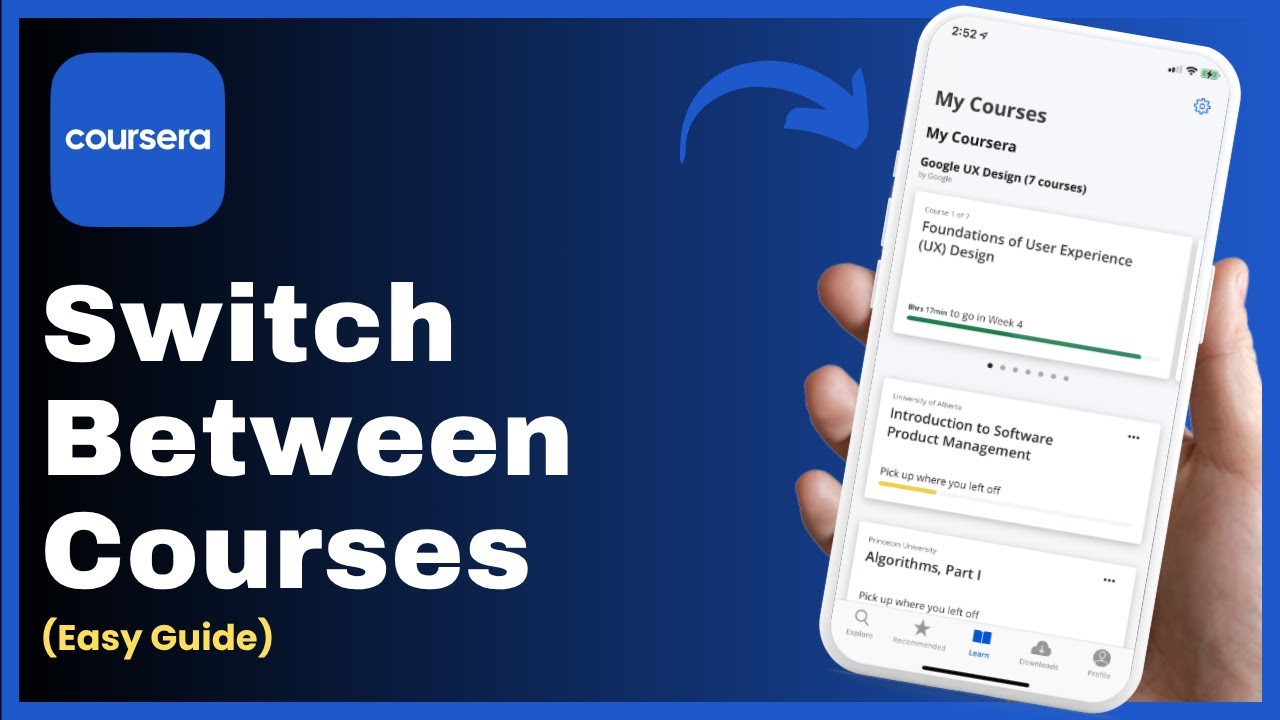
To switch between courses, open the Coursera app or go to [https://www.coursera.org](https://www.coursera.org) in a web browser. Log into your account, and head to the *“Learn”* tab—this is usually found at the bottom of the app or in the top navigation bar on desktop. This tab displays all the courses you're currently enrolled in.
Scroll through your active courses under the *“In Progress”* section. Tap or click on the course you want to access. It will open the course dashboard, where you can view modules, assignments, and deadlines.
If you're currently viewing one course and want to switch to another, tap the *“X” or back arrow* at the top-left corner (on mobile) or navigate to *“My Learning”* (on desktop) to return to your full course list. From there, simply select a different course to open it. You do *not* need to unenroll or complete a course before switching—your progress in each course is saved automatically.
This allows you to move freely between different subjects and learning paths depending on your schedule and priorities.
Timestamps:
0:00 Introduction
0:12 Accessing multiple courses via Learn tab
0:24 Switching without unenrolling
0:39 Navigating to other enrolled courses
0:42 Conclusion
Hashtags:
\#coursera #switchcourses #onlinelearning #elearning #courseratips #learnonline #studyschedule #digitallearning #mycourses #multicourselearning
Повторяем попытку...
Доступные форматы для скачивания:
Скачать видео
-
Информация по загрузке: