ycliper

Популярное

Музыка Кино и Анимация Автомобили Животные Спорт Путешествия Игры Юмор

Интересные видео

2025 Сериалы Трейлеры Новости Как сделать Видеоуроки Diy своими руками

Топ запросов

смотреть а4 schoolboy runaway турецкий сериал смотреть мультфильмы эдисон
Скачать

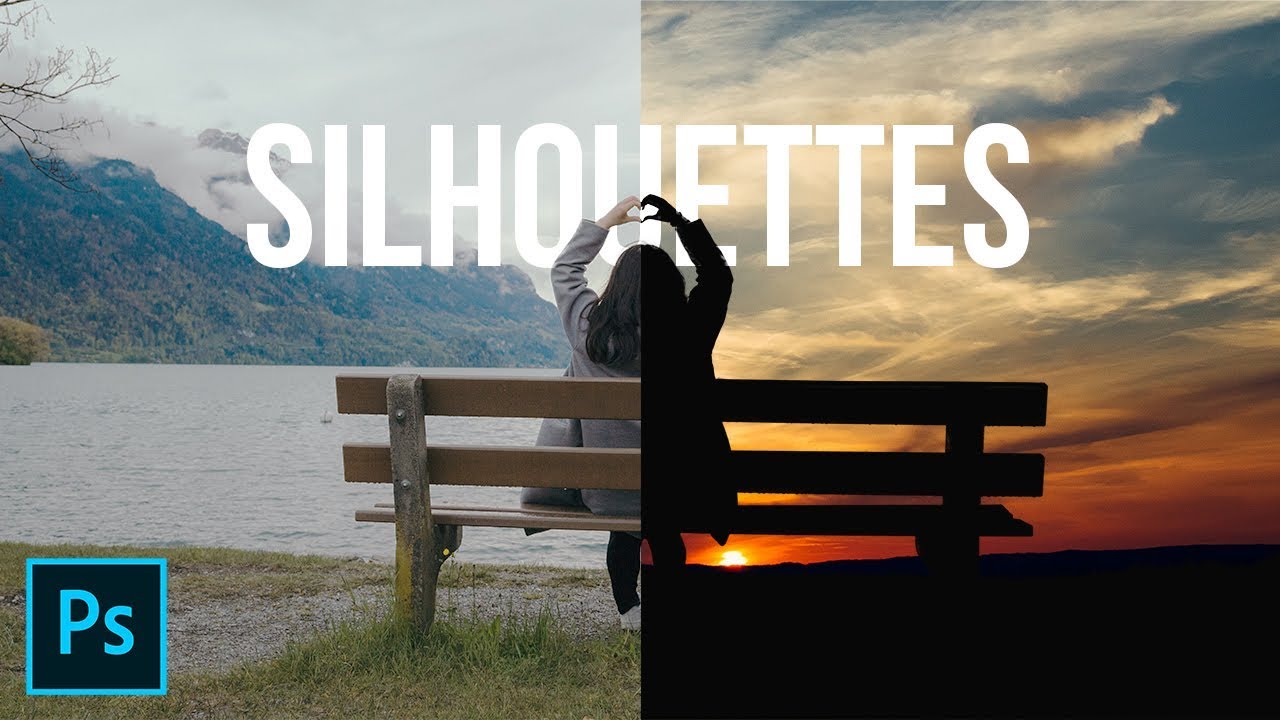
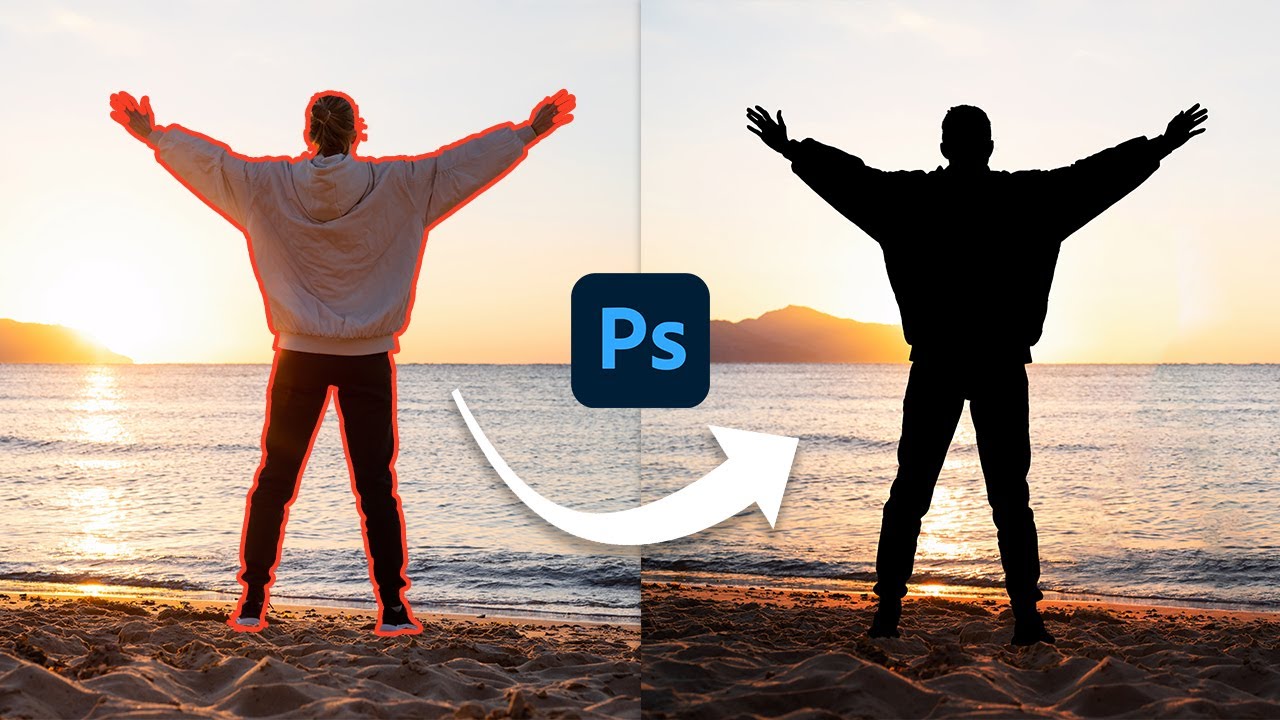
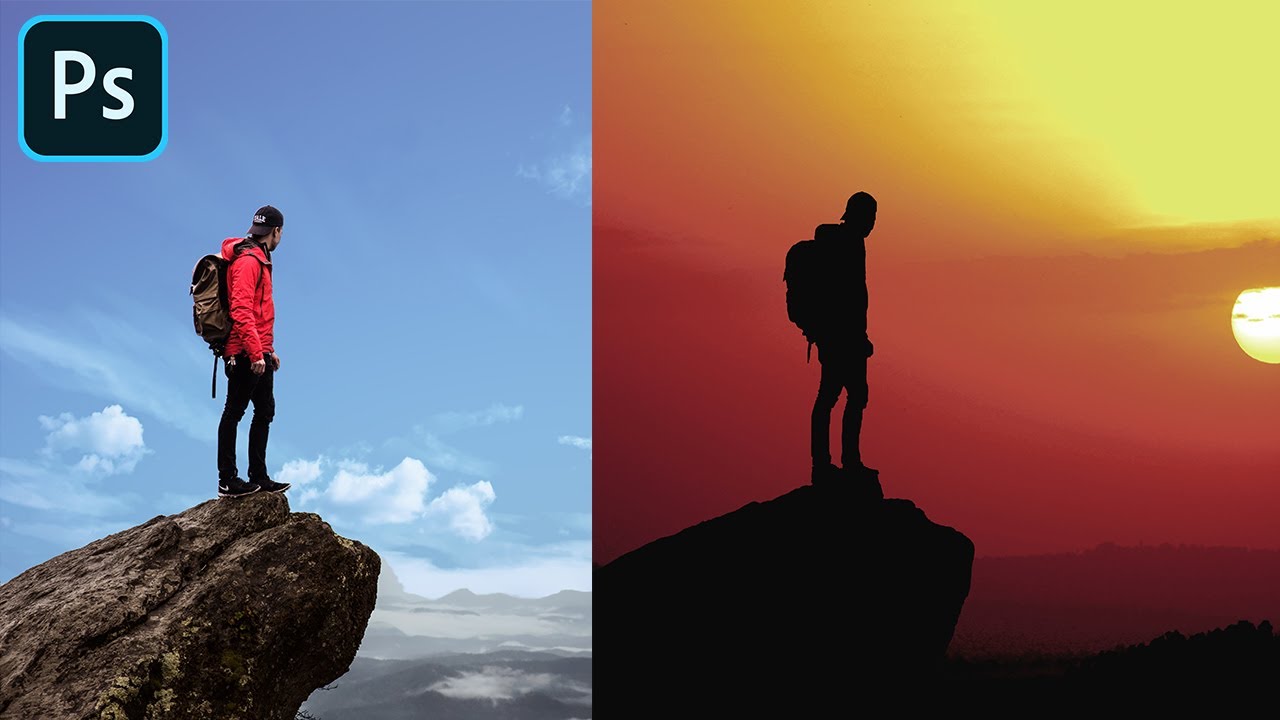
How to Create Silhouette in Photoshop

Автор: PiXimperfect

Загружено: 2018-06-21

Просмотров: 253808

Описание: Learn how to Simulate the Silhouette Effect in Photoshop! 2 Ways to Make Silhouettes Using the Concept of Blend-If, Blend Modes, and Masking. In this tutorial, we will learn how to use the brightness level information to quickly create masks for silhouettes and change the background and also, we'll learn how to make difficult selections using Select and Mask.

I hope this tutorial helps. Thank you for watching :)

► DOWNLOADS:
1. Sample Images: http://piximp.com/4ADK
2. Finished PSD: http://piximp.com/4ADM (Only for our Patreon Family)

► HELP US CREATE MORE FREE VIDEOS:
Support us at Patreon:   / piximperfect  

► SHARE: https://goo.gl/IUhnUl

►LET'S CONNECT:
Facebook:   / piximperfect  
Twitter:   / piximperfect  
Instagram:   / piximperfect  
Google+: https://plus.google.com/+UnmeshDinda

Не удается загрузить Youtube-плеер. Проверьте блокировку Youtube в вашей сети.
Повторяем попытку...
How to Create Silhouette in Photoshop

Поделиться в:

Доступные форматы для скачивания:

Скачать видео

  • Информация по загрузке:

Скачать аудио

Похожие видео

Complete Photoshop Guide: Blurring the Background and Adding Bokeh

Complete Photoshop Guide: Blurring the Background and Adding Bokeh

How to Blend Images and Create a Composite in Photoshop

How to Blend Images and Create a Composite in Photoshop

Как создать и сфотографировать эффектные черно-белые силуэты с одним источником света

Как создать и сфотографировать эффектные черно-белые силуэты с одним источником света

Silhouette Effect - Photoshop Manipulation Tutorial

Silhouette Effect - Photoshop Manipulation Tutorial

Painterly Fine Art edit in photoshop

Painterly Fine Art edit in photoshop

Микшер каналов / Объясняю самый непонятный инструмент в ФОТОШОПЕ

Микшер каналов / Объясняю самый непонятный инструмент в ФОТОШОПЕ

Unlock Your First Glow Effect in Photoshop

Unlock Your First Glow Effect in Photoshop

2 Easy Ways To Create Silhouettes In Photoshop

2 Easy Ways To Create Silhouettes In Photoshop

Layer Mask - Photoshop for Beginners | Lesson 4

Layer Mask - Photoshop for Beginners | Lesson 4

Add Any Pattern to Any Fabric in Photoshop!

Add Any Pattern to Any Fabric in Photoshop!

Create Backgrounds with Curved Perspectives! - Photoshop Tutorial

Create Backgrounds with Curved Perspectives! - Photoshop Tutorial

Create the PERFECT HAIR BRUSH in Photoshop

Create the PERFECT HAIR BRUSH in Photoshop

Как улучшить качество изображения | Нейросети апскейлеры | Метод AI + Photoshop подробная инструкция

Как улучшить качество изображения | Нейросети апскейлеры | Метод AI + Photoshop подробная инструкция

How to Add Sun to Photos in Photoshop using Blending Modes - Photoshopdesire.com

How to Add Sun to Photos in Photoshop using Blending Modes - Photoshopdesire.com

Easiest way to create Silhouette in Adobe Photoshop

Easiest way to create Silhouette in Adobe Photoshop

Cut Out Original Shadows Effortlessly in Photoshop!

Cut Out Original Shadows Effortlessly in Photoshop!

Master Curves from Start to Finish in Photoshop

Master Curves from Start to Finish in Photoshop

Selections - Photoshop for Beginners | Lesson 6

Selections - Photoshop for Beginners | Lesson 6

Giant Wood Processing Project | The Journey from 1000 Year Old Tree Trunk to Luxury Solid Wood Table

Giant Wood Processing Project | The Journey from 1000 Year Old Tree Trunk to Luxury Solid Wood Table

Retouching portrait with painterly effect in Adobe Photoshop. Retouching steps in Photoshop CC

Retouching portrait with painterly effect in Adobe Photoshop. Retouching steps in Photoshop CC

© 2025 ycliper. Все права защищены.


  • Контакты
  • О нас
  • Политика конфиденциальности


Контакты для правообладателей: [email protected]