How to work with SVG files in DOODLY | Doodly Tutorials
Автор: Doodly Official
Загружено: 2021-03-04
Просмотров: 4515
Описание:
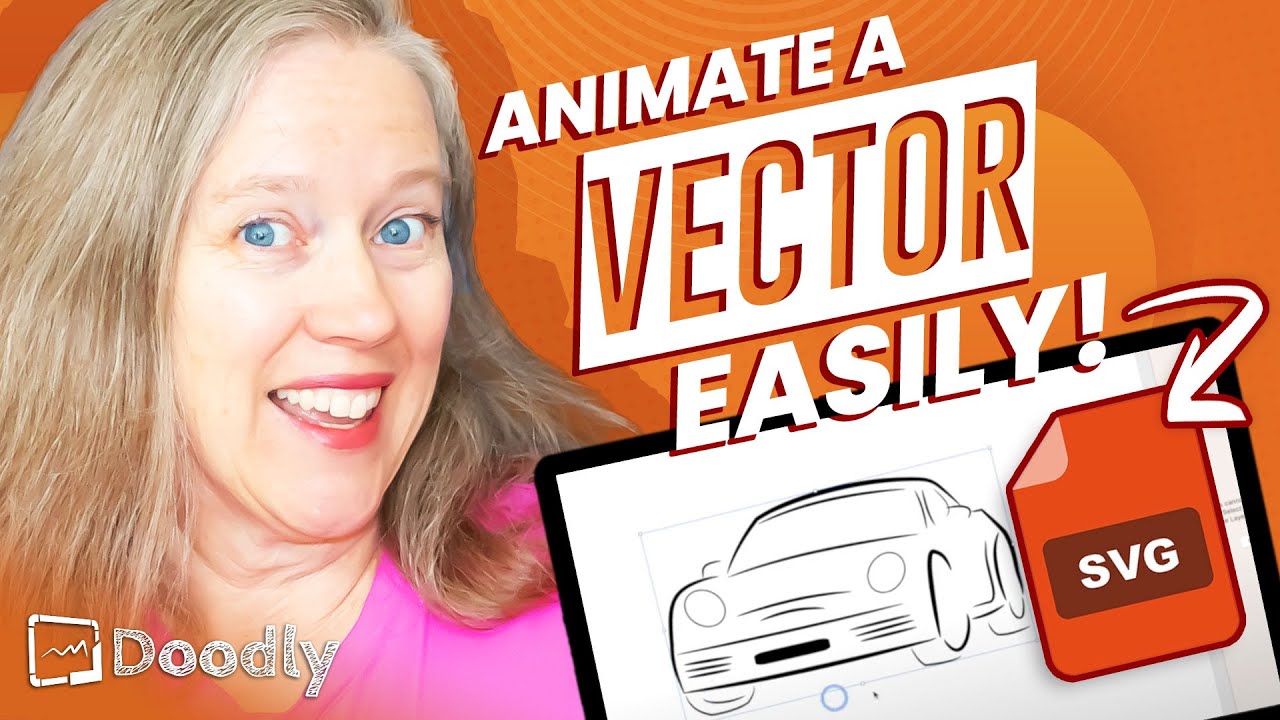
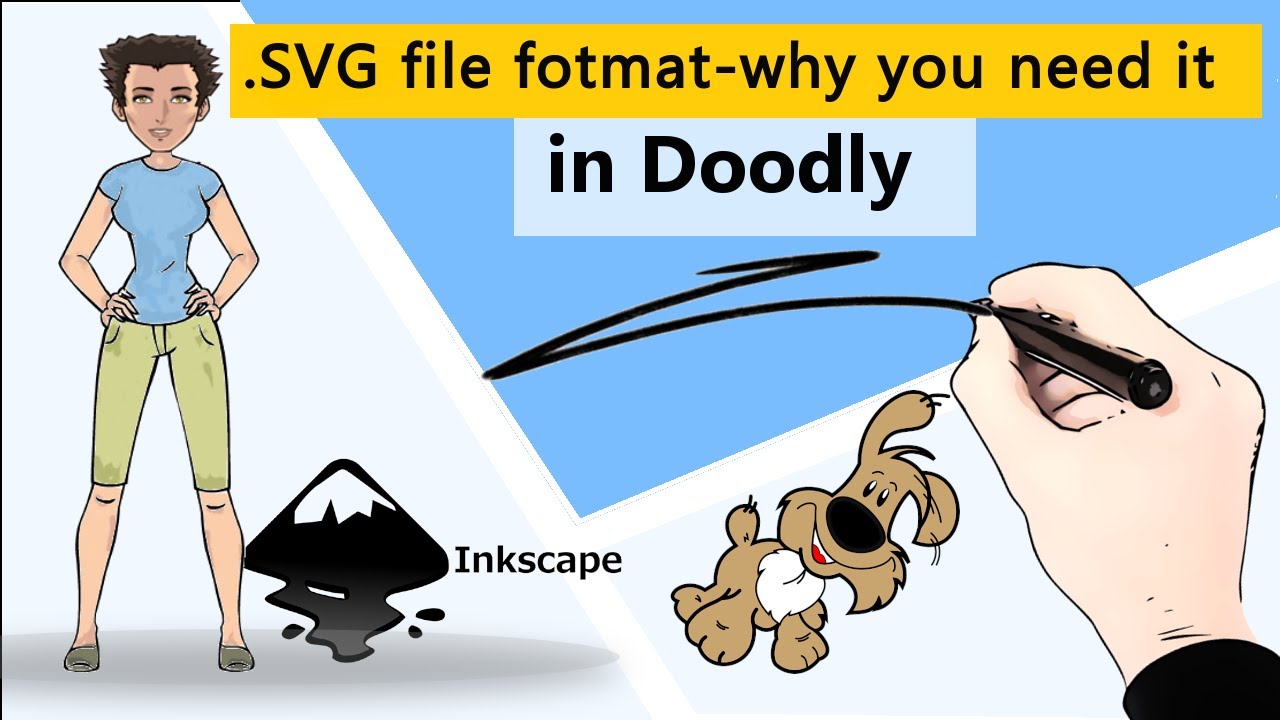
So you want to add your own files to your whiteboard animation creation but you know adjusting all the draw paths will be cumbersome? Not if you add the right kind of file! In today’s Doodly review, Pamela will be showing you how to add .SVG files to your videos. Don’t know what an .SVG file is? No worries! We’ll go over that too.
At Doodly, we pride ourselves on being the simplest drag and drop doodle video creator. You can create your own whiteboard animation video in as little as 60 seconds. Our software has a vast array of backgrounds, styles, images, sounds, and tracks to help you put together an awesome presentation. Whether it’s for YouTube, the classroom, a corporate setting or just for fun, you will love creating with our software.
Check out these related videos:
How to add GIFS in Doodly | Doodly Tutorials
• How to add GIFS in Doodly | Doodly Tutorials
How to use DOODLY Rainbow! Doodly Tutorials
• How to use DOODLY Rainbow! Doodly Tutorials
Get the most out of Doodly and join our community! You can do that by…
Subscribe to channel: / @doodlyofficial6033
Join Doodly: https://www.doodly.com/
New to the Channel? This playlist is for you: • Doodly Training Tutorials 2021
Follow us on Facebook! We drop fresh content there too: / doodlyvideo
Need Support? You can contact us here: https://www.doodly.com/doodly-live-ch... or a support.doodly.com
#Doodly
#WhiteboardAnimationSoftware
#DoodlyReview
Повторяем попытку...

Доступные форматы для скачивания:
Скачать видео
-
Информация по загрузке:
![Doodly Tutorials [2021]: Scene Transitions and Exit Animations](https://imager.clipsaver.ru/hOOP2gTTP1I/max.jpg)