etrailer | TST RV TPMS Flow Through Sensors Feature Review
Автор: etrailer
Загружено: 2025-08-24
Просмотров: 83
Описание:
Click for more info and reviews of this TST TPMS Sensor:
https://www.etrailer.com/TPMS-Sensor/...
Check out some similar TPMS Sensor options:
https://www.etrailer.com/dept-pg-TPMS...
https://www.etrailer.com
Don’t forget to subscribe!
/ etrailertv
Full transcript: https://www.etrailer.com/tv-review-ts...
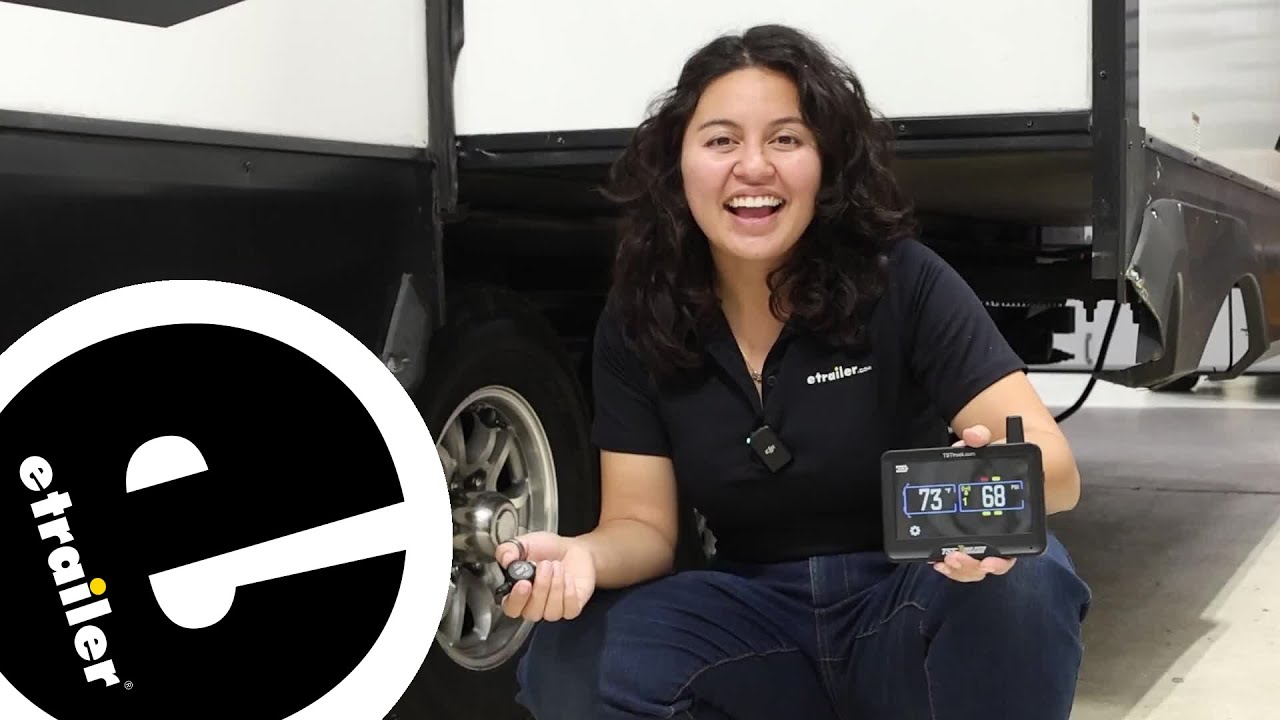
Hi, everyone, I'm Evangeline here at etrailer. Today we're taking a look at the TST Tire Pressure Monitoring System with the flow-through sensors. You have these very easy-to-install flow-through sensors. Pop that onto your tire, set things up, and then as you're driving, you'll be able to know how everything's going. Now this monitor here is the upgraded version from TST. It's a touchscreen monitor with your updated ports.
So as you are driving, if you need to check something real quick, or maybe you are parked and you're switching trailers, this is gonna be a lot easier and more intuitive to maneuver versus the old style you may have. Keeping an eye on how your tire pressure is doing is nice when you're inside the cab, with an easy-to-use system. Now here, if you wanted to check different types of tires, you could just press on the tire, and it'll show you that information, versus previously would only cycle through, and you'd have to wait for that specific tire to come up. It's so simple to set up that, when people get one, they usually add it to every trailer that they may have. In fact, what might take the most time is probably attaching the repeater to the battery of your trailer.
So some people ask, "Is that actually necessary Do I need to do that" Well, technically this can read the data from your sensors without the repeater. Once you start towing and driving, that's when things might change. So having that repeater, which is included with your kit, is very important. And your range, even on your longer trailers, is over 100 feet, which is very helpful. And there is only features past that.
Like it monitors its temperature, you see the pressure, it also has a GPS component in it as well. There's so much you can delve into, but we work a lot on our product pages to make sure we have all that information available to you if needed. Plus, you are very welcome to give us a call here at etrailer, and we can have someone help you out with either working through installing your tire pressure monitoring system, figuring out which one's the best fit for you, how many sensors you might actually need for your trailer, things like that. So if you're curious about how I got this all set up on our truck and trailer, well let's go take a look at it. To start the installation, you actually need to start with the display and monitor, because you first need to set your cold tire pressure settings.
So start setting that by going over to the red icon, the Pressure Alert Setting. Just press that, and then you're gonna press T1. And then this is automatically set to 100 PSI. So go ahead and click on that. And then you're gonna put in your own preferred cold tire pressure. So this is information that can be found on your tire along the sidewall. So we're gonna put it to 80, and then we're gonna press Exit and then Exit again. And then Exit and Save. So that should save our cold tire pressure, and we'll go back to the main menu. Once you set your cold tire pressure setting, you're now ready to pair your sensors. And there is gonna be a spot at the back where you can attach the sensor to the monitor for this next step. So navigate to the main menu, and look for the bright yellow button, Automatic Code Learning, press that, and then do T1, two, three, four, or five. We're gonna select T1. And then here on the trailer diagram you're gonna select which tire do you want this sensor to connect to or be paired to. So where it says T1, that's gonna be the front of the trailer, and then right back there, that's gonna be where your spare tire is, the back of the trailer. So let's see, we want to do the passenger-side front tire, and that's gonna be this one. So see how that's blinking now. Icon will then change to Learn. So touch the sensor to the sensor-pairing area. (device beeps) Oh, that was real fast, you heard it beep. So Exit and Save, and you've now saved this sensor to that tire. So do the same thing for all the other sensors. For installing your repeater, this is a very important part of the whole system. You need to connect to a constant 12-volt battery. That way your repeater is always powered as you are driving. So if you have a motor home, you can install this over towards the back by the basement where your battery is for your fifth wheel. Oftentimes you're gonna have that system over where the overhang is. On a travel trailer like this, you are gonna have that battery box. You also be mindful if t
Повторяем попытку...
Доступные форматы для скачивания:
Скачать видео
-
Информация по загрузке:


