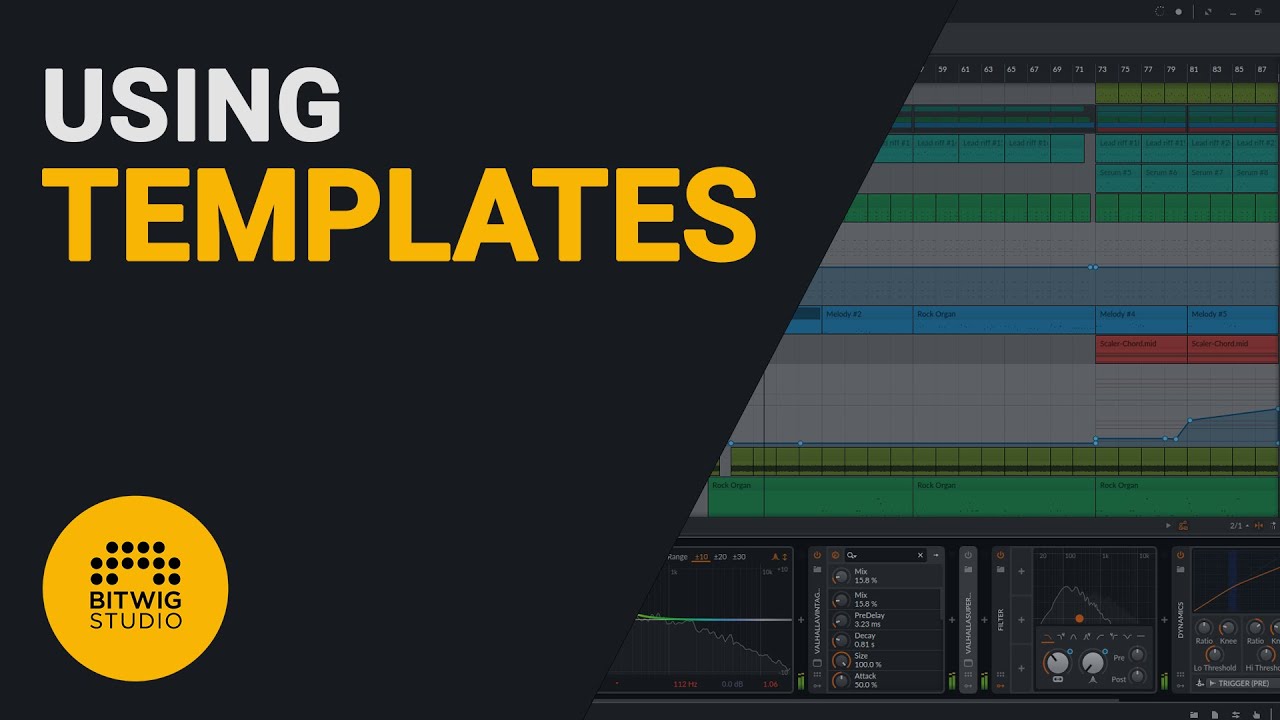
A guide to Snap, Grid and Track options in Bitwig
Автор: XNB
Загружено: 2022-03-08
Просмотров: 3844
Описание:
Become a Patreon and get early access, preset packs, project of the video and more.
► Patreon: / xnb
► Instagram: / xnb.synths.music
🎼 Bitwig studio: https://www.bitwig.com/
🙌 Paypal donation: https://www.paypal.com/donate/?hosted...
🤘 Bitwish: https://bitwish.top/
😺 Community: https://bitwig.community/
😀 Discord: / discord
🎹 Plugin boutique deals: https://www.pluginboutique.com/deals
🎹 Plugin Alliance: https://www.plugin-alliance.com/en/pr...
► Facebook: / xnbmusic
► Reddit: / bitwig
► Instagram: / xnb.synths.music
So right there at the bottom you have some small tiny option that are really helpful.
The you have the snapping and grid options.
Here I cover all of that in detail.
Timecodes:
0:00 - Intro
0:20 - Routing
01:31 - Track Height
02:21 - Show fx
02:39 - Toggle Hidden
05:11 - Automation follow
07:53 - Snap settings
15:00 - Follow playback
Повторяем попытку...

Доступные форматы для скачивания:
Скачать видео
-
Информация по загрузке: