Glance Smart Clock review
Автор: Erin Lawrence
Загружено: 2019-04-14
Просмотров: 14817
Описание:
Read more: http://www.TechGadgetsCanada.com
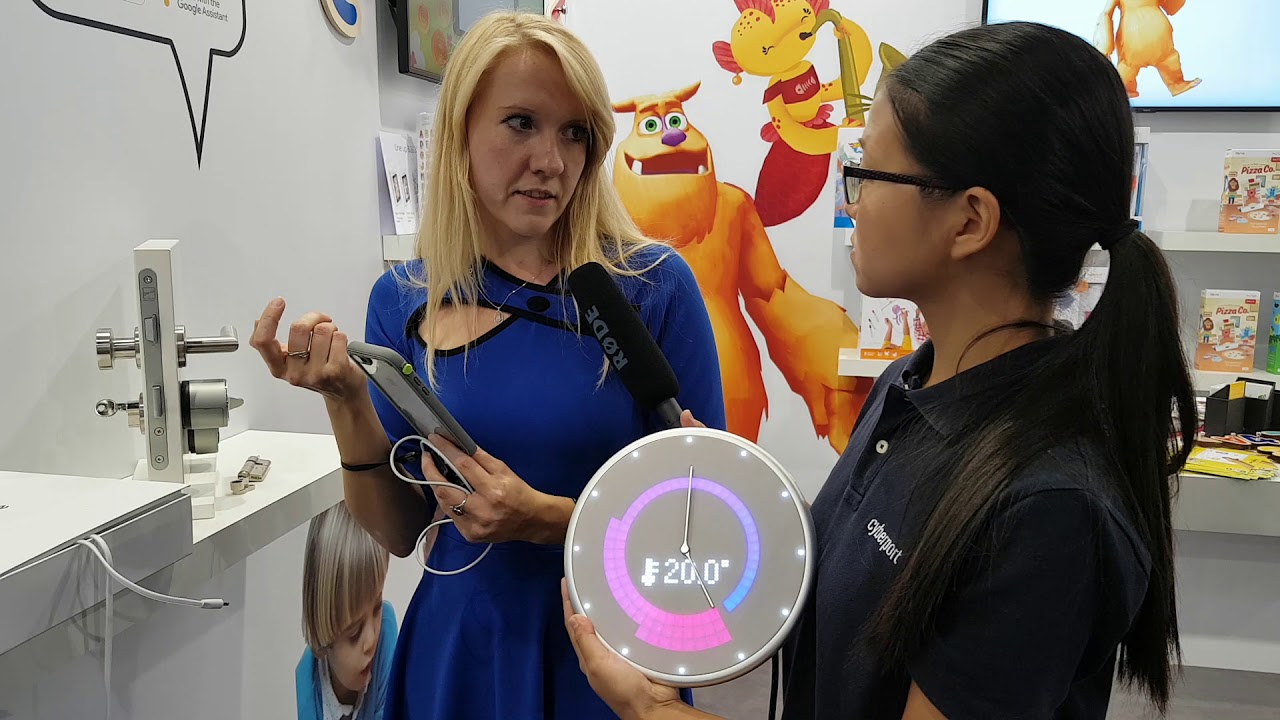
Glance Clock has a full-colour LED display hidden under nice fabric on the top of an aluminum frame. The LED display is bright and colourful and the displayed data is easily visible from a distance. The Glance Clock also has audible alerts for calls and other notifications.
Glance gets all of its data from the cloud through integrations with smart devices and with various other applications. Through the Glance app, users can choose a service and allow the information to be displayed on the clock. Glance is programmed to analyze data over time and will set up a personal profile. As a result, the Glance will determine what information should be displayed and when.
Setting up the Glance Clock
Setting up the Glance Clock is incredibly easy. All you need to do is to download the Glance app and allow your favourite apps to sync with the device and you’re good to go.
Features
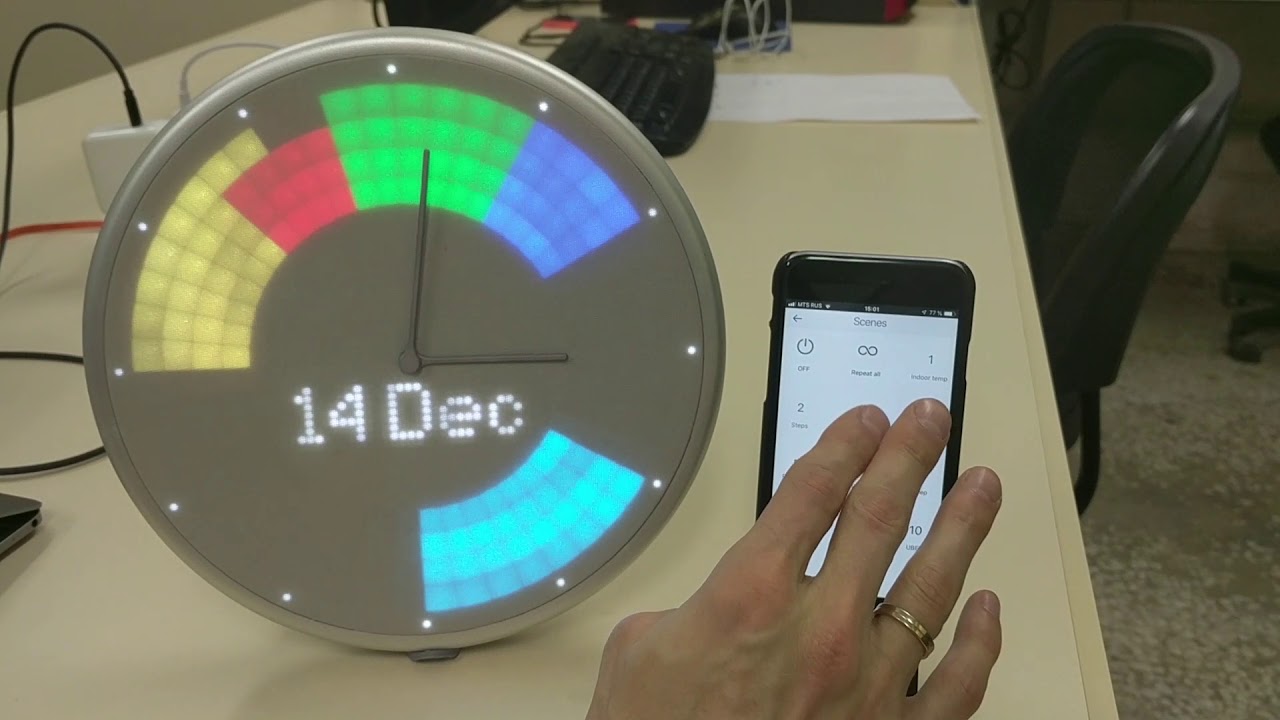
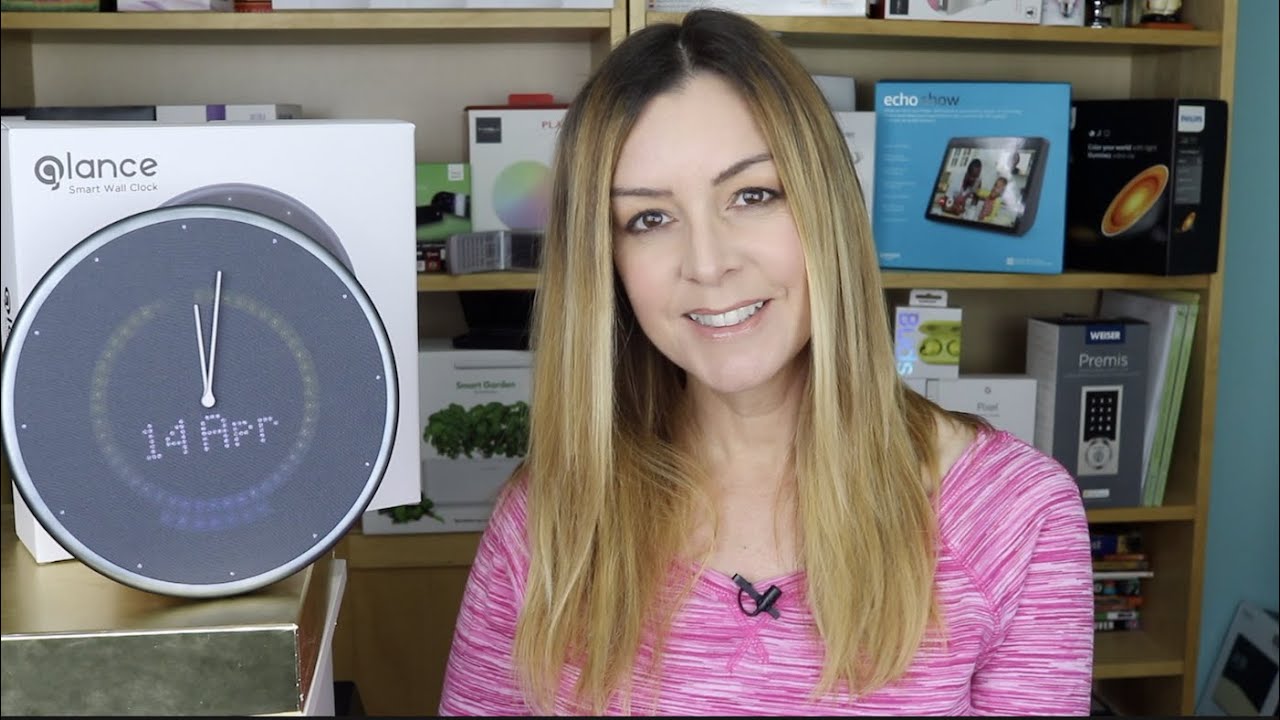
Time & Date Display: In addition to the hands on the clock showing the current time, you can also add a digital time display. Other options include adding day and date, using a 12 or 24 hour clock, and adding small dots to the clock face so you can clearly see the hours.
Calendar And Productivity Apps: The Glance Clock connects with Google Calendar or Apple Calendar and displays your day’s schedule, meeting reminders, important dates (birthdays, holidays), and many more options colourfully on the clock face.
Incoming Calls: The Glance Clock alerts you of incoming calls by displaying the person’s name on the clock face. It will also ring like a phone, which is actually pretty handy since my phone is on vibrate 90% of the time and I never hear it.
IFTTT and Open APIs: The Glance can display almost anything. Since it's compatible with IFTTT , if you can’t find a service you’re looking for, Glance allows users to create their own commands through open APIs.
I will say it was easy enough to find applets for Glance, though there’s not a lot. I tried two; one for when the ISS flies overhead and another for an alert when my Ring video doorbell rings. I only ever got one ISS alert, though it passes overhead 15 times a day. The Ring video doorbell alert also only came about 45 minutes after the doorbell was pressed, and it was only up on the clock for about 3 seconds.
Using Glance Clock
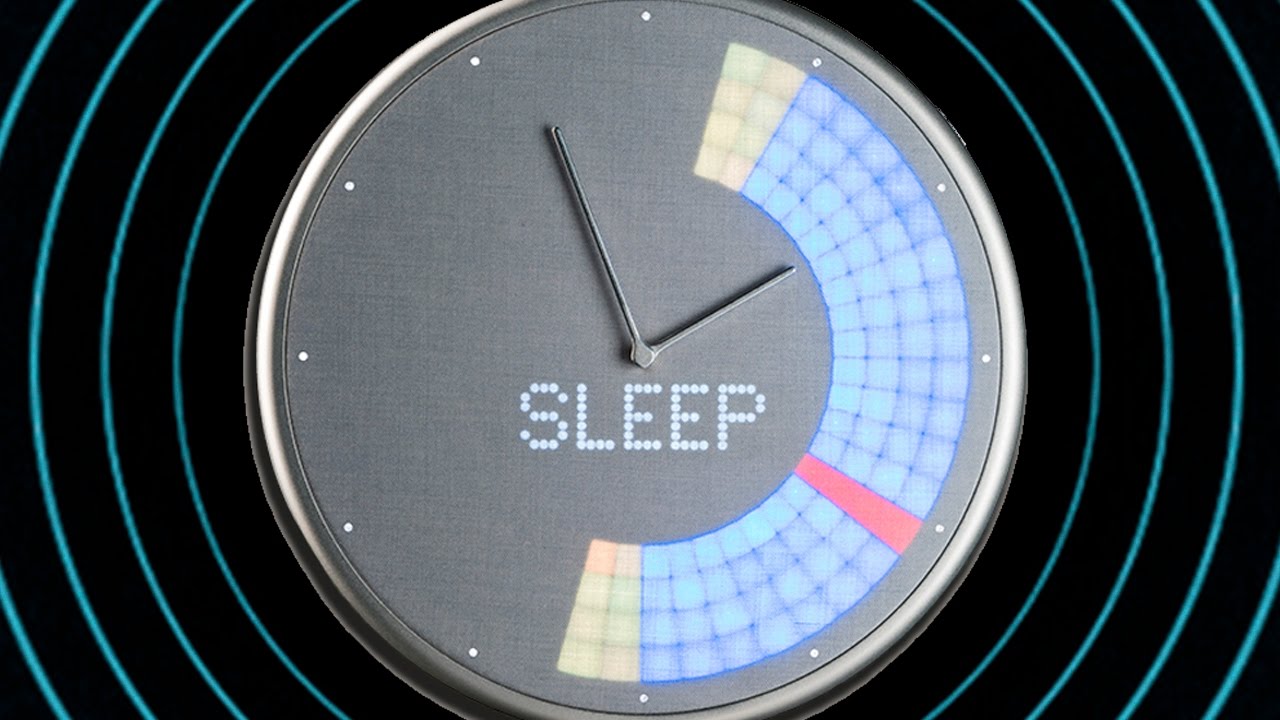
The clock is obviously very easy to use. You look at it can you can see the info clearly. What wasn’t clear to me, though is what the different bars, rings and colours signified.
Here’s what I know so far about what the Glance Clock display means:
When it comes to temperature, you’ll see blue and red spread out across the face. It matches up to the hour when the temperature is expected to warm or cool. More blue bars means colder. More red bars, and it’s getting progressively warmer.
If you see blue blocks, that’s a calendar appointment at that specific hour.
Sometimes the forecast will animate according to the weather
But some other rings and lights were just a mystery.
Battery life and charging
Glance clock can be used plugged in to AC power, or wirelessly on battery power. I certainly didn't like the looks of the fat USB cable hanging down from my ultra modern clock, so I wanted to use it wirelessly. ON a full charge you'll get about two days of battery life, and the app will send you an alert when it starts to die. But this, too, wasn't ideal. I love the idea of having more information available on the clock. The date for example is handy; I'm forever forgetting it, so it's nice to be able to have it permanently displayed.
If there are any downsides to Glance Clock, it's the ugly power cord, and/or the short wireless battery life. I just wish there was a better option or a longer lasting wireless solution. I also think not having a glossary and clear explanation online for folks to be able to interpret their data is a bit of an oversight. That’s the kind of stuff you need to have ready before launch.
If you consider Glance Clock to be a fun piece of techy-type art, then this gadget might be for you. If you own a cheap Ikea clock, or don't have one at all, this device is probably not for you.
Glance Clock sells for about $200USD from Glance's website. That's a lot, considering you can get he time from any number of other devices in your house, and you can get your notifications from your phone.
Find Glance Clock at the company's website. https://glanceclock.com
Повторяем попытку...
Доступные форматы для скачивания:
Скачать видео
-
Информация по загрузке: