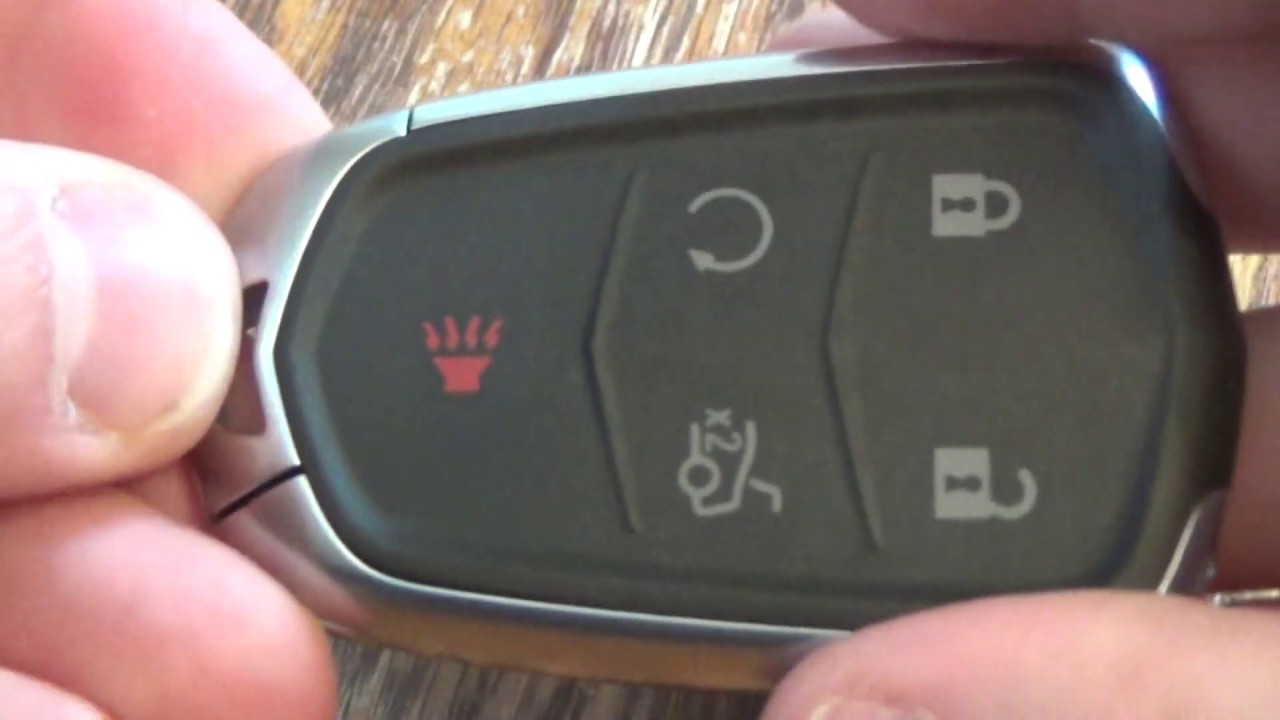
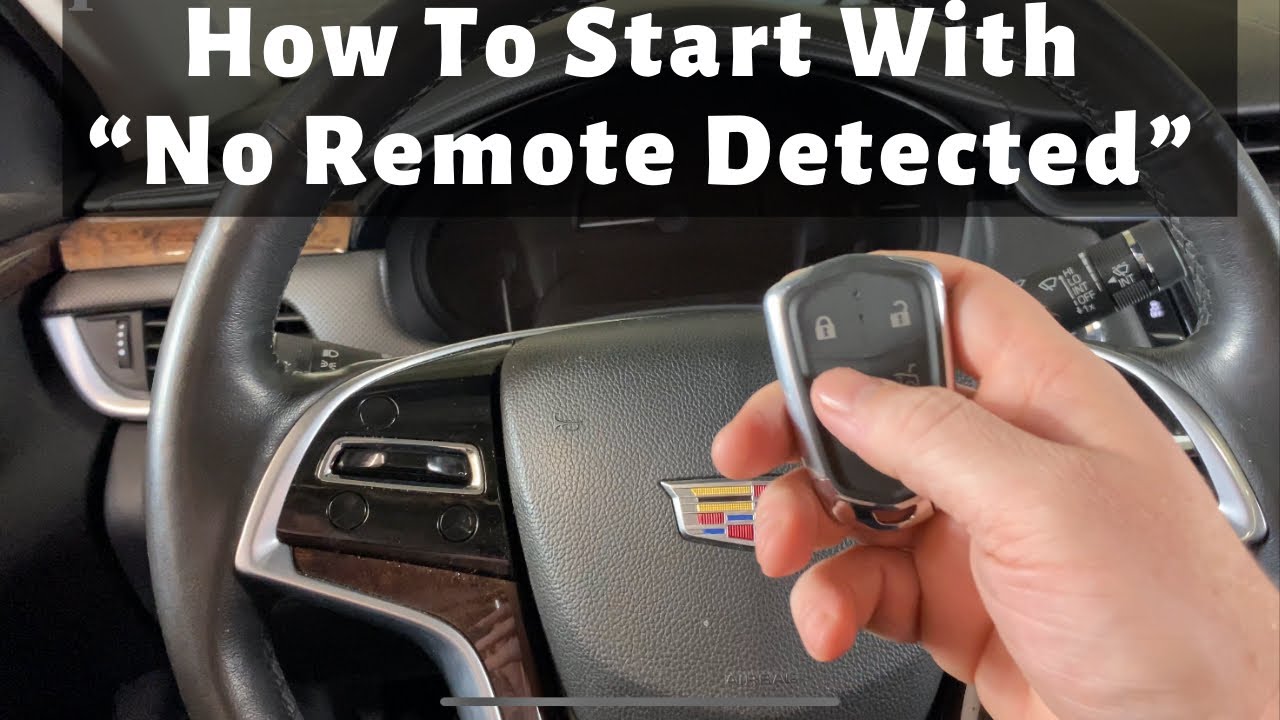
2013 - 2019 Cadillac XTS - No Remote Detected | How to Start With Dead, Bad, Broken Smart Key Fob
Автор: PYR Automotive
Загружено: 2020-10-07
Просмотров: 201017
Описание:
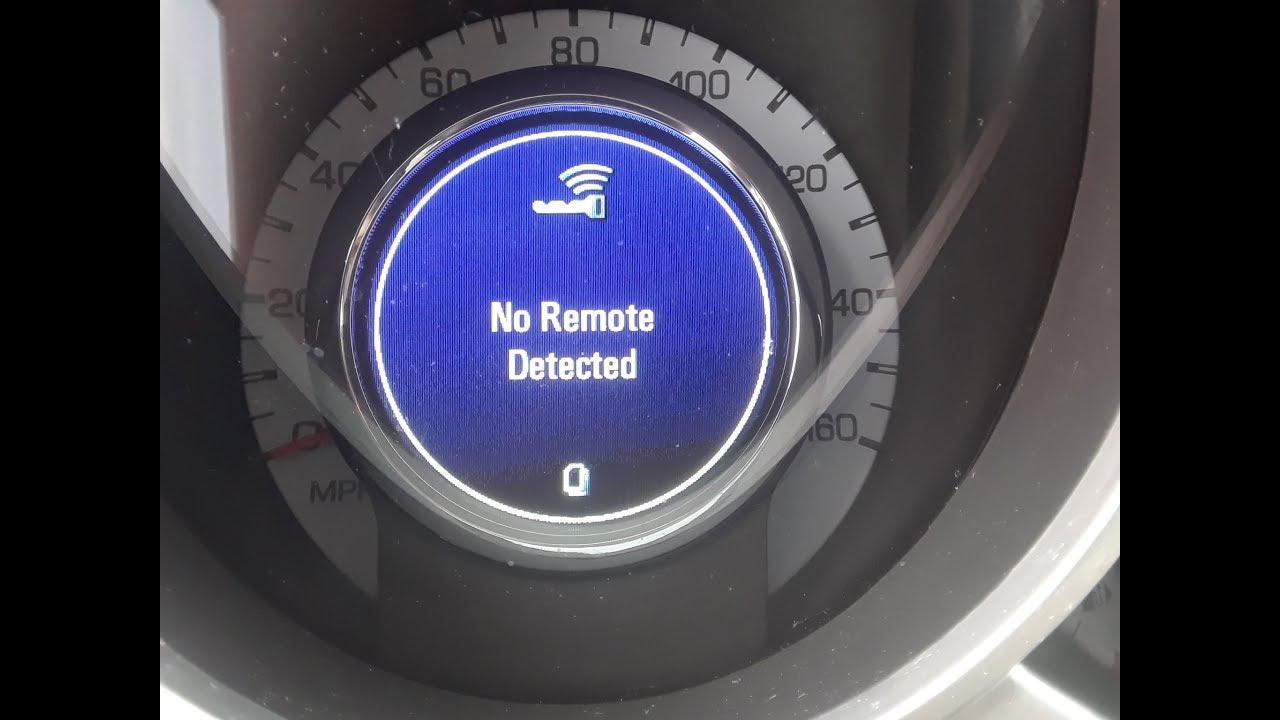
A quick and easy video tutorial on how to start a 2013 - 2019 Cadillac XTS with a remote key fob that has a dead battery or showing the error message " No Remote Detected".
More automotive DIY instructions can be found at https://www.programyourremote.com/
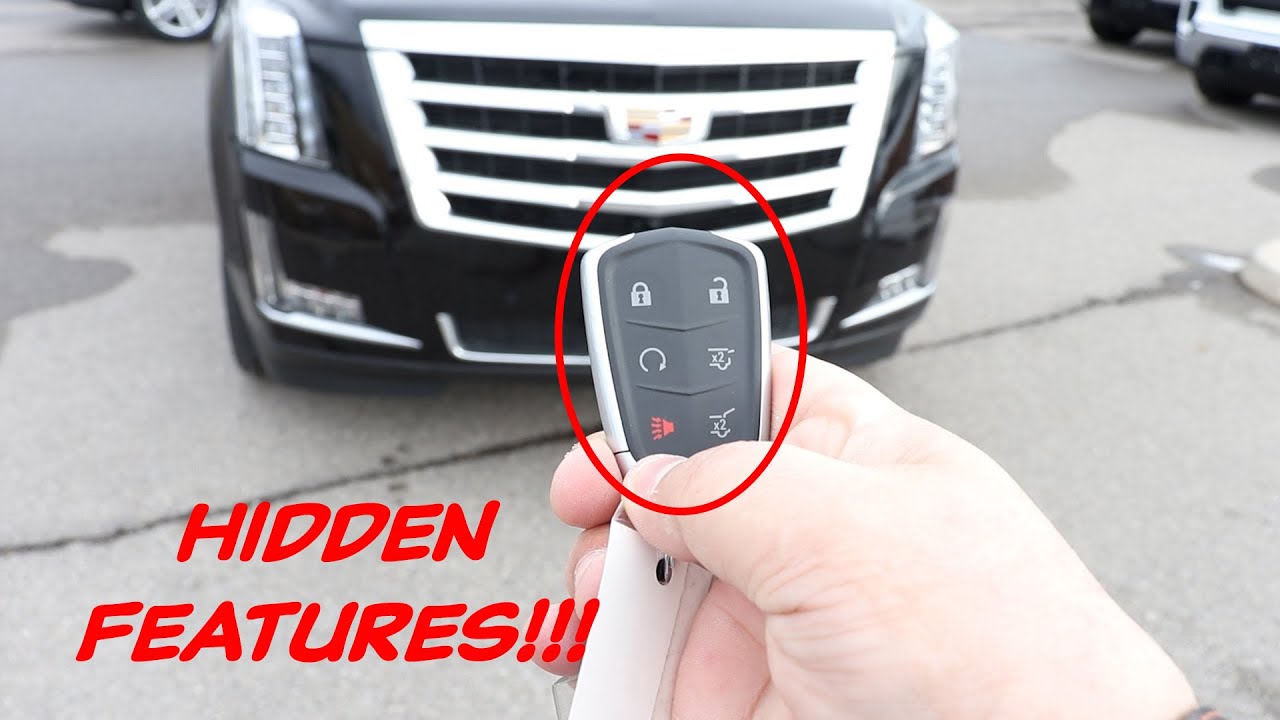
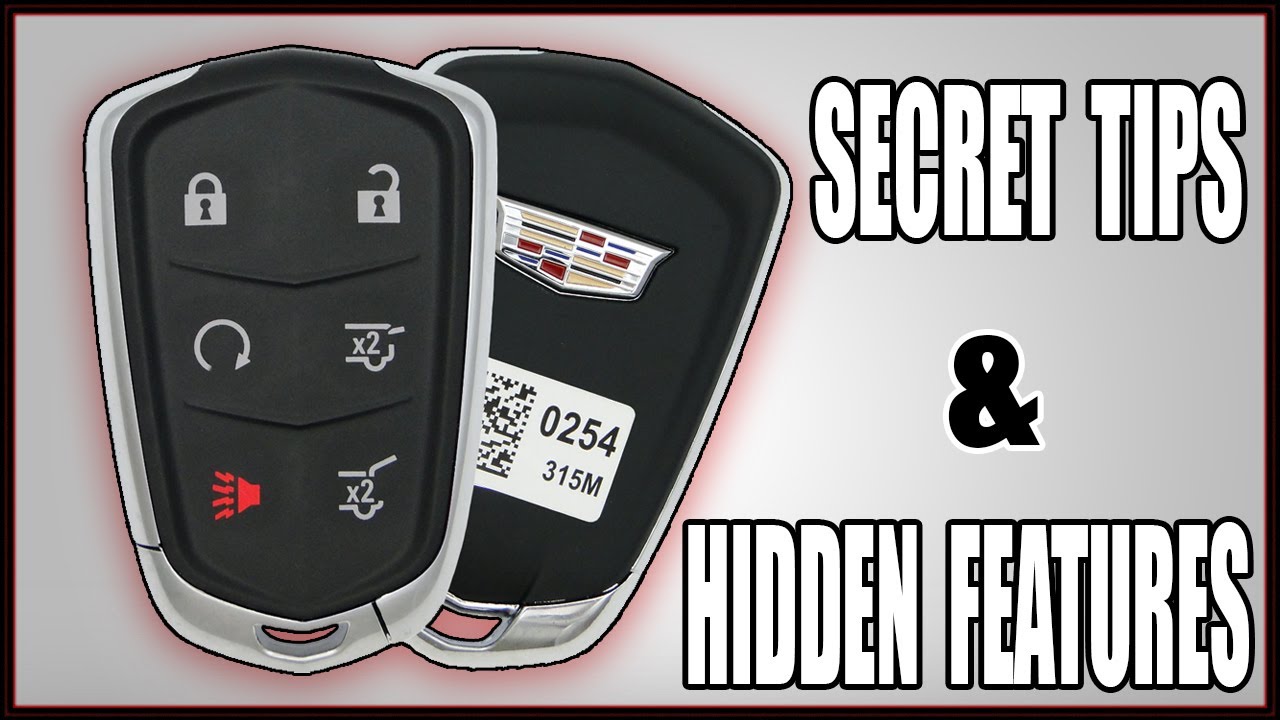
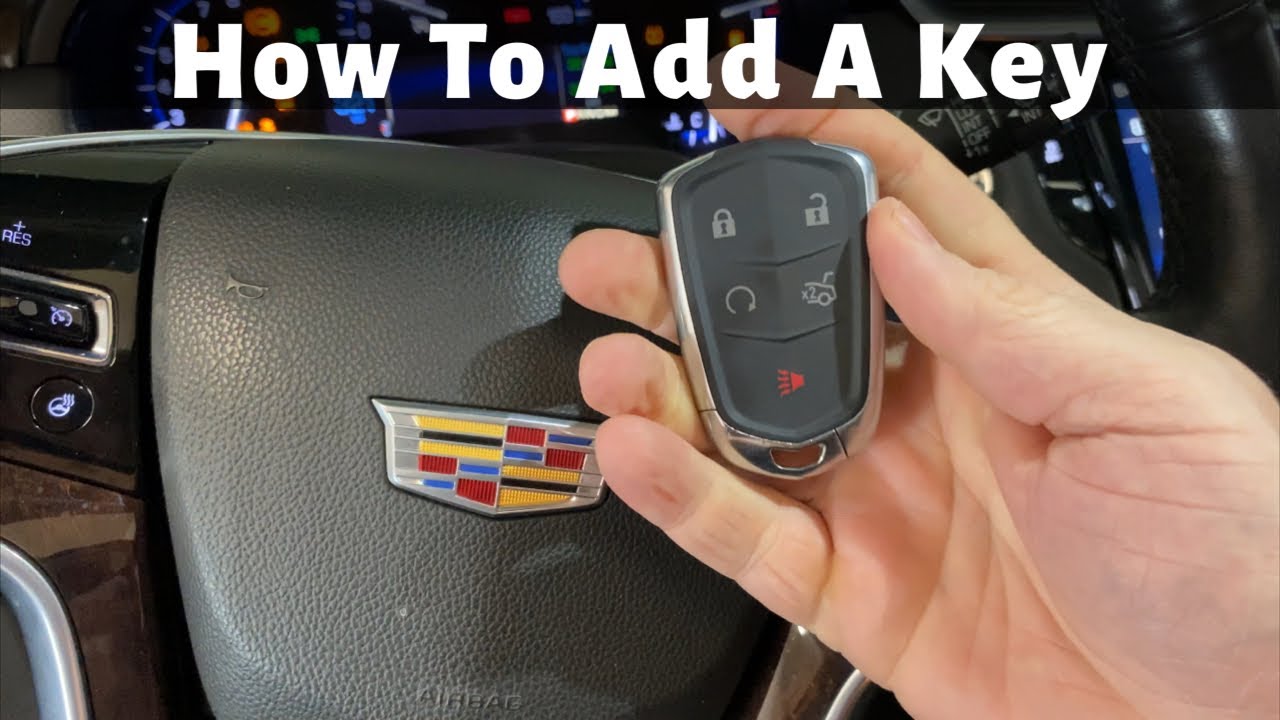
If your remote key fob has a dead battery or is broken , you will see an error message of "No remote detected" or "No remote key was detected" when you attempt to start your Cadillac XTS. The solution to this problem is to place the remote key fob in the transmitter pocket. The transmitter pocket is inside the center console storage area between the driver and front passenger seats. The center console will need to be opened to access the transmitter pocket. Once the remote key fob is placed in the transmitter pocket, you can start your Cadillac XTS as you normally would.
This video will show you how to start a vehicle with the "No remote detected" message on the following Cadillac XTS models:
2013 Cadillac XTS ( Luxury, Premium, Platinum, V-Sport )
2014 Cadillac XTS ( Luxury, Premium, Platinum, V-Sport )
2015 Cadillac XTS ( Luxury, Premium, Platinum, V-Sport )
2016 Cadillac XTS ( Luxury, Premium, Platinum, V-Sport )
2017 Cadillac XTS ( Luxury, Premium, Platinum, V-Sport )
2018 Cadillac XTS ( Luxury, Premium, Platinum, V-Sport )
2019 Cadillac XTS ( Luxury, Premium, Platinum, V-Sport )
Повторяем попытку...
Доступные форматы для скачивания:
Скачать видео
-
Информация по загрузке: