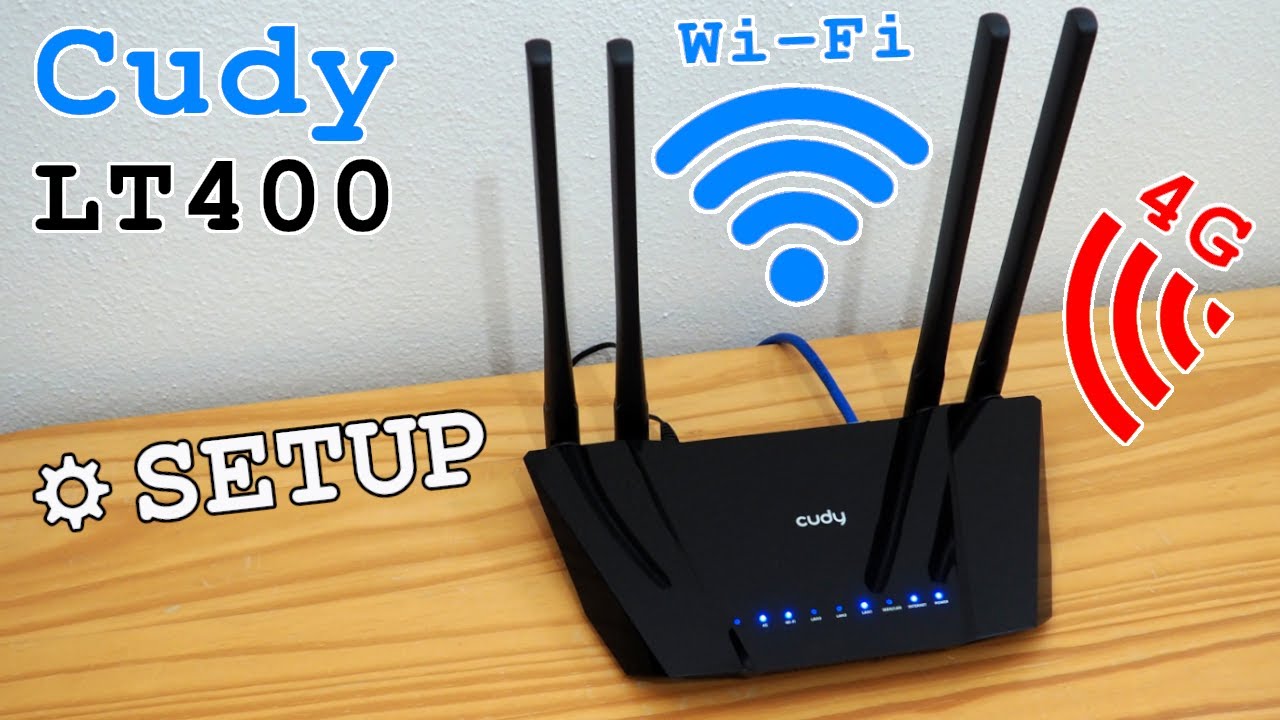
Set up your Cudy 4G/5G Wi-Fi router | LT, P Series
Автор: Cudy
Загружено: 2024-08-29
Просмотров: 29320
Описание:
This video guides you to set up your Cudy 4G/5G WiFi router.
Please prepare a SIM card with an activated data plan. For models with dual SIM, you may install two SIM cards.
We recommend you restore the device before setting it up. Long-press the RST or Reset button on the device that is connected to the power to reset it.
00:03 1. Insert the SIM card
00:09 2. Connect to the router via Wi-Fi
00:24 3. Check LED to know if the network is ready
00:37 4A. Connect to the router via Wi-Fi
00:57 4B. Connect to the router via Ethernet
01:10 5. Enter config page, set up password, unlock SIM with PIN if needed
If you have questions, please contact [email protected], thank you!
Applicable models:
LT Series: LT18, LT15E/V, LT700(E/V), LT500(E/V/D), LT400(E/V/VD), LT300
P Series: P5, P4, P2
Повторяем попытку...

Доступные форматы для скачивания:
Скачать видео
-
Информация по загрузке: