How To Fix Screen Color On Samsung Galaxy S23/S23+/S23 Ultra
Автор: WebPro Education
Загружено: 2023-02-14
Просмотров: 199778
Описание:
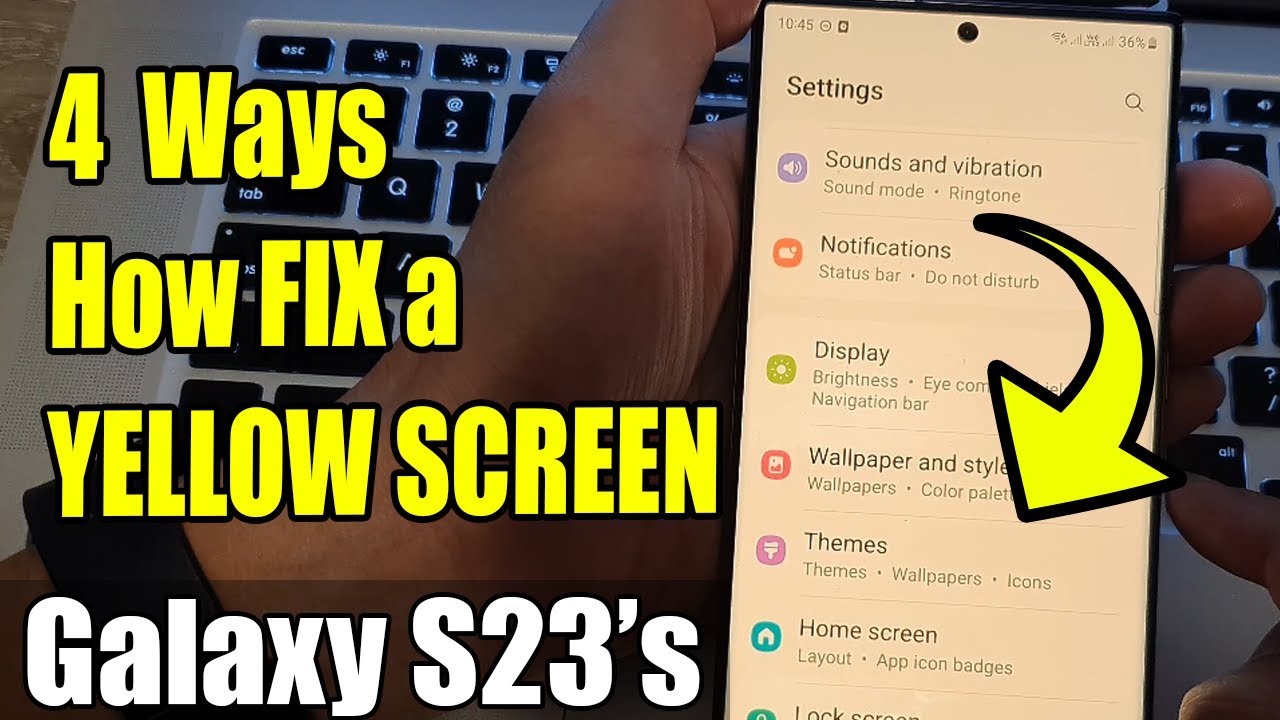
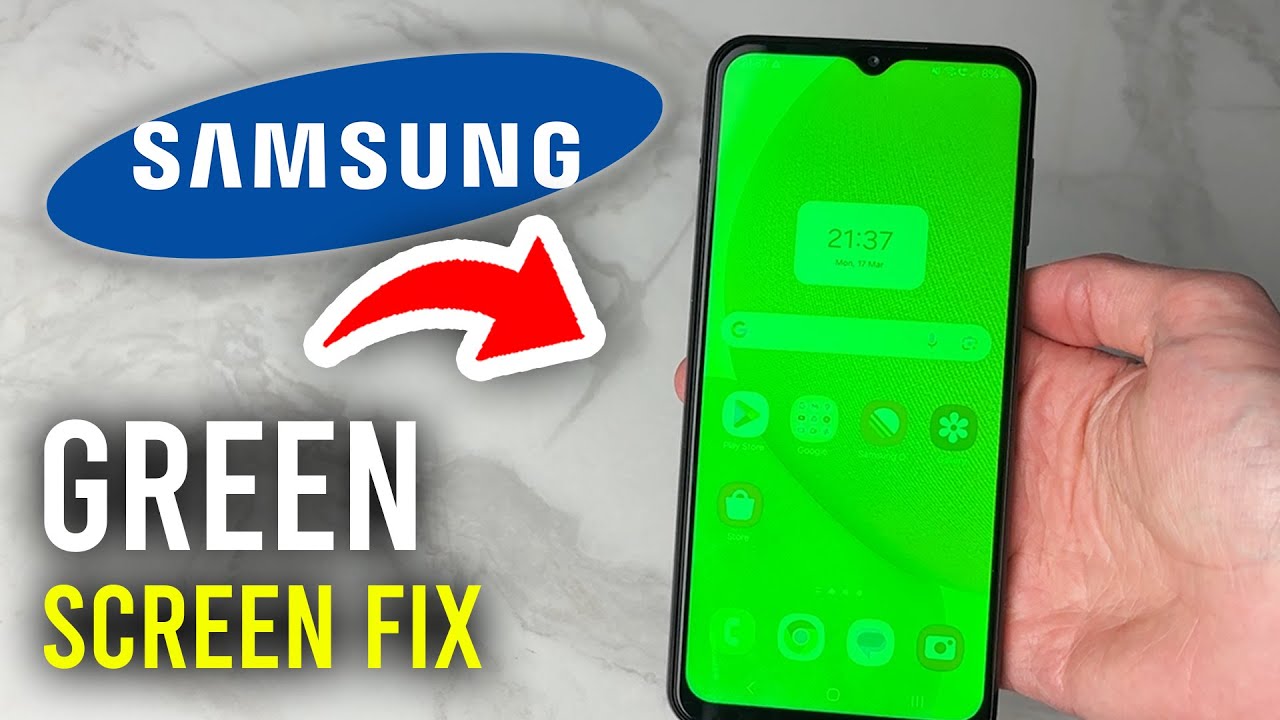
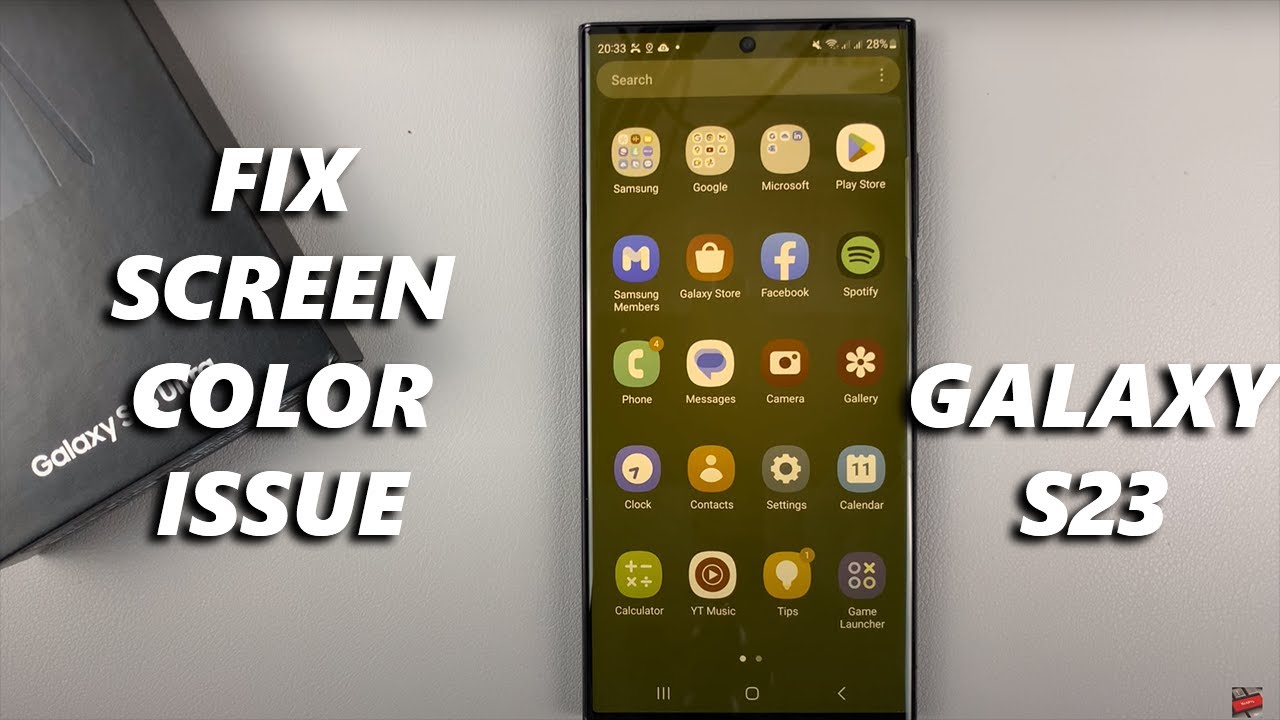
Learn how to fix the screen color issue on Samsung Galaxy S23. These steps can also be done on Samsung Galaxy S23+ and Samsung Galaxy S23 Ultra.
You might have been messing around with the color scheme on your Samsung Galaxy S23 and you'd like to know how to revert the changes.
This is usually a small issue that can be easily fixed by changing a few color settings on your Samsung Galaxy S23. However, if you followed the steps demonstrated in the video and nothing changes, then that means it has something to do with the screen.
How To Fix Screen Color On Samsung Galaxy S23/S23+/S23 Ultra
Go to Settings
Scroll down and tap on Accessibility
Tap on Visibility Enhancements
Tap on Color Correction and disable it if enabled
Tap on Color Filter and disable it
If the problem persists, try to disable the eye comfort shield if it's enabled. You can access this by swiping down the notification panel to reveal the shortcuts. Find the Eye Comfort Shield shortcut and tap on it to disable it.
Galaxy S23 Ultra DUAL SIM 256GB 8GB Phantom Black: https://amzn.to/3IneO8x
Galaxy S23 Ultra DUAL SIM 256GB 8GB Green: https://bit.ly/3xagLyr
----My Gear for Youtube videos----
Main Camera (iPhone 13 pro): https://amzn.to/3GZztve
Tripod: https://amzn.to/35acqRa
Cell Phone Tripod Adapter: https://amzn.to/3v3wFuI
Lights: https://amzn.to/3vkoGK7
As full disclosure, I use affiliate links on this channel, and purchasing through these links earns me a small commission. The price you pay will be the same!
Website: https://www.webproeducation.org
Facebook: / webproeducation.org
Twitter: / webpro_e
Instagram: / webproeducation
Повторяем попытку...
Доступные форматы для скачивания:
Скачать видео
-
Информация по загрузке: