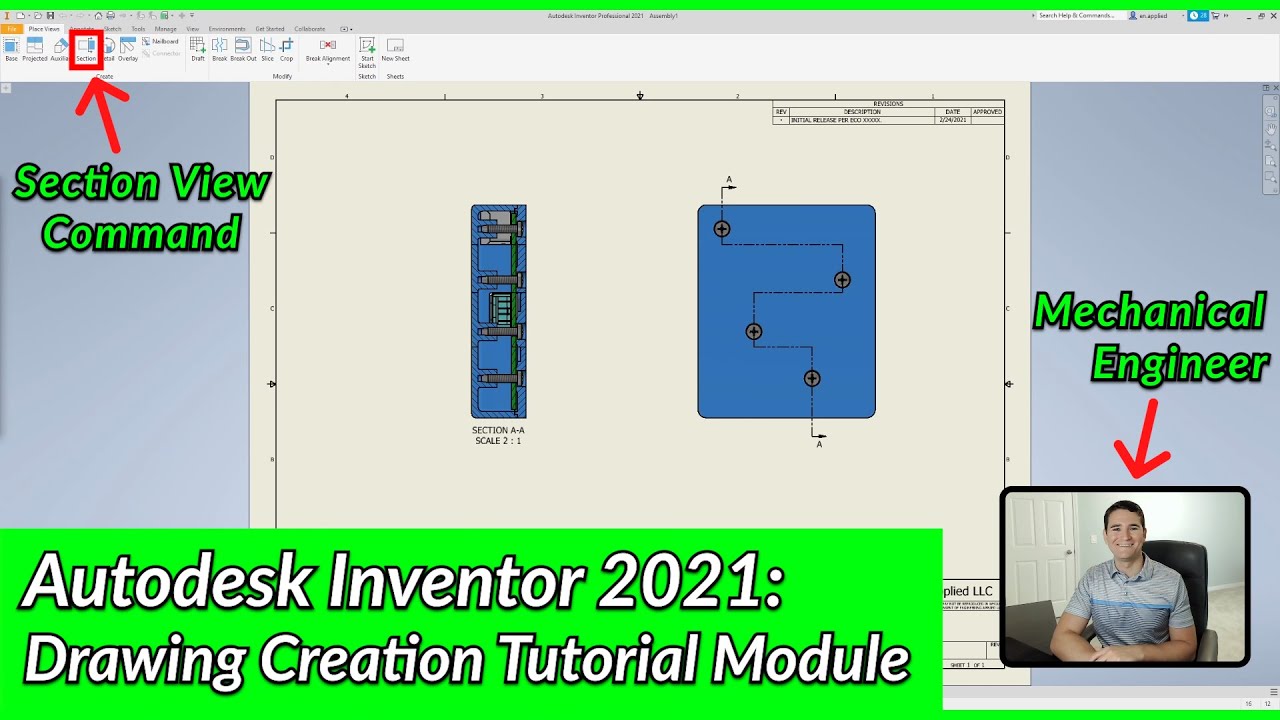
"Get Started" Tab and Ribbon Functions - Home Screen (Part 2) | Autodesk Inventor 2021 IN DEPTH
Автор: Engineering Applied
Загружено: 2020-06-15
Просмотров: 11398
Описание:
In this video, you'll learn about the "GET STARTED" TAB and ASSOCIATED RIBBON FEATURES. I genuinely appreciate you choosing to learn with Engineering Applied and welcome you to the Autodesk Inventor Tutorial Series (Autodesk Inventor Tutorial for Beginners) where we are taking an in-depth look into this awesome and easy to use CAD software! This video is part of a complete and easy to follow Home Screen User Interface Module that covers all of the major tools and functions of the home screen itself. You can find the rest of the series on my channel under the "Autodesk Inventor Tutorials" Playlist. Also, check the end of the description for time stamps to specific functions in this video. If there is anything else you would like to see or learn about, feel free to reach out via the contact page on my website.
************************************************
If you feel this tutorial was helpful, click the link below to support my YouTube Channel. Thank you!
https://www.paypal.com/cgi-bin/webscr...
************************************************
Thanks for watching! Click here to Subscribe!
/ @engineeringapplied
--------------------------------------------------------------------------
Ready to learn more? Check out the rest of my Channel! / @engineeringapplied
Official Website: https://www.engineeringapplied.com
Instagram: / engineeringapplied
Facebook: / engineering-applied-103998937936659
Linkedin: / engineeringapplied
TikTok: / engineeringapplied
--------------------------------------------------------------------------
Check out the full Autodesk Inventor Professional 2021 tutorial playlist here: • Autodesk Inventor Tutorials
Looking to improve the quality of your YouTube Channel? Watch my video on incorporating YouTube Video Chapters! • YouTube Video Chapters Tutorial (Timestamp...
--------------------------------------------------------------------------
Time Stamps:
0:00 - Introduction
0:41 - Get Started Tab
0:57 - New Button/Command (see video link for more details)
1:17 - Import CAD Files Command (.stp)
1:41 - Open Button/Command
1:51 - Projects Button/Command
6:07 - Open Samples Button/Command
6:28 - Home Button/Command
6:40 - Team Web Button/Command
8:00 - Back Button/Command
8:13 - What's New Button/Command
8:36 - Highlight New Button/Command
9:22 - User Interface Button/Command
9:50 - Clean Screen Button/Command (How to get ribbon back)
10:11 - Switch Button/Command
10:53 - New Window Button/Command
12:07 - Arrange Button/Command (Tiles windows vertically/horizontally)
13:33 - Help Button
13:48 - Conclusion (Don't forget to like and subscribe!)
************************************************
If you feel this tutorial was helpful, click the link below to support my YouTube Channel. Your donations allow Engineering Applied to continue making FREE high-quality educational content designed to help you accelerate your career, business, or hobby. Thank you so much for your support!
https://www.paypal.com/cgi-bin/webscr...
************************************************
Повторяем попытку...

Доступные форматы для скачивания:
Скачать видео
-
Информация по загрузке: