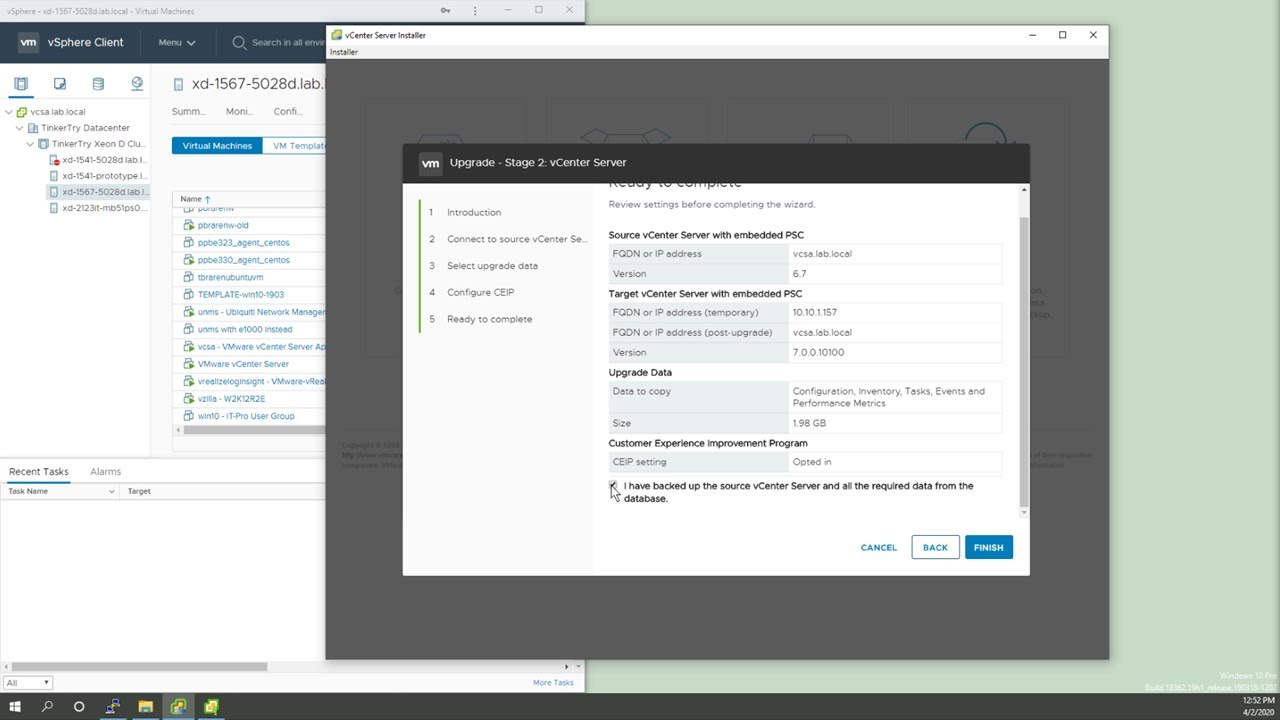
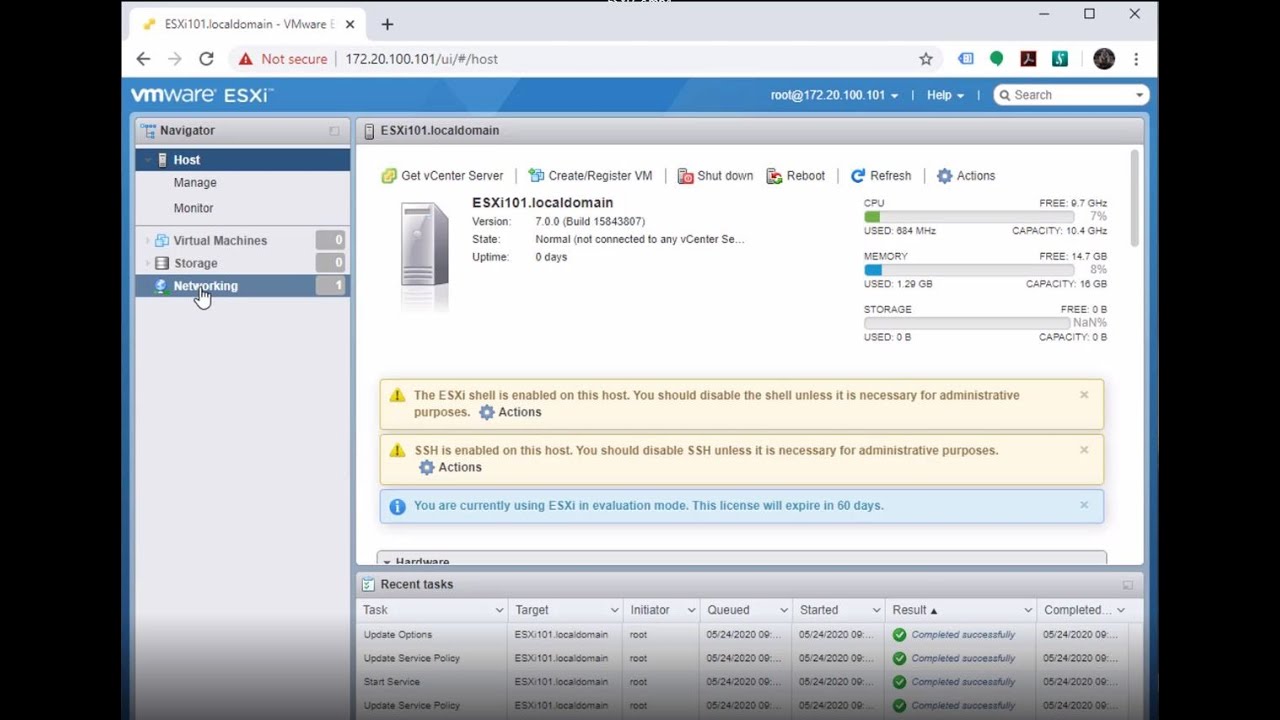
Quick look at 5 VMware vSphere 7.0 features & tips to organize and personalize your vSphere Client
Автор: TinkerTry | Paul Braren
Загружено: 2020-04-03
Просмотров: 7614
Описание:
In this 2 minute video, I'll be showing you:
1) Dark Mode toggle (Switch Theme)
2) VM sort order naming tip
3) VM Summary tab / SWITCH TO NEW VIEW [toggle]
4) Host-only view, go to My Preferences / Inventory tab, turn off "Show VMs in Hosts and Clusters view" checkbox
5) My Preferences - Default Console tab, select your preferred VM console, either Web Console or VMware Remote Console (VRMC)
Curious about how to app-ify your Chrome on Windows 10? Step-by-step shown here:
"VMware vSphere Taskbar Shortcuts Unleashed - profile switcher isolated and uncluttered Chrome Browser UIs act like native Windows apps!"
https://TinkerTry.com/appify-your-vmw...
Curious about how to remove all certificate warnings in Windows 10?
How to import your VCSA certificate so ALL VMware vSphere browser security warnings go away in Windows 10
https://TinkerTry.com/how-to-get-rid-...
Повторяем попытку...

Доступные форматы для скачивания:
Скачать видео
-
Информация по загрузке: