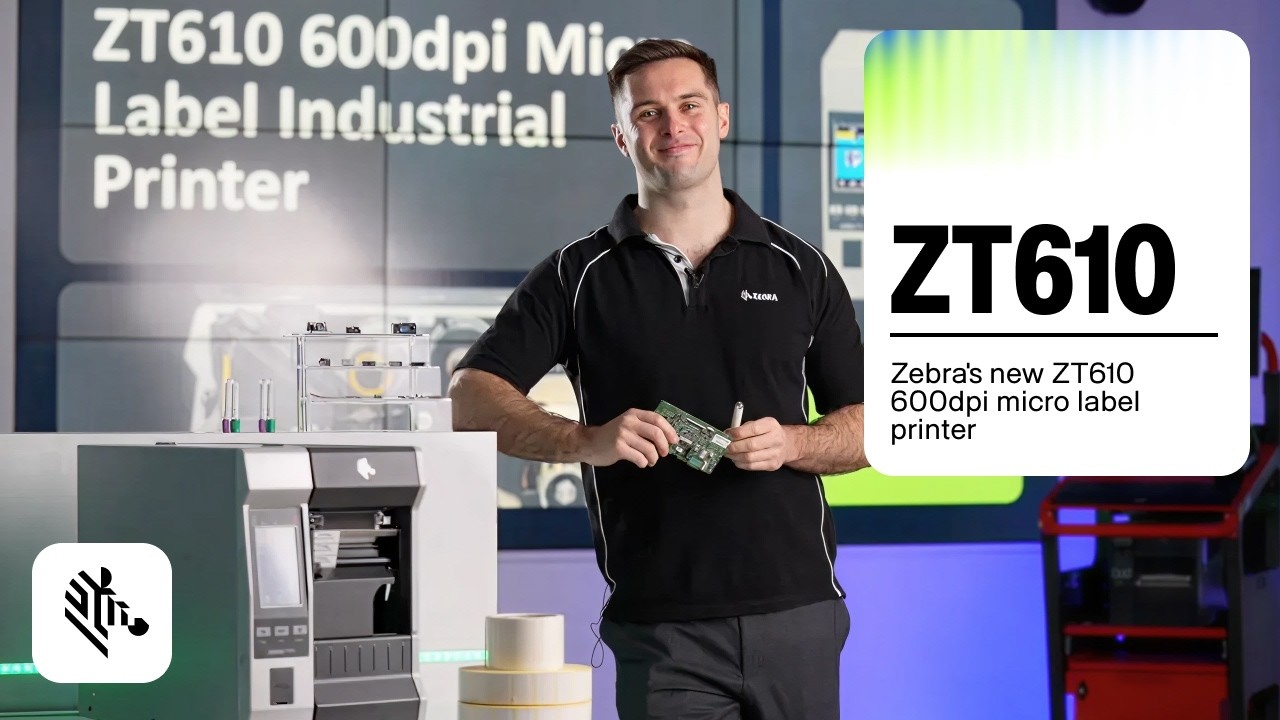
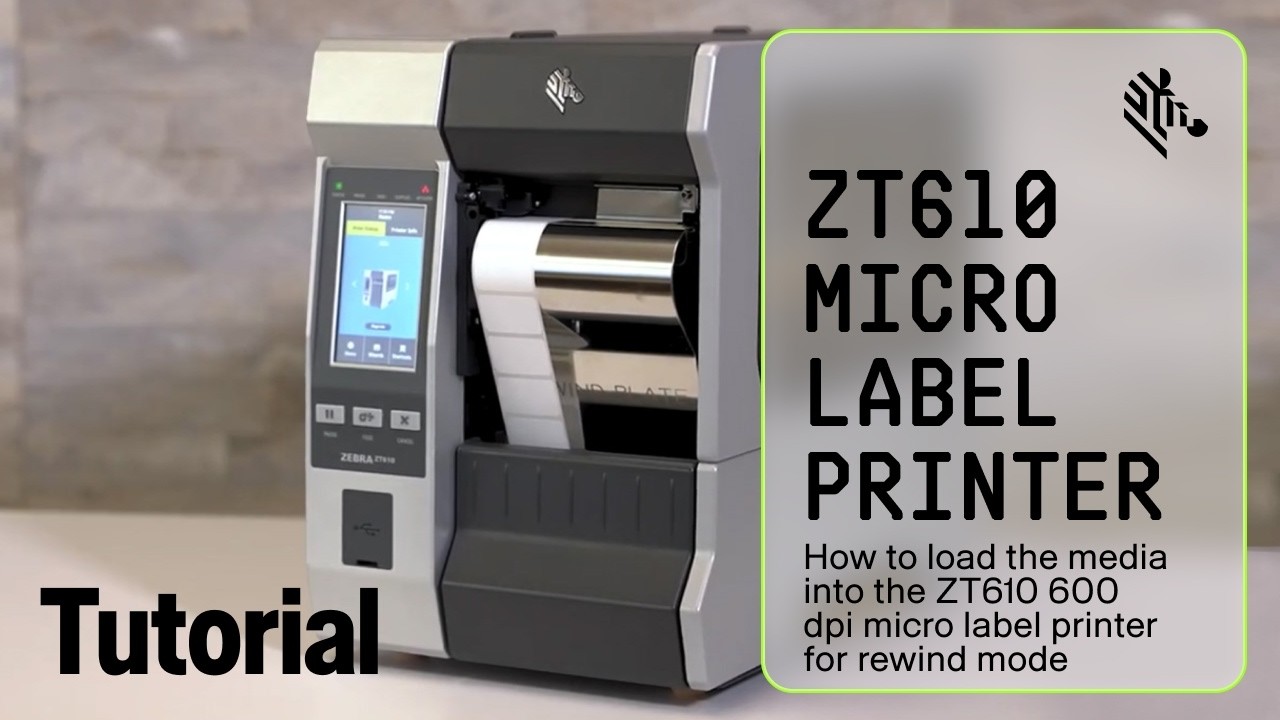
How to load media into the ZT610 600 dpi Micro Label Printer for Peel Mode | Zebra
Автор: Zebra Technologies
Загружено: 2026-02-16
Просмотров: 20
Описание:
Follow this comprehensive guide to correctly load media and configure your Zebra ZT600 Series industrial printer for Peel-Off (also known as "dispenser") and Precision Printing modes. This setup is ideal for applications where labels need to be dispensed one at a time for immediate application.
This tutorial is broken down into two key sections: physical setup and software configuration.
Part 1: Mechanical Setup
• Properly installing the Peel Plate.
• The correct path for threading the media through the dancer, sensors, and print mechanism.
• How to separate the labels from the liner and feed the liner-only backing onto the rewind spindle.
• Securing the liner using the spindle hook to ensure proper tension for reliable peeling.
• Adjusting the media guides for various media widths.
Part 2: Printer Configuration
• Navigating the printer's menu system to set Media Handling to "Peel Off."
• Activating "Precision Printing Mode" for maximum placement accuracy.
• Confirming the restart and allowing the printer to perform an automatic calibration.
Once these steps are complete, your printer will be ready to operate in Precision Printing and Peel-Off mode.
Learn more: https://bit.ly/4aPVrmo
#ZebraTechnologies #ZT610 #PeelMode #PeelOff #LabelDispenser #PrecisionPrinting #MediaLoading #PrinterSetup #ZebraPrinter #IndustrialPrinter #LabelPrinter #HowTo #TechSupport
Повторяем попытку...

Доступные форматы для скачивания:
Скачать видео
-
Информация по загрузке: