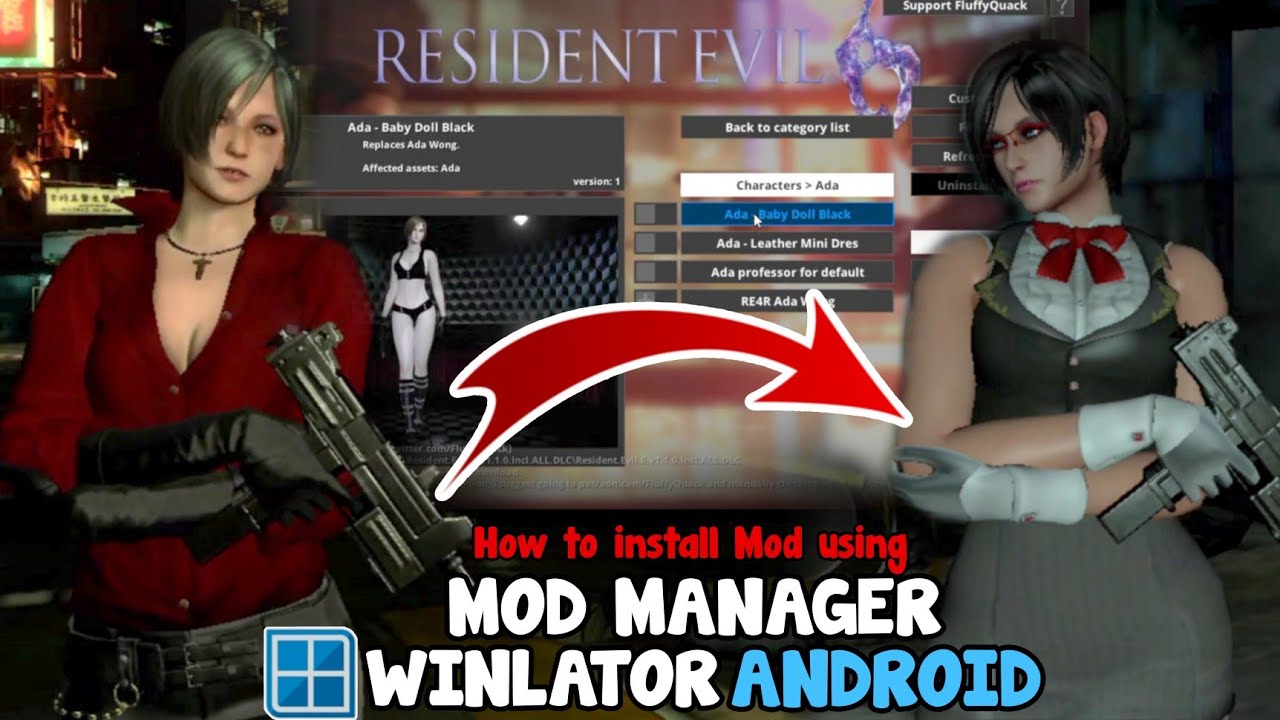
How to Install Game Mods in Winlator Emulator Android Using Fluffy Mod Manager
Автор: IKGaming
Загружено: 2024-08-23
Просмотров: 11728
Описание:
How to Install Game Mods in Winlator (Windows Emulator) For Android
Here I am using Winlator glibc 7.1.1 Amodfix (Translate by FOXRAIN) But this Should work in Other Versions Too
In Video I Will be Installing Ada Wong costume MOD in Resident Evil 6 Using Fluffy Mod Manager as an example
This method Should also work in others games too
Also Check Out this Mod
• Resident Evil 6 on Winlator 7.1.1 Android ...
=====================================
Device:
*Realme 9 Speed Edition
*Snapdragon 778G
*8/128 GB
*Android 13
*No Root
=====================================
*Thanks for Watching
*Like & Subscribe for More
=====================================
Credit goes to their Owner
Mod Credit
ReEvilWorks
Music Credits
Track: Infraction, Emerel Gray- Run For Your Life
Music provided by Infraction No Copyright Music
Spotify: https://bit.ly/3WA43qp
=====================================
Check Out
INSTGRAM / ik_gaming
Previous Video
• Assassin's Creed Rogue on Winlator 7.1.2 G...
GTA 5 No shadow 640x360 Android
• GTA V on Winlator 7.1 Android Gameplay Tes...
GTA in Android Phone
• GTA V on Android (SD 778G) Realme 9 Speed ...
Resident Evil Games in Android
• Resident Evil on Android Offline
Winlator Emulator Playlist • Winlator SD 778G (PC games on Android Offl...
Mobox Emulator Playlist • Mobox Emulator Snapdragon 778G(PC games on...
=====================================
Tags:
#gamesmod
#mod
#residentevilmods
#winlatorgamesmod
#mobox
#horizonemulator
#winlator
#termux
#box64droid
#realme9speededition
#snapdragon778g
#pcgaming
#pcgamesonandroid
#adawong
#winlatoremulator
Disclaimer:-
This Video is made for entertainment purpose Only. No Harmful Contents in this video. Its Just For Fun And Entertainment Only.
Повторяем попытку...
Доступные форматы для скачивания:
Скачать видео
-
Информация по загрузке: