Less Explored Functions of Ableton Live Pt. 1
Автор: Sub÷Divizion Music
Загружено: 2012-02-29
Просмотров: 2405
Описание:
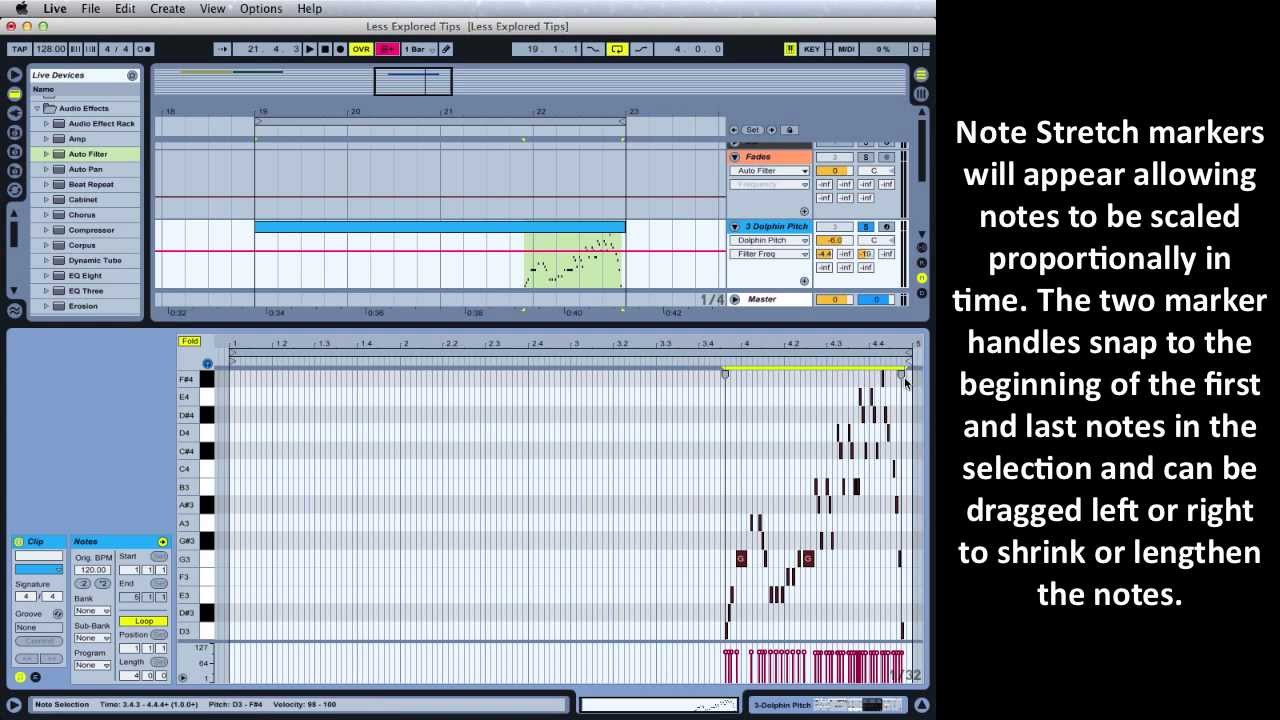
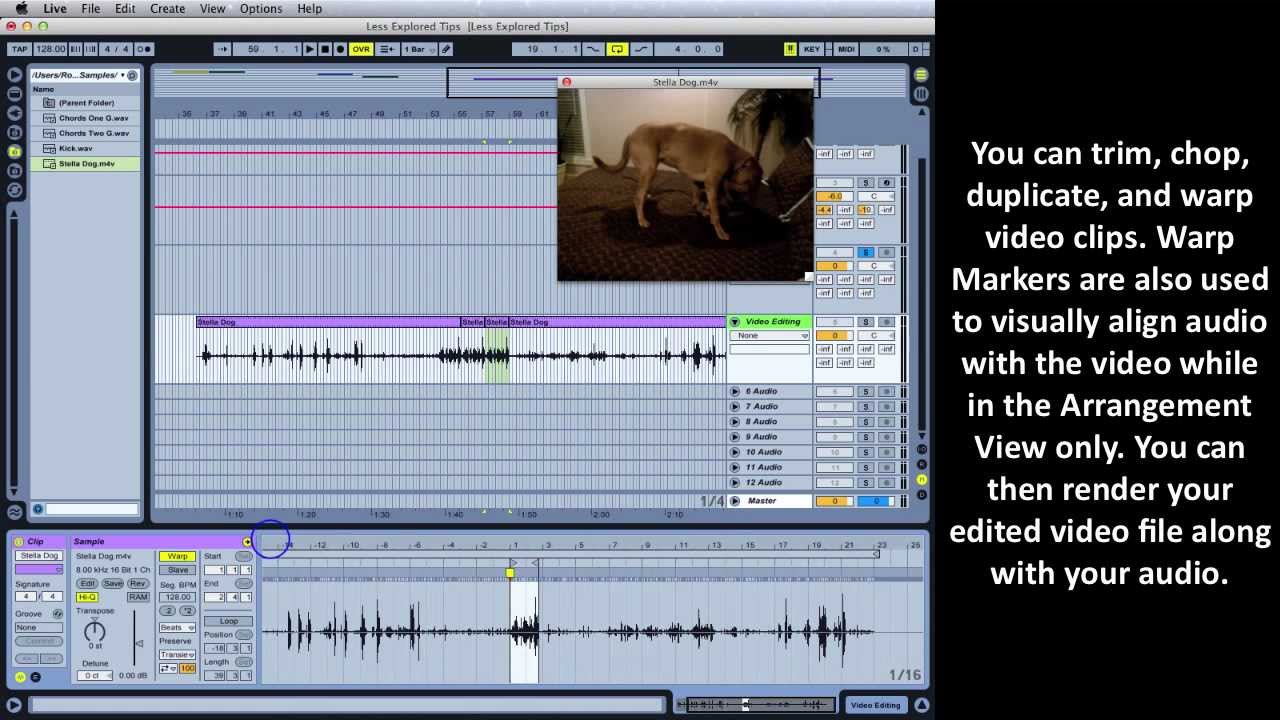
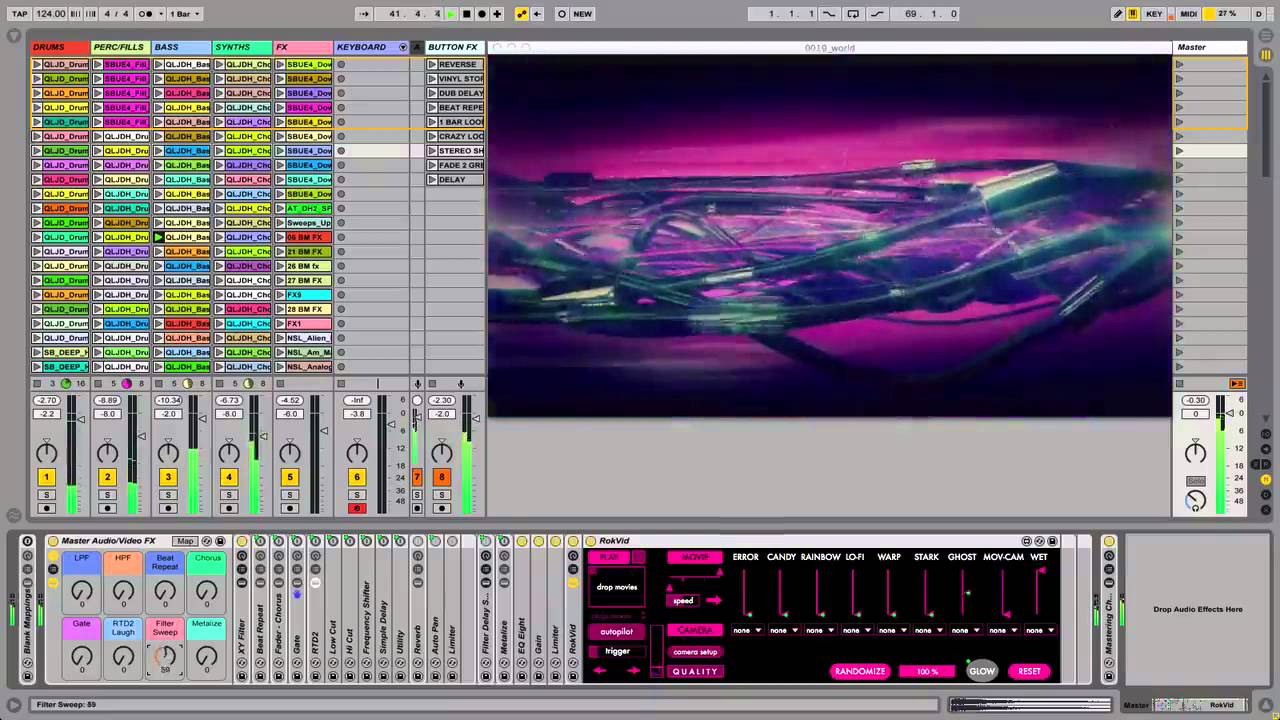
In this first installment of a two part series, Sub÷Divizion's Rory PQ demonstrates a few simple but often overlooked or less explored functions of Ableton Live. He begins by explaining audio fades and crossfades. Using a few different audio clips, he demonstrates how to enable and disable the Create Fades on Clip Edges option in Live's Preferences before explaining how to work with fade and crossfade handles. Rory then uses keyboard shortcuts to draw freehand automation lines that don't snap to grid to create smoother curves. After quickly demonstrating how to reset any parameter when something goes wrong, he uses the Stretch Notes function to reverse Midi notes within a clips Note Editor. Using the same Midi notes, Rory concludes the video with some quick and simple tips using keyboard shortcuts to improve workflow when working with Midi notes and velocity markers.
Background Music: Bassick - Come down (Atari Bassline Mix)
Let's Connect!
Website: http://SubDivizion.com
Facebook: / subdivizionmusic
Twitter: / sub_divizion
Повторяем попытку...
Доступные форматы для скачивания:
Скачать видео
-
Информация по загрузке:









![Эффект Джанибекова [Veritasium]](https://imager.clipsaver.ru/N9HlQ-XVnFk/max.jpg)
