ycliper

Популярное

Музыка Кино и Анимация Автомобили Животные Спорт Путешествия Игры Юмор

Интересные видео

2025 Сериалы Трейлеры Новости Как сделать Видеоуроки Diy своими руками

Топ запросов

смотреть а4 schoolboy runaway турецкий сериал смотреть мультфильмы эдисон
Скачать

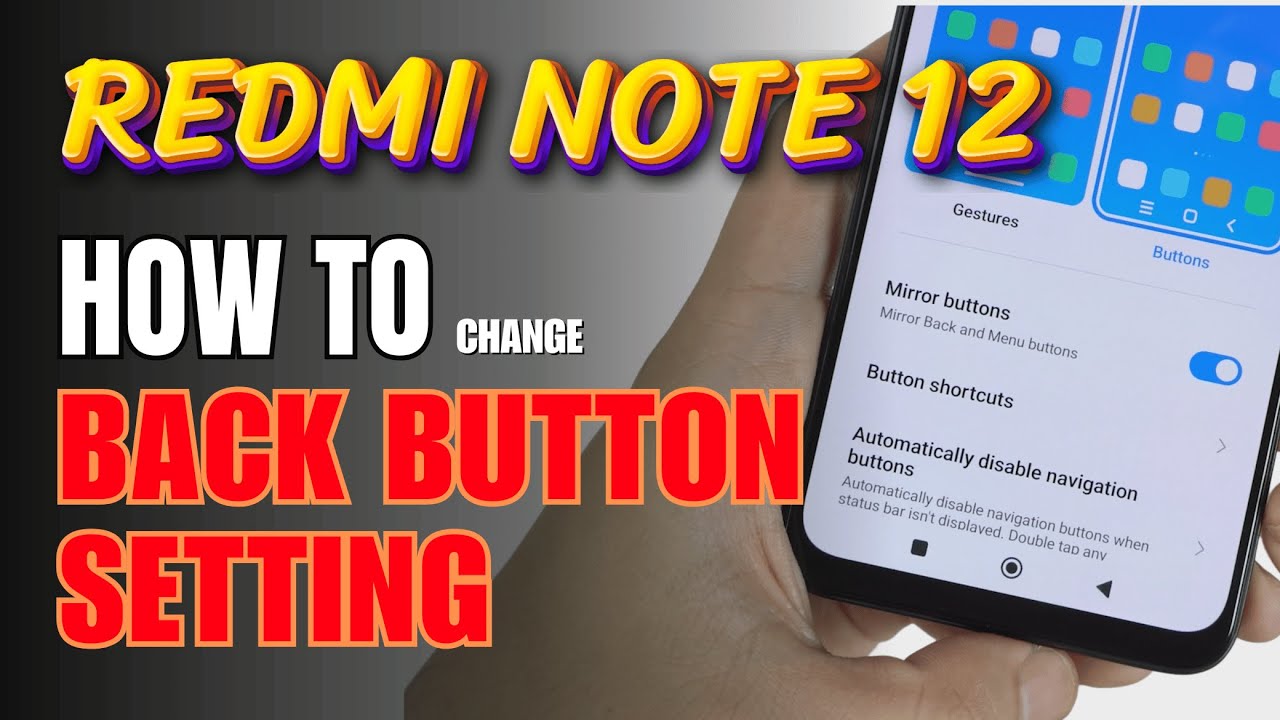
How to enable Back button setting on Redmi Note 12

Автор: TechQA

Загружено: 2024-10-19

Просмотров: 21218

Описание: How to Enable Back Button Setting on Redmi Note 12


0:11 Gestures Style
0:18 Step by step guide
0:28 Buttons Style


The Redmi Note 12 offers two navigation options: Gesture navigation and the traditional 3-button navigation (Back, Home, and Recent). If you prefer using the Back button instead of gestures, follow these steps to enable it.

Step 1: Open Settings
Launch the Settings App:
On your home screen, tap on the Settings app (gear icon) to open it.
Step 2: Navigate to "Additional Settings"
Go to Additional Settings:
Scroll down in the Settings menu and tap on Additional Settings.
Step 3: Select "Full Screen Display"
Open Full Screen Display:
In the Additional Settings menu, tap on Full Screen Display. This is where you can switch between gesture and button navigation.
Step 4: Enable Button Navigation
Choose Buttons:
Under the System navigation section, you will see two options:
Gestures
Buttons
Select Buttons to enable the traditional 3-button navigation.
Step 5: Customize the Button Layout (Optional)
Change Button Layout (Optional):
After selecting Buttons, you’ll have the option to customize the layout of the navigation buttons.
You can switch the position of the Back and Recent Apps buttons if you prefer. Tap the Button layout option and choose the layout that fits your preference (either Back on the left or Back on the right).
Additional Notes:
Gesture Navigation: If you ever want to switch back to gesture navigation, follow the same steps and select Gestures instead of Buttons.
Button Customization: The traditional navigation buttons offer a familiar layout for users who prefer quick access to the Back, Home, and Recent Apps options.
By following these steps, you can easily enable the Back button and switch to the 3-button navigation system on your Redmi Note 12.


#backbuttonsetting
#gesturesstyle
#buttonstyle
#navigationbar
#redminote12
#redminote12series
#redmitips
#redmitricks
#techqa

Не удается загрузить Youtube-плеер. Проверьте блокировку Youtube в вашей сети.
Повторяем попытку...
How to enable Back button setting on Redmi Note 12

Поделиться в:

Доступные форматы для скачивания:

Скачать видео

  • Информация по загрузке:

Скачать аудио

Похожие видео

Umar Keyn - Good melodies, for relaxation. Хорошие мелодии, для релакса.

Umar Keyn - Good melodies, for relaxation. Хорошие мелодии, для релакса.

HyperOS 3 - настройки которые нужно изменить! Сделай это на HyperOS 3! Проверь настройки HyperOS 3

HyperOS 3 - настройки которые нужно изменить! Сделай это на HyperOS 3! Проверь настройки HyperOS 3

Vintage Floral TV Art Screensaver Tv Wallpaper Home Decor Oil Painting Digital Wall Art

Vintage Floral TV Art Screensaver Tv Wallpaper Home Decor Oil Painting Digital Wall Art

Deep House Mix 2024 | Deep House, Vocal House, Nu Disco, Chillout Mix by Diamond #3

Deep House Mix 2024 | Deep House, Vocal House, Nu Disco, Chillout Mix by Diamond #3

Playlist,,Deep House,Music Played in Louis Vuitton Stores

Playlist,,Deep House,Music Played in Louis Vuitton Stores

Успокаивающая музыка для нервов 🌿 лечебная музыка для сердца и сосудов, релакс, музыка для души #289

Успокаивающая музыка для нервов 🌿 лечебная музыка для сердца и сосудов, релакс, музыка для души #289

Top 10 Tips and Tricks Xiaomi Redmi Note 12 you need know

Top 10 Tips and Tricks Xiaomi Redmi Note 12 you need know

Smoke Mood — Just Relax | Deep House Mix 2026 • Chill / Night Vibes / Stress Relief  #3

Smoke Mood — Just Relax | Deep House Mix 2026 • Chill / Night Vibes / Stress Relief #3

Лучшая музыка 2025 года 🏖️Зарубежные песни Хиты 🏖️Популярные песни Слушать бесплатно 2024 #280

Лучшая музыка 2025 года 🏖️Зарубежные песни Хиты 🏖️Популярные песни Слушать бесплатно 2024 #280

Главные НОВОСТИ на русском. Канал FREEДОМ – прямой эфир

Главные НОВОСТИ на русском. Канал FREEДОМ – прямой эфир

Redmi Back Button Settings | Back Button Settings In Redmi

Redmi Back Button Settings | Back Button Settings In Redmi

Vibrant Yellow, Purple & Blue Aura with No Sound 🔇 1 Hour Gradient Screensaver for Aesthetic Vibes

Vibrant Yellow, Purple & Blue Aura with No Sound 🔇 1 Hour Gradient Screensaver for Aesthetic Vibes

Убрать рекламу на Xiaomi! Как отключить рекламу в HyperOS? Смартфоны Xiaomi, POCO, Redmi

Убрать рекламу на Xiaomi! Как отключить рекламу в HyperOS? Смартфоны Xiaomi, POCO, Redmi

Top 10 Tips and Tricks Redmi 12 you need know

Top 10 Tips and Tricks Redmi 12 you need know

Redmi 12 & Redmi 12 5G : Change These 15 Settings Right Now

Redmi 12 & Redmi 12 5G : Change These 15 Settings Right Now

Morning Coffee ☕❄️ Happy Music for Perfect Day ☀️ Relaxing Chillout House 2025 - 2026

Morning Coffee ☕❄️ Happy Music for Perfect Day ☀️ Relaxing Chillout House 2025 - 2026

Redmi 15 5G Vs Redmi Note 15 5G

Redmi 15 5G Vs Redmi Note 15 5G

Советы и рекомендации по Redmi 12 — 60+ лучших скрытых функций | Hindi-हिंदी

Советы и рекомендации по Redmi 12 — 60+ лучших скрытых функций | Hindi-हिंदी

Музыка исцеляет сердце. Прекрасная расслабляющая музыка для глубокого внутреннего покоя

Музыка исцеляет сердце. Прекрасная расслабляющая музыка для глубокого внутреннего покоя

КАК ЧИСТИТЬ ВЕСЬ КЭШ ( cache ) НА ЛЮБОМ АНДРОИД ? Почему твой телефон забит мусором? Решение здесь!

КАК ЧИСТИТЬ ВЕСЬ КЭШ ( cache ) НА ЛЮБОМ АНДРОИД ? Почему твой телефон забит мусором? Решение здесь!

© 2025 ycliper. Все права защищены.


  • Контакты
  • О нас
  • Политика конфиденциальности


Контакты для правообладателей: [email protected]