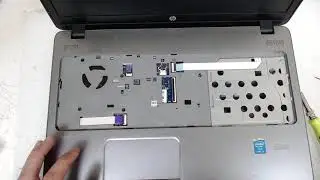
HP ProBook 450 - Disassembly and cleaning
Автор: Notebook-Center
Загружено: 2017-02-27
Просмотров: 38462
Описание:
In this introductory video, we will show how to disassemble laptop HP ProBook 450.
Our team will show all necessary steps of disassembling, however don't hesitate to ask us if you have some questions.
Be careful this may damage your laptop or other equipment! We are not responsible for any damage to your device!
If you finding our video helpful to you, please don't forget to give us a Thumbs Up!
How to (replace, remove, disconnect, install, upgrade, clean, apply):
0:10 - replacement battery module
0:16 - replacement main access pannel
0:23 - replacement optical drive
0:35 - replacement hard drive/ssd
2:38 - replacement keyboard
7:37 - disconnect screen
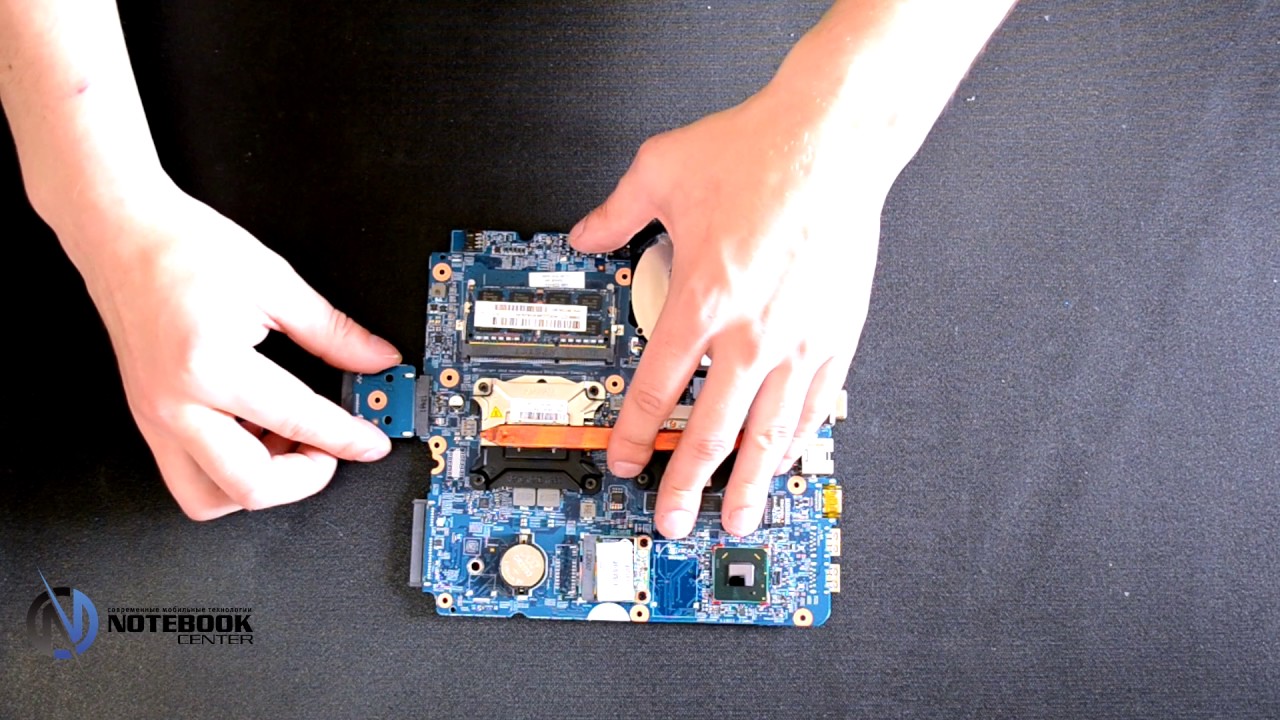
8:09 - replacement motherboard
9:05 - replacement fan and heatsink
9:38 - replacement CPU
9:50 - clean CPU/GPU and heatsink
11:57 - applying thermal grease/paste
Повторяем попытку...
Доступные форматы для скачивания:
Скачать видео
-
Информация по загрузке: