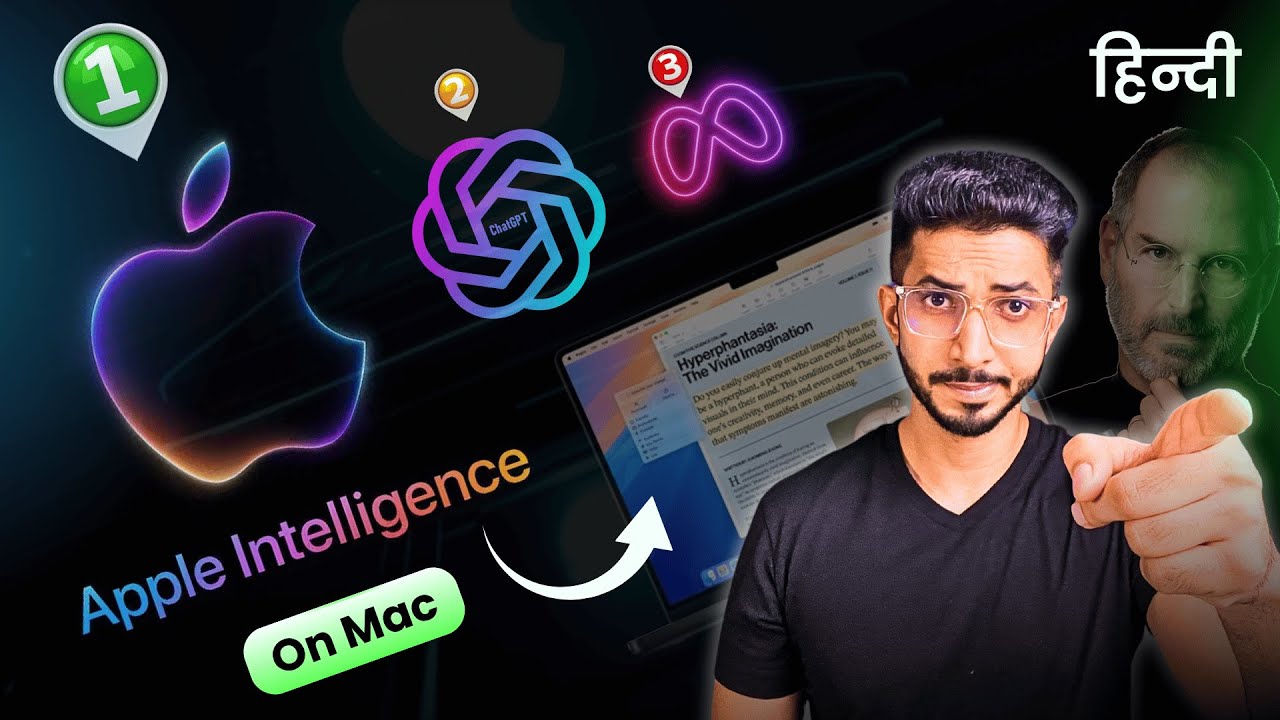
Using Apple Intelligence on Mac: Step by Step Guide हिंदी में + Hidden Features You NEED to Know!
Автор: UpskillAI
Загружено: 2025-07-24
Просмотров: 3064
Описание:
Apple Intelligence on Mac has completely changed how I work, and I'm genuinely excited to share everything I've learned with you!
Latest Updates
https://upskillai.io/use-apple-intell...
https://upskillai.io/how-to-use-apple...
When Apple first announced these AI features, I'll be honest - I was a bit skeptical. But after spending weeks exploring every corner of Apple Intelligence on my Mac, I'm absolutely amazed by what it can do. This isn't just another tech update; it's like having a super smart assistant built right into your computer.
In this video, I'll walk you through everything you need to know to get started. We'll begin with the system requirements because trust me, you don't want to get halfway through this tutorial only to realize your Mac isn't compatible! Then I'll show you exactly how to update your system - it's easier than you think, but there are a couple of steps that people often miss.
The real magic happens when we dive into the Writing Tools. I use these every single day now, and they've honestly saved me hours of work. We'll explore how Apple Intelligence transforms the Mail app, making email so much smarter and more efficient. The Photos app gets some incredible upgrades too - the way it organizes and finds your memories is almost scary good.
Speaking of memories, wait until you see what the new Memory feature can do. It's like having a personal historian for your digital life. Then we'll get into the ChatGPT integration, which opens up a whole new world of possibilities, and the enhanced Siri that actually feels like talking to a real assistant.
The creative features like Genmoji and Image Playground are just plain fun - you'll probably spend way too much time playing with these like I did!
Whether you're a longtime Mac user or just getting started with Apple Intelligence, this guide will have you using these features like a pro in no time.
Hit subscribe if this helps you unlock the full potential of your Mac! 🚀
⌛TIMESTAMPS
00:00 Intro
00:52 System Requirements
1:26 How To Update
2:43Writing Tools
4:30 Mail App
5:26 Photos
6:20 Memory
7:39 ChatGPT Integration
9:25 Siri Integration
10:21 Genmoji
11:09 Image Playground
12:48 Bottom Line
Повторяем попытку...
Доступные форматы для скачивания:
Скачать видео
-
Информация по загрузке: