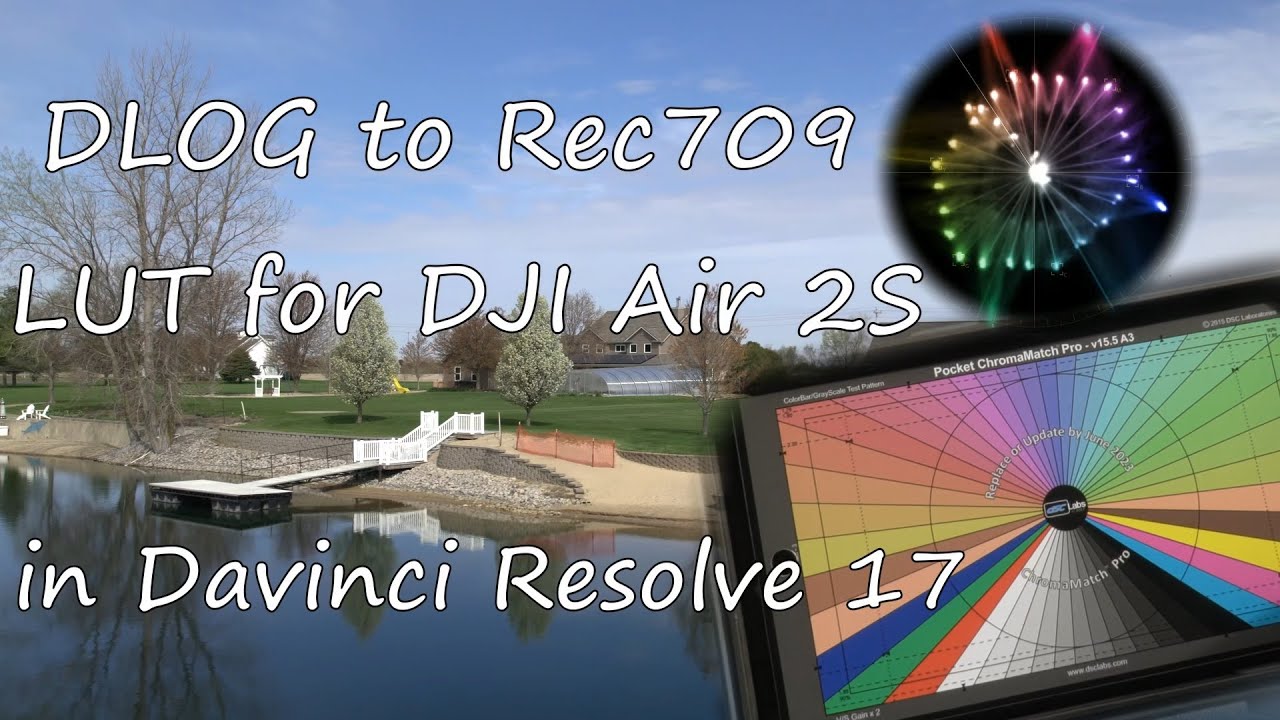
Creating a LUT for DJI Air 2S DLOG footage with DSC Labs ChromaMatch Pro
Автор: Backus Creative Imaging
Загружено: 2021-04-18
Просмотров: 3086
Описание:
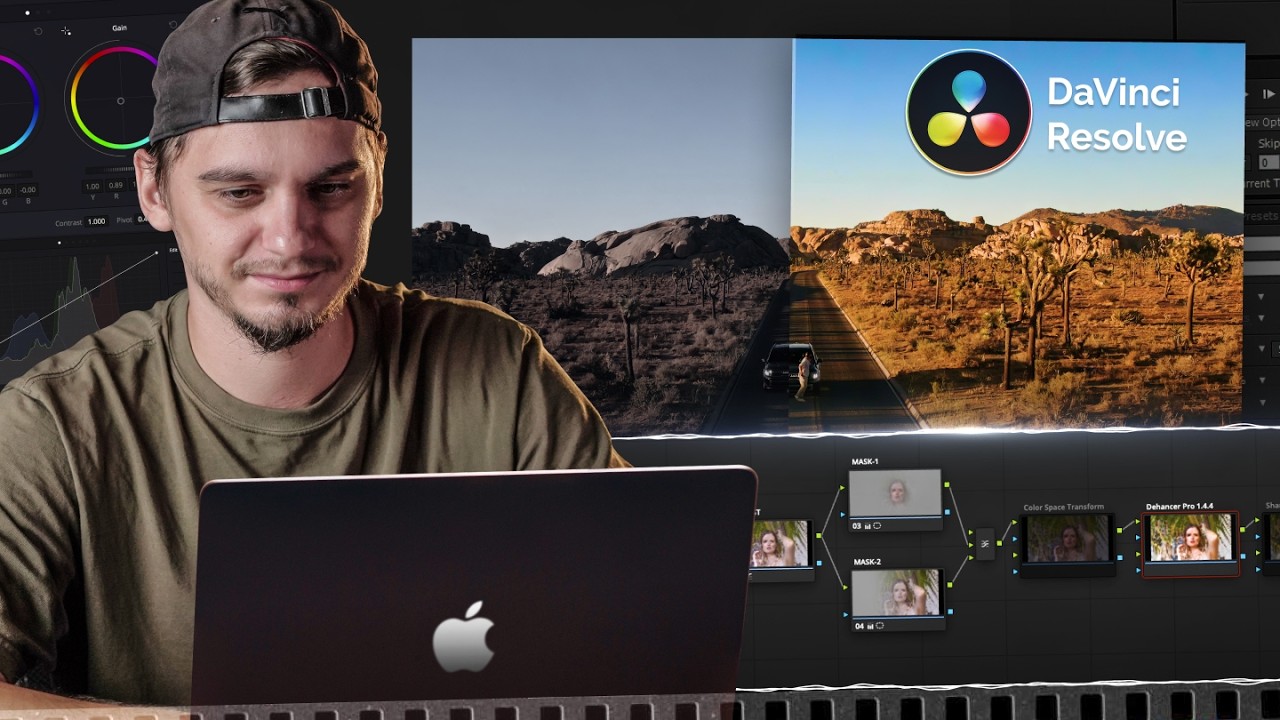
In this video I show you how to create a corrective 3D LUT (look up table) file in Davinci Resolve 17 to convert DLOG video footage from the DJI Air 2S drone to more of a Rec709 standard dynamic range look that still retains the benefits of the higher dynamic range DLOG video records. I also show how to use the LUT in this video. I'm providing the LUT for 5600K white balance that I created in this tutorial for free on WeTransfer. Enjoy:
Free LUT file: https://drive.google.com/file/d/1hhWP...
The LUT file applies the inverse of the DLOG curve to your footage, which might make it darker at first if your exposure is a little lower than expected, but typically shots at +0.3 EV should look good. Please skip to 5:26 into the video for important usage tips for the LUT in Davinci Resolve, but you can apply the concepts to Premiere Pro and other video editors as well!
You'll still need to adjust shadows and lower highlights per shot / scene as DLOG is compressed down into more of a Rec709 look. Your highlights may at first appear blown out when applying the LUT because I have not baked any "tone mapping" into the footage. Try the LUT out :)
ChromaMatch Pro, I got the pocket size: http://dsclabs.com/product/chromamatc...
The case I use for the chart: https://thyrm.com/product/darkvault/
The white card I use above the color chart: http://dsclabs.com/product/white-n-warm/
The ChromaMatch chart has a white card on the back, but I glued it into the case on purpose and have a dedicated white card above it, for convenience. I took readings of the chart with the black chip (at roughly 0.006 normalized reflection according to the data sheet provided with the chart) facing at least 45 degrees away from the light source (the sun) to minimize glare. Since the black chip has a low roughness (glossy) surface, it reflects light more like a mirror. It is important it is not reflecting the sky or other bright objects to get a decent reading, so by holding it at my window, it reflects the roof interior (dark and neutral color) of my truck, which won't affect the reading much at all due to the vastly lower brightness of the interior compared to outside (where the exposure is set for).
Also, please note that while you can use this LUT as a starting point for other lighting situations, the further the scene was recorded from 5500K color temperature, the less accurate the colors will be. I was able to get away with using the LUT for cloudy conditions too; just adjust tint and temperature. No one really cares if your colors are absolutely perfect (for many applications not all of course). However, for more accuracy, I one could record the chart in several daylight conditions such as cloudy as well and make a few more LUTs with this ChromaMatch Pro chart, but it is not neccessary for me. I will record the chart and make LUTS for the other cameras I use to assist with color matching them. Due to the nature of recording in uncontrolled conditions, my corrective LUTs aren't perfect, but I can achieve about an 80% or so color match to start after applying the LUT, then I do some final color tweaks per sequence to help in matching the colors between various cameras even more. This workflow significantly reduces my time in color matching cameras, as owning a color chart of this quality allows me to neutralize the differences in color science between camera brands :)
#dji #air2s
Повторяем попытку...
Доступные форматы для скачивания:
Скачать видео
-
Информация по загрузке: