How to Create a Free Animated Email Signature with your Own Video
Автор: ilovefreesoftwareTV
Загружено: 2023-03-29
Просмотров: 993
Описание:
#emailmarketing #emailsignature #technology #emailmanagement #techvideos
In this video, I will show you how to create a free animated email signature using your own video.
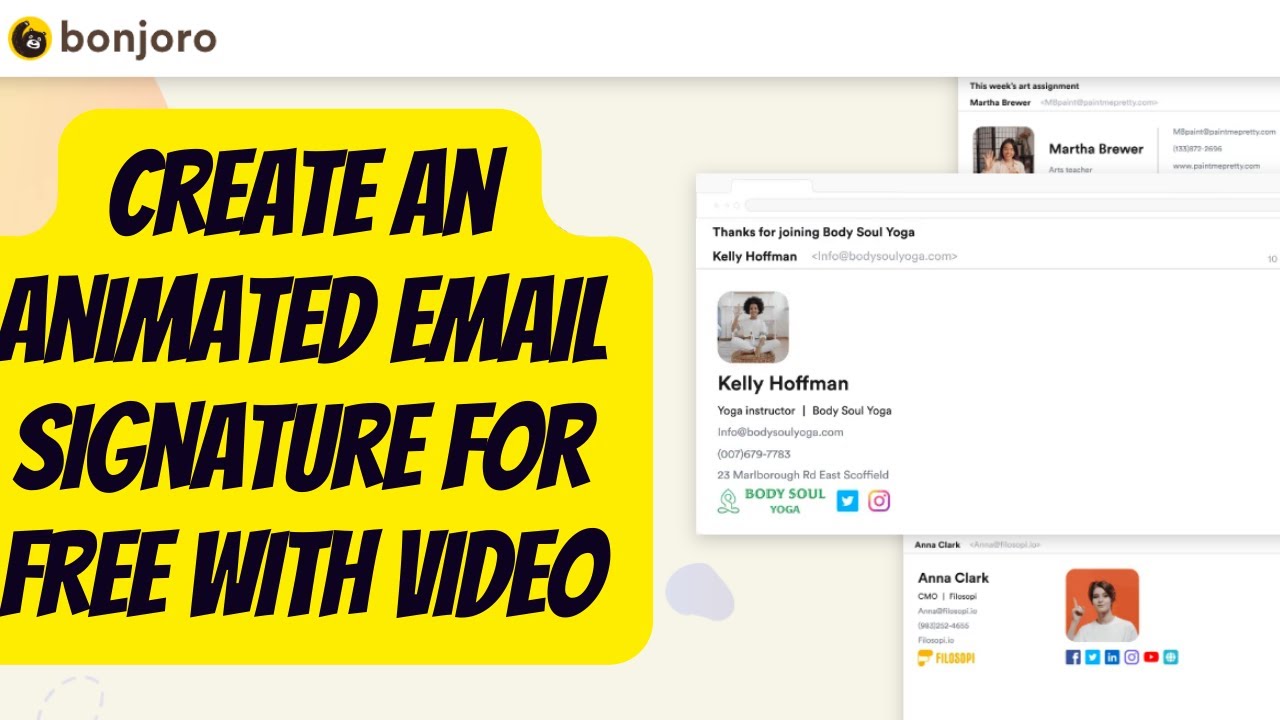
Static email signatures are the norm in professional work. But you can take it to the next level by using animated signatures. Bonjoro is now providing a free animated email signature generator that you can use. It lets you create professional looking email signatures using your own video, and they stand out.
Using this website to create email signatures is very simple. Access using the link in the description and get started.
You basically start giving it a video. You can record one using your webcam or you can upload one from your PC.
Next, you need to select the part from the video. You can either use the entire video or you can just trim out a specific sequence of frames.
Click Trim and Convert to proceed further.
Now, you need to select the layout for the video in the signature and then signature itself. There are a number of options available there to choose from.
Next, you enter the details in the email signature. Carefully enter the details such as email, website, phone number, company logo, and address.
Next, you enter the social media details. Enter all your handles and they will appear in the final signature instantly.
When you are done entering all the information, simply click Generate Signature and then copy it. Or, you can also send it via email to yourself as well.
Let's just configure it in Gmail.
Open Gmail and then go to the mail settings. Click see all settings and then scroll down to the signature section.
Now, here, create a new signature and paste the animated signature that you already copied earlier.
Make the signature default for new emails.
Try composing a new email, and then you will see your animated signature right there.
The final animated signature in action looks like this.
This is it.
In this way, you can now create animated email signatures with your own videos.
Feel free to explore other amazing tech videos on our channel. And don't forget to leave your comments and questions on them.
Try Bonjoro Email Video Signature Generator Here: https://www.bonjoro.com/video-email-s...
Повторяем попытку...
Доступные форматы для скачивания:
Скачать видео
-
Информация по загрузке: