How to Pay Netflix - Subscription Payment !
Автор: How To Geek
Загружено: 2024-10-04
Просмотров: 43082
Описание:
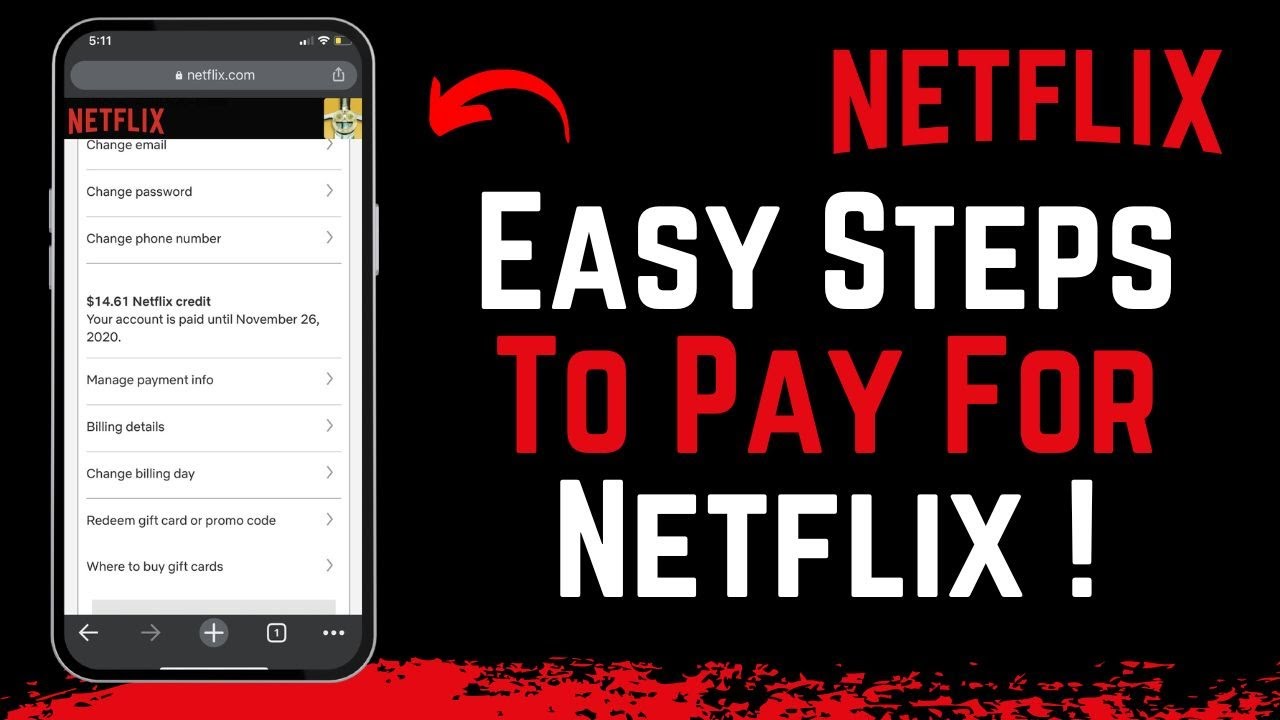
To pay for Netflix, the process is typically automated through auto-renewal, ensuring that your subscription remains active as long as your payment method is correctly linked to your account. Netflix will automatically charge the balance from your linked payment method unless you've canceled your subscription or haven't started an account yet.
If you need to review or update your payment method, or if your membership is paused and you want to reactivate it, follow these steps:
1. Log into Netflix: Open your browser and go to Netflix's official website. Sign in to the account from which you want to manage your payments.
2. Review Payment Information: Once logged in, click on the menu (often represented by three lines) in the top left corner, then select the "Account" option. Here, you'll be able to see the status of your plan—whether it's active or needs reactivation.
3. Manage Payment Method: To update or add a new payment method, go to the "Manage payment method" section. Here, you can add a credit card, debit card, or choose to pay via mobile billing, depending on your preferences. Simply enter the required payment information and confirm to ensure your Netflix subscription continues without interruption.
By following these steps, you can easily manage and ensure the payment for your Netflix subscription is up to date.
0:00 Introduction
0:06 Automatic Renewal
0:15 Logging into Netflix
0:25 Reviewing Payment Information
0:34 Managing Payment Method
0:44 Conclusion
#Netflix #PaymentMethod #StreamingService #Subscription #DigitalPayments #OnlineEntertainment #NetflixGuide #ManageSubscription #AutoRenewal #NetflixTips
How to Geek Social Links:
Facebook - / ssktechin
Instagram - / geekhowto
Email - [email protected]
DISCLAIMER: This Channel "How to Geek" is not the Official Support of the content provided & Does Not Promote Any illegal content, all contents provided by This Channel are meant for EDUCATIONAL purposes only. The Channel doesn't own any logos or websites displayed on videos and thumbnails.
Повторяем попытку...
Доступные форматы для скачивания:
Скачать видео
-
Информация по загрузке: