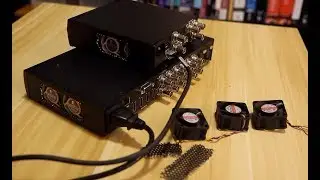
How to silence ATEM Production Studio 4K/ME1
Автор: Innomind
Загружено: 2014-01-11
Просмотров: 9886
Описание:
The 40mm dual fans on each chip inside the ATEM Production Studio 4K/ME1 were very loud and I decided to do something about it.
Disclaimer WARNING!!! Proceed at your own risk! If you happen to destroy your ATEM, I am not responsible for anything whatsoever. Simply said, proceed at your own risk. Going this path will most likely void the warranty of your unit. This approach works for me and if you follow the steps you can emulate the same results to silence your ATEM.
What you'll need:
A 3D printer
40mm circular saw for your drill
5/16 drill bit
1/8 drill bit
bunch of screw drivers
allen wrench
Crown Bolt electrician's machine screw kit 370 pcs sold at Home Depot (not available online)
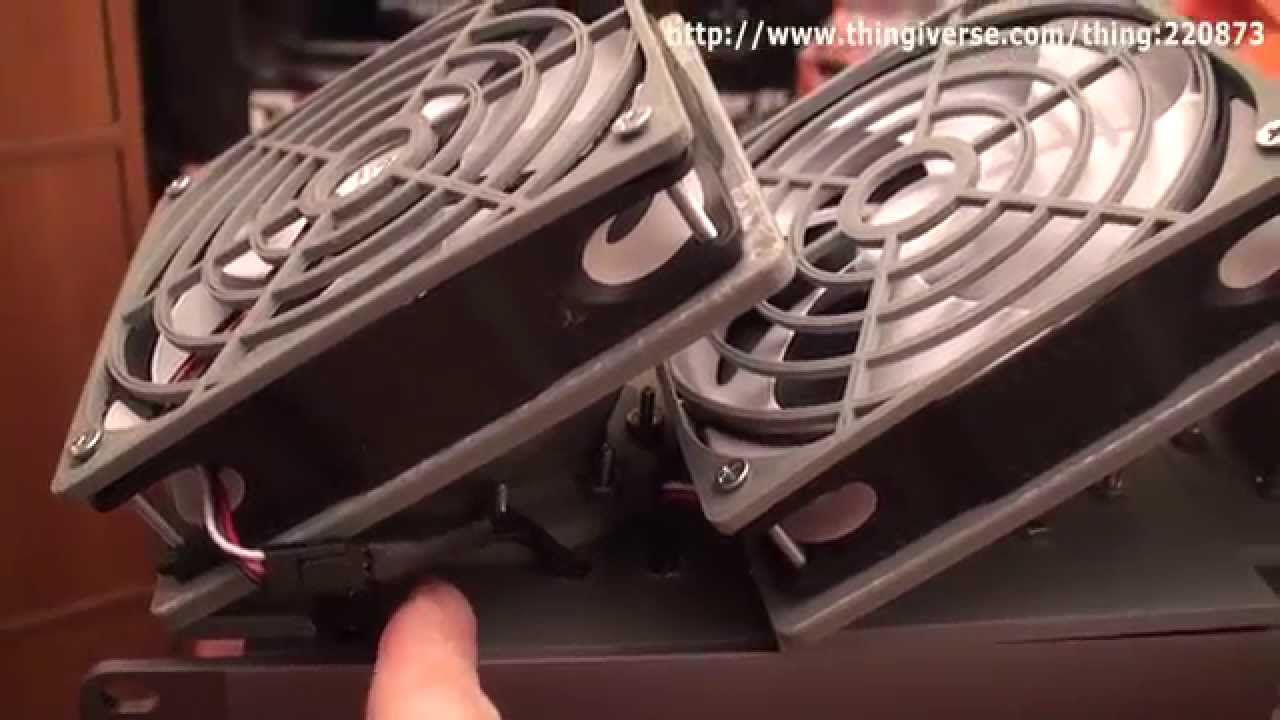
Three 120mm fans (you can get either 800rpm or the cheaper 1000rpm ones, all of them are silent)
http://www.newegg.com/Product/Product...
http://www.xoxide.com/noiseblockernb-...
Download the 3D models for the 120mm fan adapters and the fan grill from the link below. Be sure to read the 3D printing instructions.
http://www.thingiverse.com/thing:220873
Повторяем попытку...
Доступные форматы для скачивания:
Скачать видео
-
Информация по загрузке: